

Recruiting operations
Best Workforce Planning Software: 6 Top Tools
Compare six workforce planning software options for enterprise modeling, financial planning, people analytics, organizational design, and headcount planning.
Finding a platform that can turn messy spreadsheets into clear, data‑driven headcount plans is a daily headache for staffing teams. Below is a shortlist of six workforce planning software solutions that let you model, budget, and adjust your workforce with confidence. For teams focused more on workload allocation and capacity visibility than headcount and financial modeling, resource management tools may be a useful comparison.
1. Anaplan: Connected planning for complex workforce models
Anaplan is an AI‑driven platform for scenario planning and analysis that helps organizations make decisions across finance, HR, and operations. It shines in large‑enterprise environments where cross‑functional models need to stay in sync.
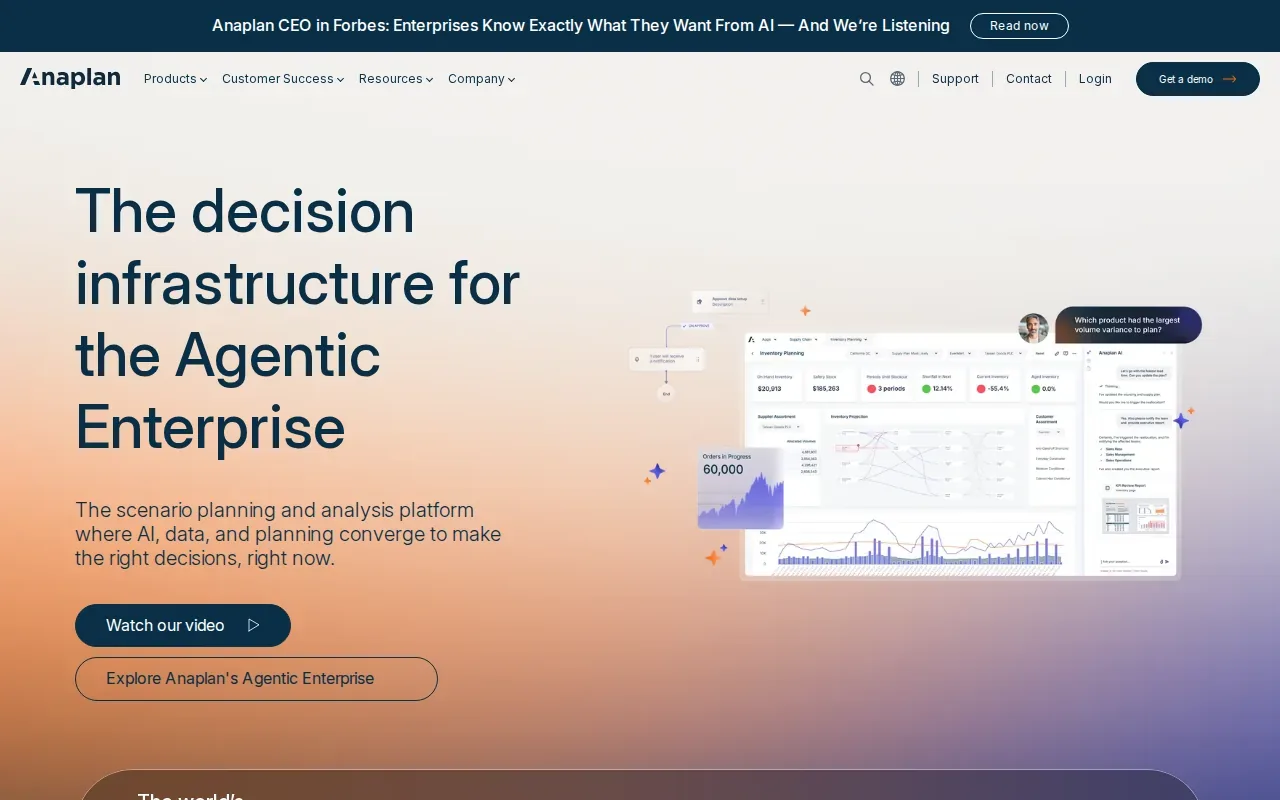
Its strength lies in a flexible, formula‑driven modeling engine that can handle thousands of variables, from hiring forecasts to cost‑of‑talent calculations. Finance teams can plug in budget assumptions while HR layers on skill‑gap data, and the system updates the whole model in real time. A single source of truth reduces the back‑and‑forth that usually stalls planning cycles.
Implementation often requires dedicated model builders or a partner, but once set up, the platform can run massive what‑if scenarios in seconds. Its generative AI features are designed to speed up model creation, though the learning curve can be steep.
2. Workday Adaptive Planning: Workforce and financial scenario planning
Workday Adaptive Planning links operational workforce plans directly to strategic goals, letting finance and HR teams collaborate on a shared model. It’s built for enterprises that already run Workday HCM, so data flows without heavy integration work.
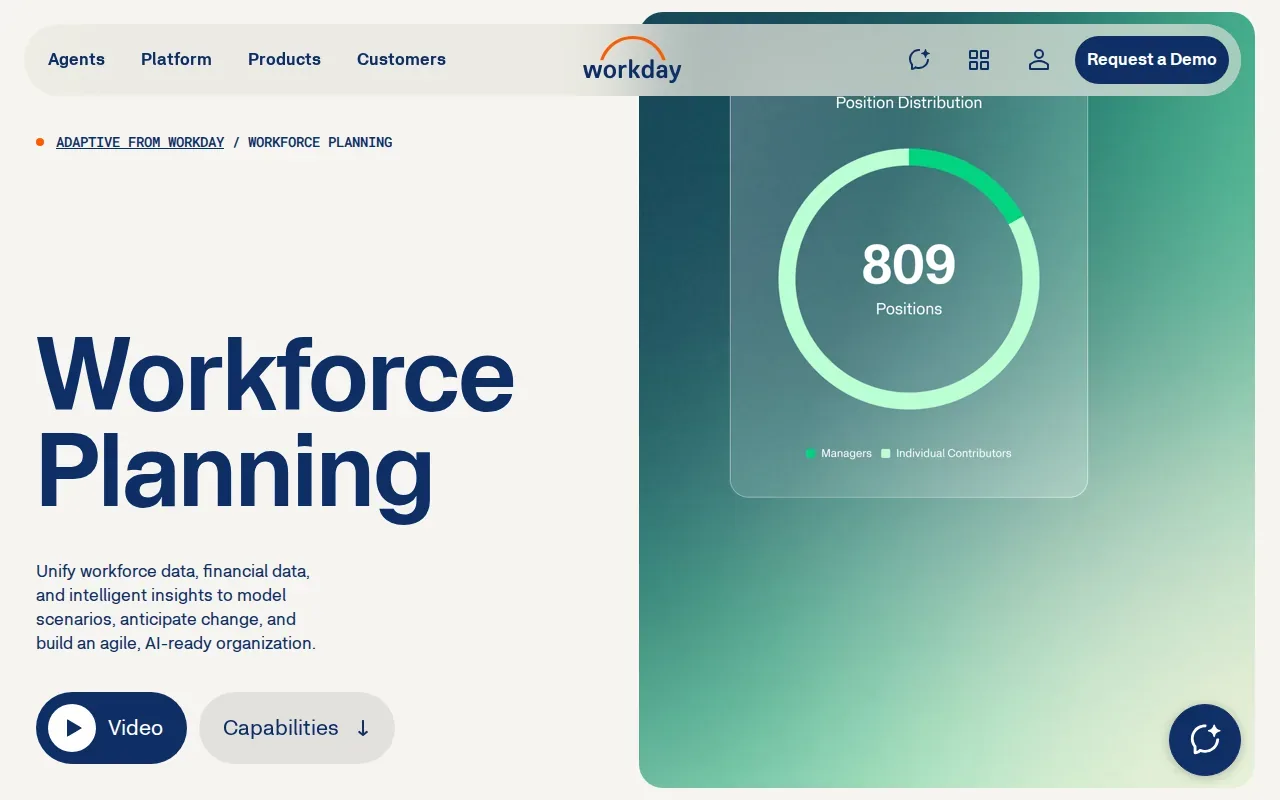
The platform offers unlimited scenario modeling, role‑based dashboards, and a bottom‑up planning interface that mirrors actual hiring, transfers, and attrition. Because it pulls real‑time talent data from Workday HCM, the headcount numbers stay current, cutting the lag that typically forces teams to rely on stale spreadsheets.
One notable advantage is the ability to map workforce plans to broader business objectives, such as revenue targets or cost‑center budgets. Teams on other HR systems should confirm how their data will connect.
Workday Adaptive Planning is strong for workforce and financial scenario planning in enterprise FP&A and Workday-centered environments.
3. Planful: Finance‑led headcount and workforce planning
Planful brings finance and HR together in one place, giving both teams a shared view of headcount costs, hiring timelines, and compensation scenarios. The solution pulls data from HRIS and payroll systems so the financial impact of each hire updates automatically.
Finance‑led users can model different hiring waves, see the budget ripple effect, and compare actual spend against forecasts without manual reconciliation. The tool also supports what‑if analysis for role changes, promotions, or turnover spikes, letting leaders answer “what if we add ten engineers next quarter?” in minutes.
Planful’s interface is powerful but can feel unintuitive at first, and setting up proper data mappings may require an initial push from IT. Once live, the platform eliminates the double‑entry headaches that plague many spreadsheet‑heavy processes.
Planful supports finance-led workforce planning inside FP&A, including headcount cost and financial planning.
4. Orgvue: Organizational design and workforce transformation
Orgvue focuses on linking strategy, structure, and talent data so leaders can design the organization they need for the future. It combines organizational design tools with workforce analytics, letting you model role clusters, skill gaps, and cost impacts in a single view.
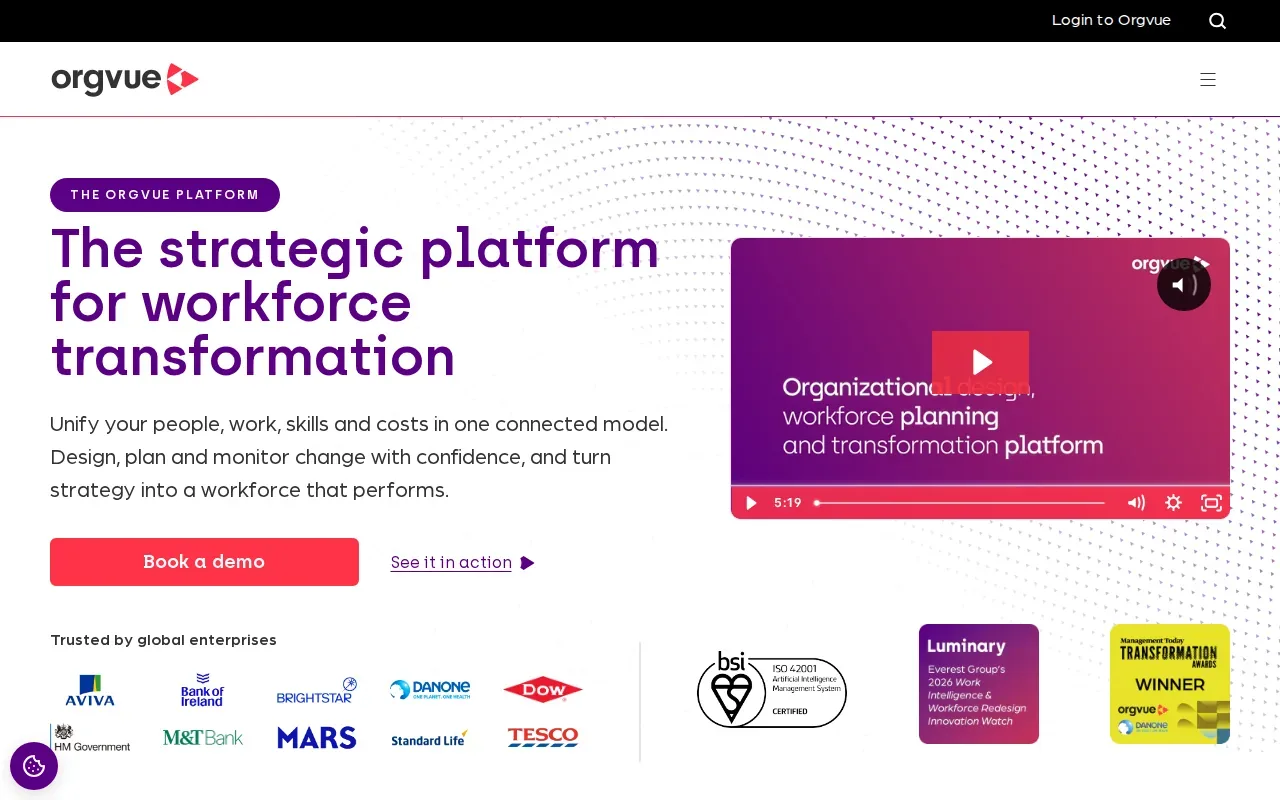
Orgvue also surfaces capability gaps and transformation risks, helping you prioritize upskilling or restructuring efforts.
The tool shines for global enterprises that need a continuous, data‑backed approach to workforce design.
One limitation is that deep custom analytics may require additional consulting, and the UI can feel dense for first‑time users.
5. Visier: People analytics and predictive workforce insights
Visier layers people analytics on top of your existing HRIS, delivering predictive models that forecast attrition, skill shortages, and budget impacts. It’s built for large enterprises that need to unify fragmented workforce data into actionable insights.
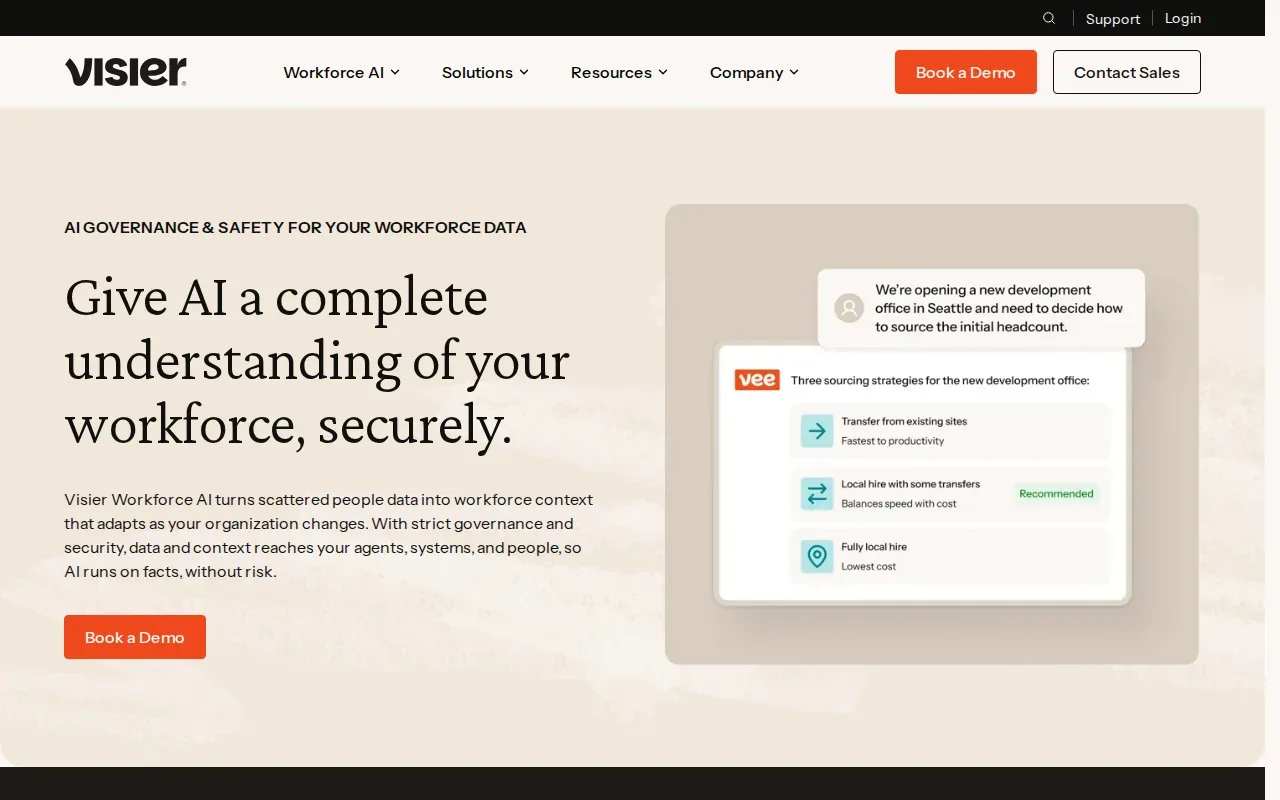
The platform comes with pre‑built planning models for headcount, cost, diversity, and skills. Users can adjust assumptions and instantly see how changes ripple through the organization, turning what‑if questions into data‑driven decisions.
Visier’s strength is its machine‑learning engine that can surface hidden patterns, such as which roles are most likely to churn. Plan time during implementation to map data sources and configure models.
6. Paylocity: HR, payroll, headcount planning, and analytics in one place
Paylocity bundles core HR, payroll, and workforce analytics into a single cloud platform. Its headcount planning module pulls live employee records so finance and recruiting can plan hiring against real‑time budget data.
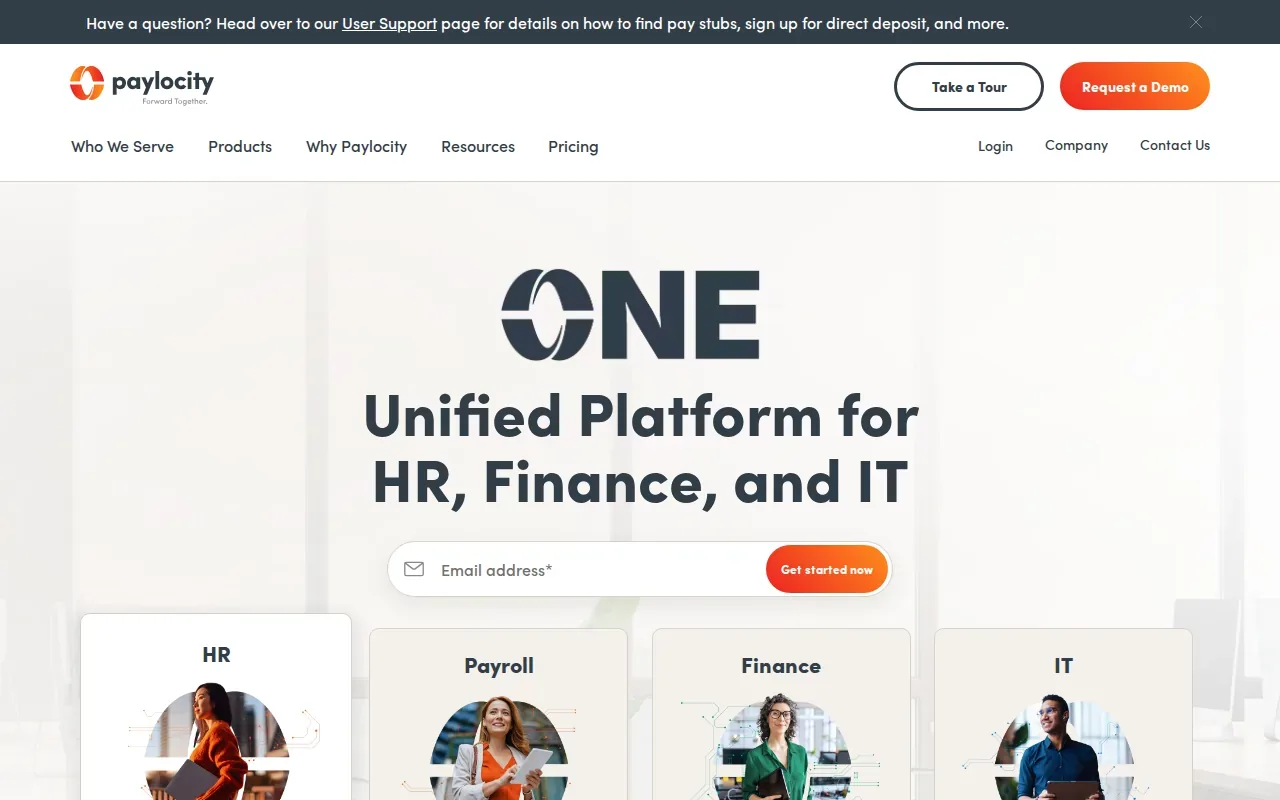
| Feature | What It Does |
|---|---|
| Real‑time headcount view | Shows live employee counts and projected hires from the payroll system. |
| Automated approvals | Routes headcount requests to finance and HR managers with configurable workflows. |
| Analytics dashboard | Visualizes cost impact, variance vs. budget, and hiring velocity. |
| AI‑driven scheduling | Recommends shift patterns and matches skill sets to open roles. |
The platform’s biggest advantage is its all‑in‑one nature, no need to stitch together separate HRIS, payroll, and planning tools. Teams can manage headcount requests within the system, while teams focused on assigning available people across projects may also compare resource scheduling software.
One caution: while Paylocity scales well for mid‑size firms, very large enterprises may find the analytics depth less extensive than specialist people‑analytics platforms.
Paylocity prices on a custom quote and offers a free demo, so prospects can explore the solution before committing.
FAQ: Workforce Planning Software
What is workforce planning software?
Workforce planning software helps organizations model headcount, forecast costs, and align staffing decisions with business strategy, replacing manual spreadsheets with real‑time data.
How does AI improve workforce planning?
AI can generate scenario forecasts, predict turnover risk, and suggest optimal hiring levels by analyzing historical HR and financial data.
Is there a free trial for any of these tools?
Paylocity offers a custom demo with no cost, while many enterprise solutions require a sales‑led trial. Check each vendor for current trial and demo options.
Which tool is best for large enterprises with complex models?
Anaplan and Visier both support large‑scale, cross‑functional modeling, but Anaplan excels in connected planning across finance and HR, whereas Visier shines in predictive analytics.
Can I integrate workforce planning tools with my existing HRIS?
Most of the solutions listed, Workday Adaptive Planning, Orgvue, and Visier, offer native integrations with major HRIS platforms; integration depth varies, so check each vendor’s API docs.
How do I choose the right solution for my staffing firm?
Match your priority: if you need deep scenario modeling, look at Anaplan or Workday Adaptive Planning; for people analytics, Visier; for an all‑in‑one HR suite, Paylocity. Staffing firms also evaluating sourcing, recruiting, and back-office workflows can compare staffing agency software.
If you run an IT staffing or consulting firm, workforce plans also depend on keeping consultants placed. WiseMatcher sources US contract opportunities and matches them to your existing consultants’ resumes.