

Recruiting operations
Best Resource Scheduling Software: 10 Top Tools
Compare resource scheduling software for agencies, staffing firms, consultancies, and project teams. See each tool’s best fit, key features, and pricing details.
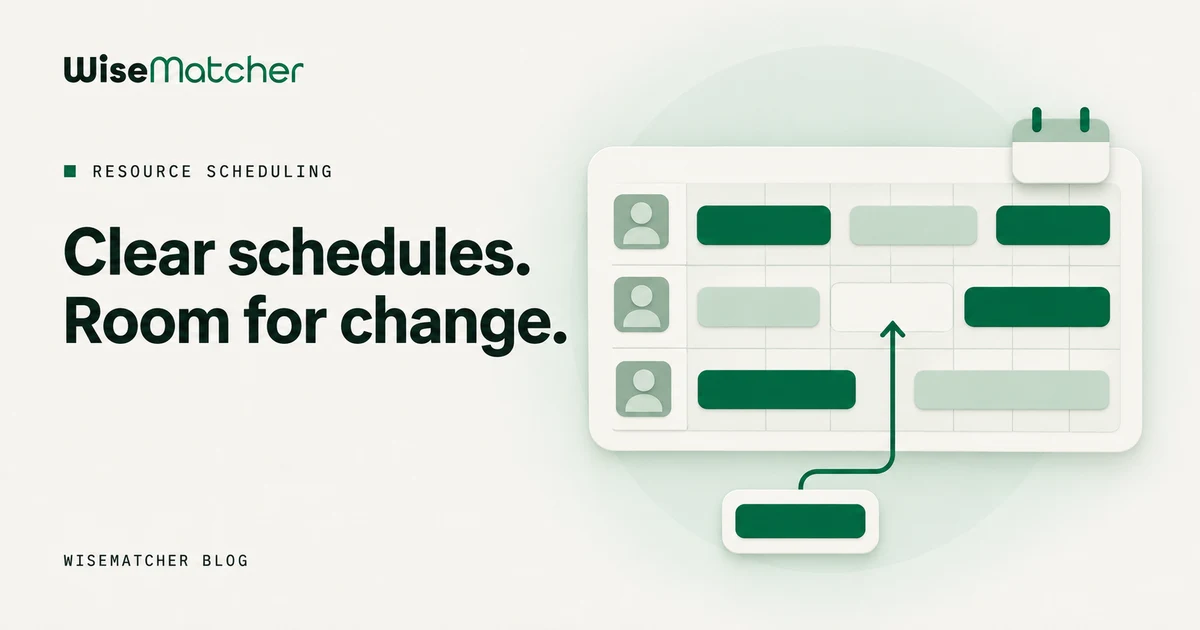
When your team’s schedule lives in spreadsheets, a single change can leave someone double-booked or a project short-staffed. Resource scheduling software gives you a shared view of who’s available and where work is assigned. Here are 10 tools for different planning needs, plus a note on where WiseMatcher fits for finding contract work for consultants.
1. Float: Visual scheduling for agencies and growing firms
Float is a visual resource scheduling tool used by more than 4,500 professional services teams. It suits teams that need a shared view of assignments without making a spreadsheet the center of their planning process.
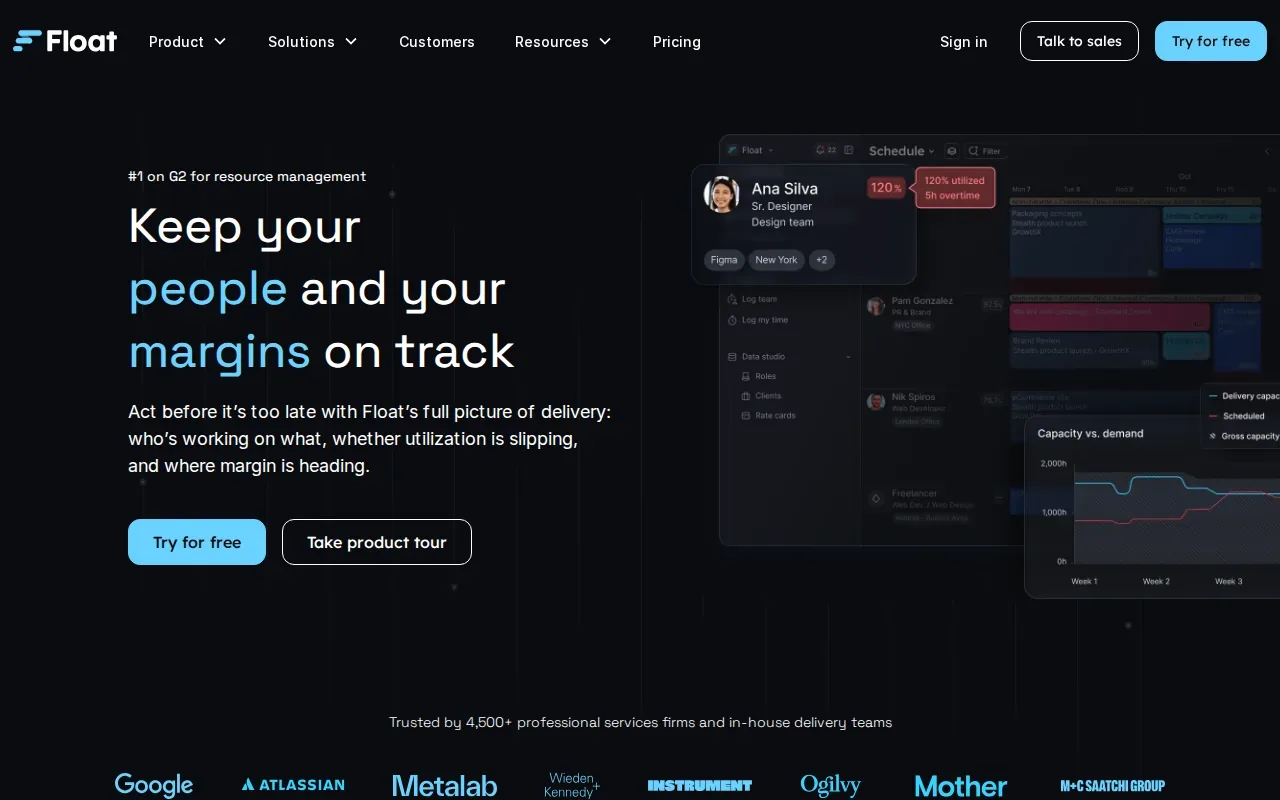
Float’s key strength is the scheduling view. Managers can check availability, roles, and experience, then spot possible capacity gaps or underuse before those issues affect delivery. Its Jira integration imports projects and people from Jira, which can help teams that want scheduling information alongside their existing task work.
Check that the sync matches how your team plans work. Float is a fit when the main job is assigning people across projects and seeing capacity clearly. It’s less about finding new contract roles for consultants already on the bench.
2. ONES Project: Resource planning within an R&D project workspace
ONES Project is an R&D project management and task collaboration tool. It’s worth considering when resource planning belongs inside the same workspace where product and engineering teams manage project work.
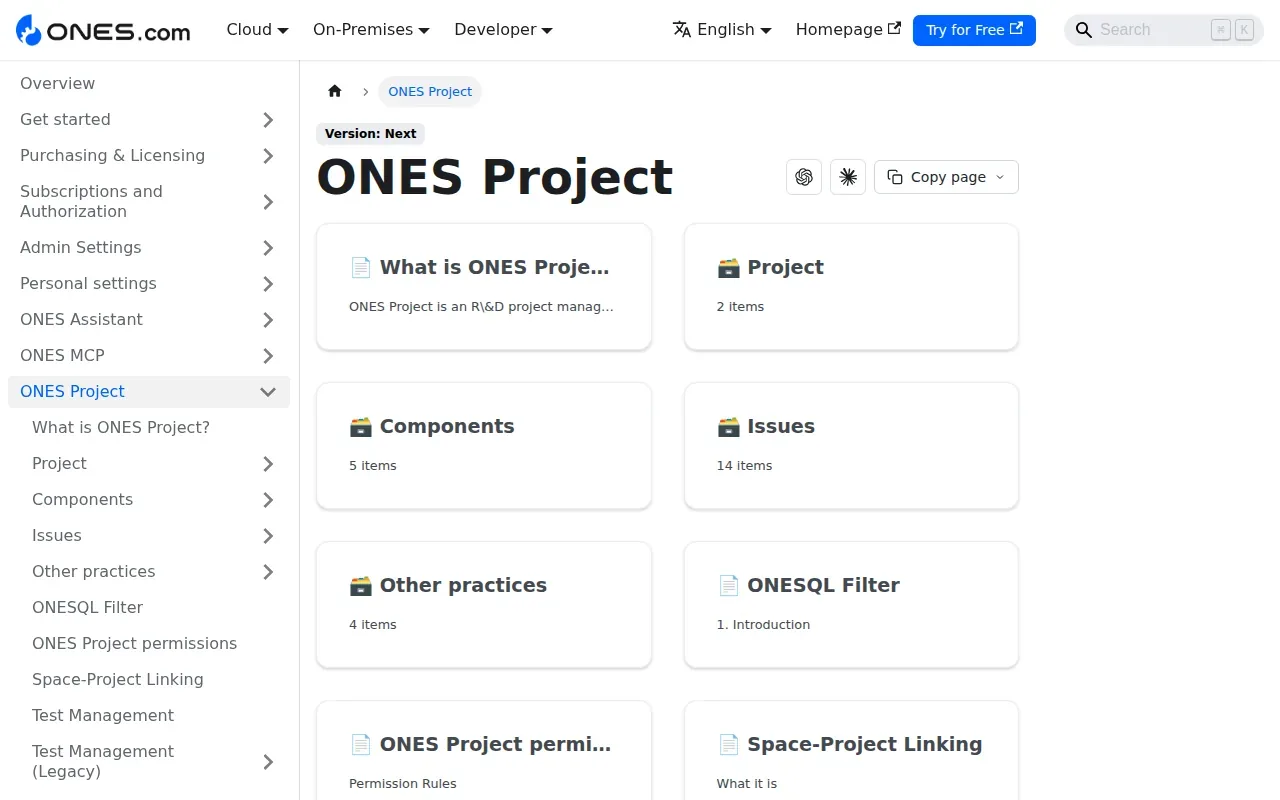
The tool’s resource planning angle is tied to project tasks and timelines. That can help a project lead see how work is assigned across a team and where a timeline may need attention. ONES Project is the core of the ONES portfolio, with ONES Wiki and Test Management as related products.
ONES offers a free plan for up to 30 seats. Its Standard plan costs $98.50 per seat per year, billed annually. Before choosing it, check how the resource view fits your planning habits. A team looking for a dedicated staffing calendar may have different needs from an R&D group planning work inside a project workspace.
ONES Project makes the most sense when the project workspace is the natural place for allocation decisions. It’s a more specific fit than a standalone calendar for managing people across unrelated service engagements.
3. Zoho Workerly: Employee scheduling for staffing agencies
Zoho Workerly is an employee scheduling and temp lifecycle tool for staffing agencies. It’s built for assigning temporary workers to client jobs, rather than planning internal project capacity across a consulting team.
Its Criteria Search can produce a list of temporary workers who match job requirements. That gives a staffing team a way to narrow its options using client needs and worker skills, then review the people before assignment. The product also supports job scheduling and rescheduling.
Workerly connects scheduling with time and billing tasks. Teams can use e-timesheets to record hours, then create an invoice after a job is complete. Workerly also has a mobile app for temporary workers to accept jobs, create digital timesheets, and clock in.
A 14-day free trial is available. The main decision is whether your workflow centers on temporary employee placements and their job hours. For consultant bench planning, look closely at whether the tool covers the work your team needs to manage.
4. Avionté: Staffing operations beyond scheduling
Avionté is an all-in-one staffing platform for agencies that want recruiting and back-office work connected in one system. Scheduling is part of a broader staffing operation, rather than its only focus.
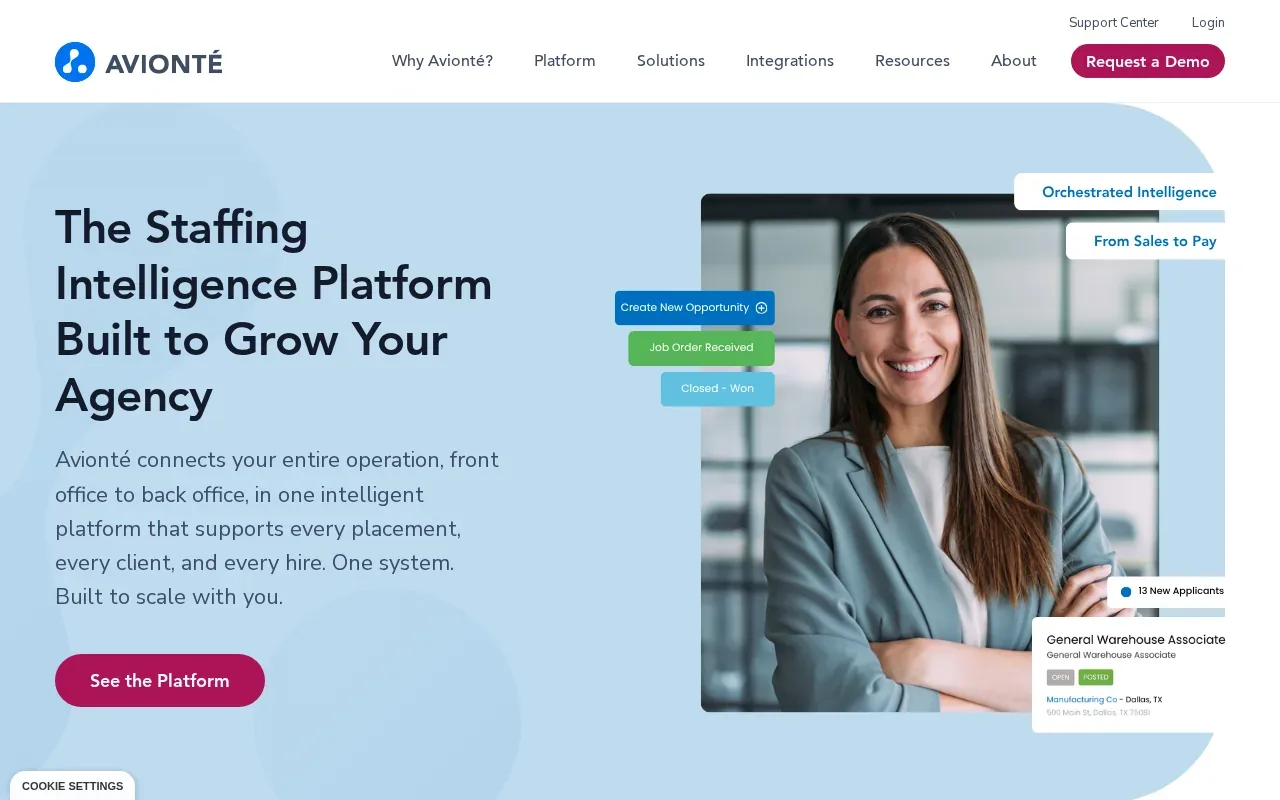
The platform covers recruiting, onboarding, payroll, billing, and operations in one system. It also includes ATS and CRM tools and API integrations. That breadth can suit an agency that wants candidate and client records to carry through its operating processes.
Avionté also offers AI and automation across agency workflows, plus a mobile app for talent engagement. Those details may matter when an agency is weighing a new system for its staffing operations.
Because Avionté spans front-office and back-office work, assess it as an operating platform, not just a calendar. It’s a candidate for staffing agencies that want one system across more of the placement lifecycle.
5. Dayshape: Resource scheduling for professional services teams
Dayshape is resource management software for professional services firms. It combines AI-powered scheduling with real-time project financials, budgeting, and demand capture. A Gantt chart scheduler, reports, and dashboards sit in the same platform.
For a professional services team, the useful test is whether the tool can reflect the way the firm plans people across client work. Bring a sample planning cycle to a product review. Show how your team handles a new project request, a change in availability, and a shift in delivery dates.
Ask how managers see capacity and how planners update an assignment when a person’s availability changes. Also check what information your team needs to bring in from its current project and finance systems.
Dayshape belongs on a shortlist when your team is specifically evaluating professional services scheduling. Confirm fit against your own workflows before comparing it with simpler booking tools or broader project platforms.
6. Resource Guru: Dedicated scheduling without a full project-management suite
Resource Guru is a dedicated scheduling tool for agencies and service teams that want resource booking without a full project-management suite. It’s a focused option when your team already has another place for task and project work.
Its clash management flags booking conflicts, with a waiting list for unresolved bookings and approval workflows for in-demand people. Heatmaps show over- and under-utilization. The product also covers capacity planning, reports, and timesheets.
Resource Guru’s reporting can help managers compare scheduled and actual hours or review utilization. It also offers calendar sync and integrations. Plans start at $5 per person per month, and a 30-day free trial is available.
Choose this type of tool when the gap is resource booking itself. If your team needs candidate sourcing or a full project workspace, check whether another system already handles those jobs.
7. Saviom: Forecasting and planning for large enterprises
Saviom is aimed at large enterprises and PMOs that need resource forecasting across a wide portfolio. Its fit is strongest when managers need to consider future demand, not only this week’s assignments.
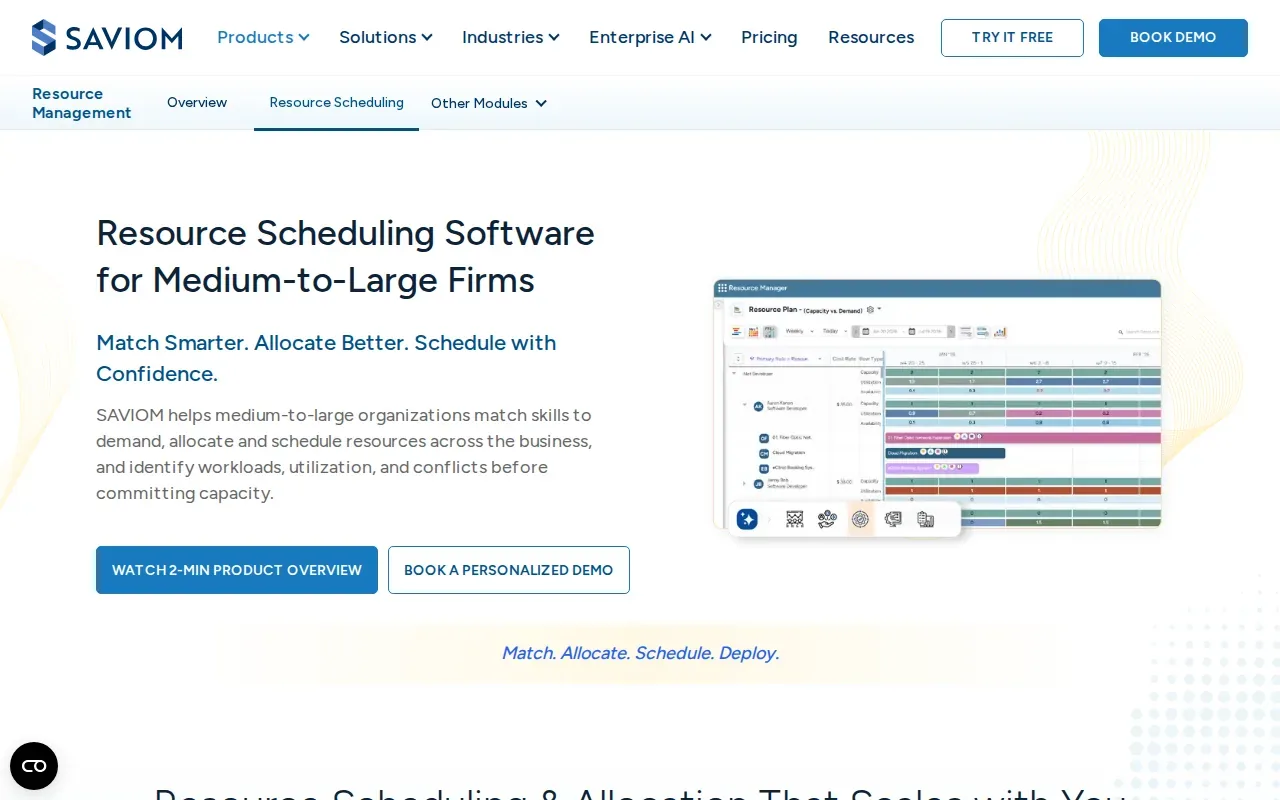
Saviom’s product range covers resource scheduling, capacity planning, forecasting, and utilization. That breadth can matter when availability and demand sit across several business units.
A PMO could use its forecasting to test how a change in project demand might affect capacity before it commits resources. Saviom provides pricing by quote on request.
For a smaller agency with a simple booking need, that enterprise focus may be more than the team requires. For a large organization, assess how the forecasting model fits your portfolio and how it connects with your existing systems.
8. Retain: Resource planning for profitable project delivery
Retain is a resource planning and scheduling option for project-driven organizations. It gives organizations visibility and control across people, projects, teams, and departments, with capacity planning, skills management, and timesheets.
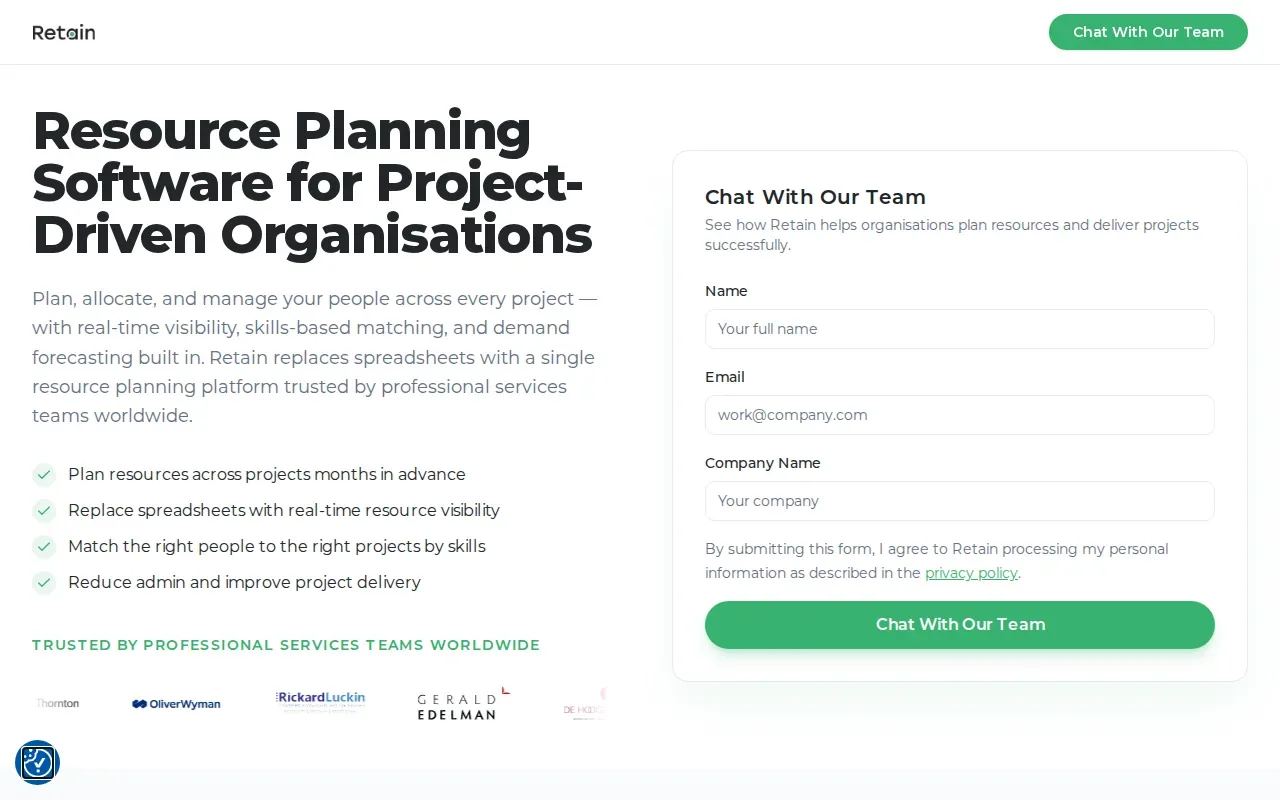
The planning focus may suit firms that need to coordinate people with different skills across teams, locations, or time zones. Check how the product’s planning views work with your own roles and project structure. A firm’s allocation rules can shape whether a tool feels useful in day-to-day planning.
Retain is a candidate to assess when project delivery and resource planning need to be considered together. Compare its planning workflow with the way your team handles demand and capacity now.
9. monday.com: Visual workload planning alongside team task boards
monday.com is a visual work management option for mid-sized teams that want workload planning close to their daily task boards. It may fit teams that prefer to keep task work and resource views in the same interface.
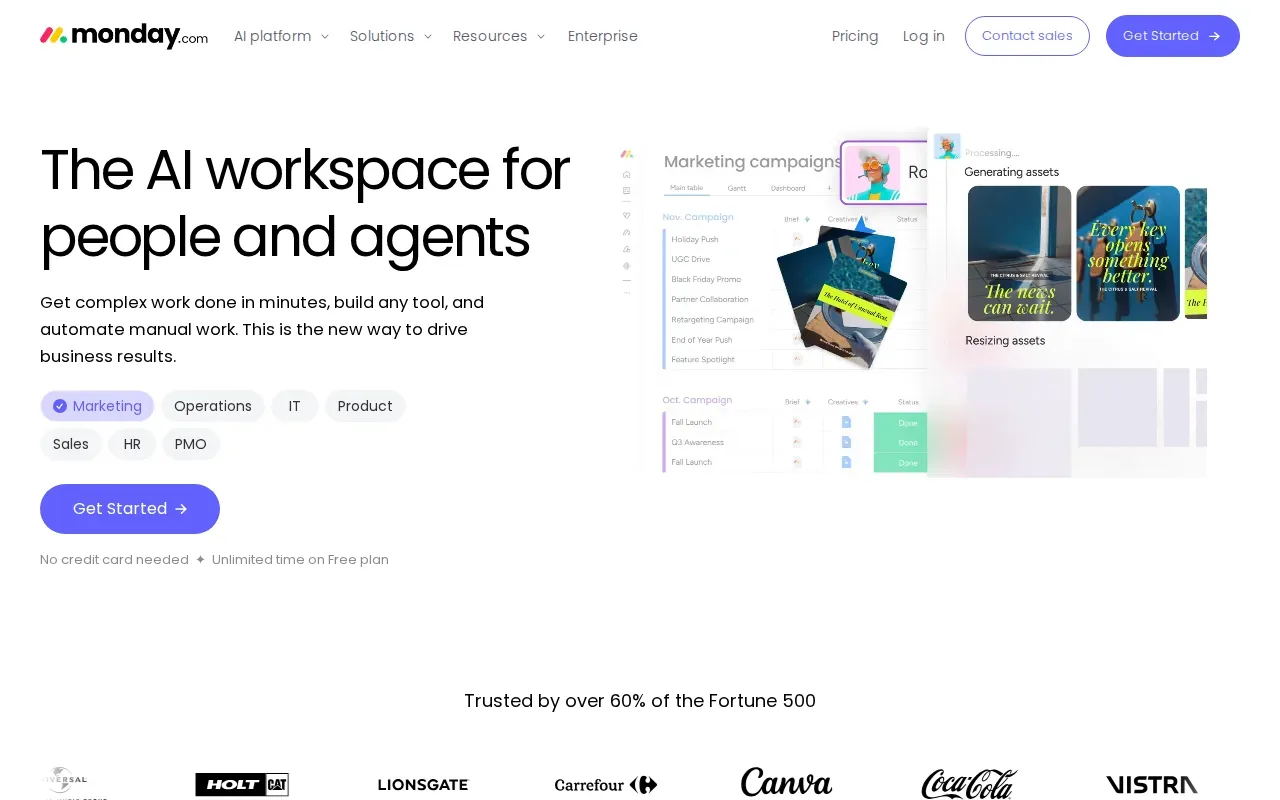
Its differentiator is that resource planning is woven into the interface where teams manage tasks. That can make it easier to connect a workload conversation to the work that prompted it. Your team should still check whether the planning view supports its own capacity rules and project mix.
monday.com has a free plan for up to two seats. The Basic plan costs $9 per seat per month, billed annually. When you compare costs, count the people who need to use the tool and confirm which plan fits the functions your team needs.
Consider monday.com if your team wants a visual workload view alongside task boards. If resource scheduling is the main need, compare the depth of that view against a dedicated scheduling tool.
10. Wrike: Project management and workload visibility in one platform
Wrike combines project management with workload visibility. It’s a fit for mid-sized teams that want resource planning close to their project work, with a focus on workload and effort.
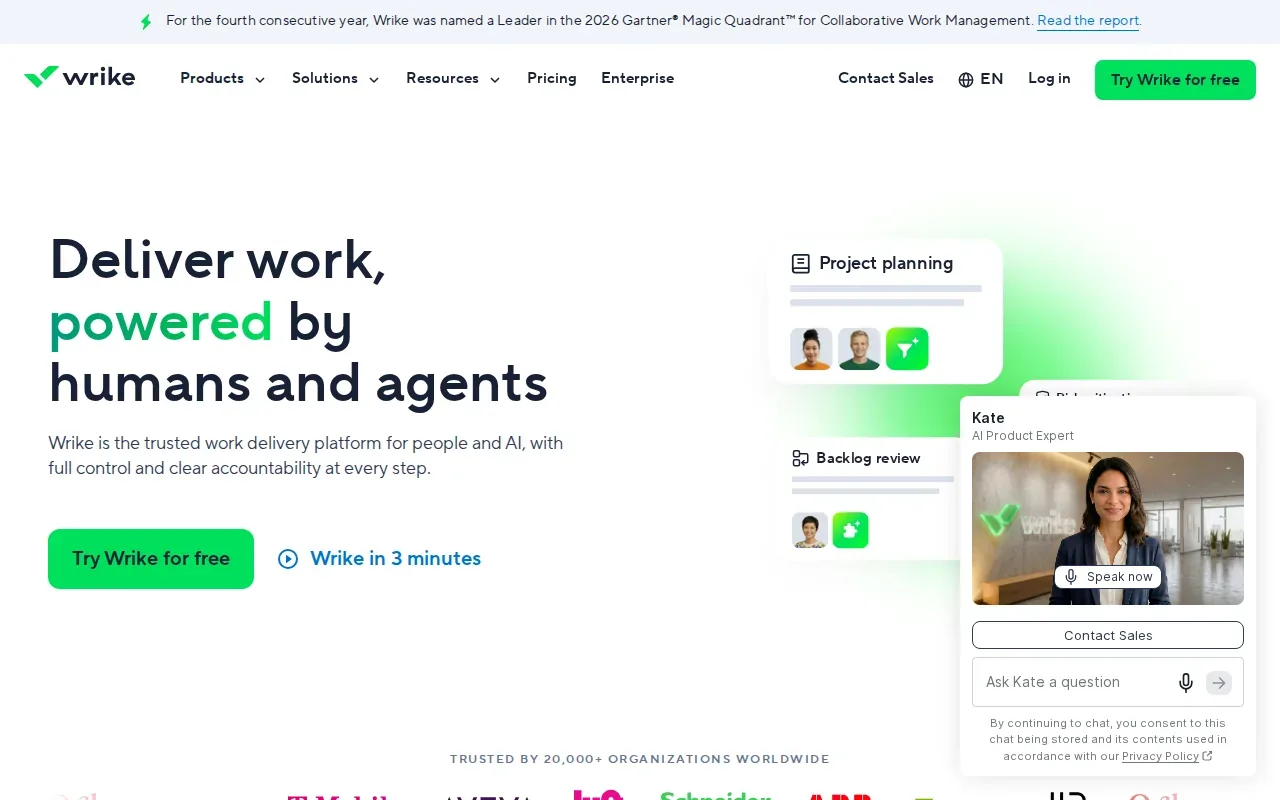
Wrike’s resource management features help teams balance workloads and capacity. That can support a manager reviewing assignments across active projects, especially when project plans already sit in the same system.
Wrike has a free plan for essential task management. Its Team plan costs $10 per user per month for 2 to 15 users. Check how those plans compare with the planning depth your team needs before treating a free plan as a long-term fit. The key question is whether the resource view gives managers enough information to adjust work with confidence.
Wrike can suit teams that want project tracking and workload views together. If your team only needs a clash-free booking calendar, compare it with a more focused scheduling product.
Resource scheduling software features and buyer checks
Resource scheduling software helps teams assign people or other resources to work over time. Resource allocation is the act of assigning limited resources to tasks or projects, as described in Wikipedia’s overview of resource allocation.
For a real evaluation, start with the work your team must plan. A calendar can help you see availability. A conflict alert can catch overlapping bookings. A workload view can show whether someone has more assigned work than the team expects.
Then check where project details come from. If tasks sit in a project tool, ask whether the schedule can connect to that data and whether updates flow one way or both ways. Float’s Jira integration, which imports projects and people, is one example.
Use a short checklist during demos:
- Can your planner see availability and assigned work in a view your team will use?
- How does the tool flag a booking clash or a capacity issue?
- Which current systems need to connect, and what data should move between them?
- Can you test the workflow with a real project plan before rollout?
- Does the plan and price match the number of users who need access?
Also separate resource scheduling from contract sourcing. Scheduling tools help organize known work and team capacity. WiseMatcher focuses on finding US contract opportunities and matching those roles to consultants’ resumes, with reasons for each suggested fit. Your team reviews the matches and decides what to pursue.
WiseMatcher offers a seven-day free trial for eligible new customers. A card is required, and the selected paid plan starts automatically after the trial unless you cancel. Its plans cover US contract sourcing and AI matching, with monthly prices of $24, $139, and $289.
Resource scheduling software comparison table
This table compares each tool by its best fit and a detail that can help narrow the shortlist. The entries reflect distinct use cases, not a claim that one product fits every team.
| Tool | Best fit | Useful distinction | Pricing or trial detail |
|---|---|---|---|
| Float | Professional services teams | Jira project and people import | 30-day free trial |
| ONES Project | R&D project teams | Project and task collaboration workspace | Free up to 30 seats; Standard $98.50/seat/year |
| Zoho Workerly | Staffing agencies scheduling temporary employees | Criteria-based job matching | 14-day free trial |
| Avionté | Staffing agencies seeking an all-in-one system | Staffing operations beyond scheduling | Demo on request |
| Dayshape | Professional services teams | AI-powered scheduling with project financials | Demo on request |
| Resource Guru | Agencies and service teams needing dedicated scheduling | Real-time booking conflict checks | 30-day free trial; from $5/person/month |
| Saviom | Large enterprises and PMOs | Resource forecasting and capacity planning | Quote on request |
| Retain | Project-driven organizations | Resource and capacity planning across teams | Demo on request |
| monday.com | Mid-sized teams using visual task boards | Workload planning alongside team tasks | Free for up to 2 seats; Basic $9/seat/month, billed annually |
| Wrike | Mid-sized teams combining project and resource planning | Workload and capacity balancing | Free plan; Team $10/user/month |
Use the table to pick two or three products for a closer review. For the finalists, test the same scheduling scenario and ask each vendor how the tool handles your current project data.
Frequently asked questions
What is resource scheduling software?
Resource scheduling software helps a team plan who or what is assigned to work, and when. A resource can be a person or another item the team needs to schedule. Teams use these tools to view availability, assign work, and catch conflicts before a schedule change causes a problem.
What features should resource scheduling software have?
Look for a clear view of availability and assignments, plus a way to spot conflicts or over-allocation. Then check whether the tool connects to your project data. The right set depends on your work: a staffing agency may need employee job scheduling, while a PMO may need forecasts across a portfolio.
Can resource scheduling software help staffing agencies?
Yes, some tools support staffing workflows. Zoho Workerly focuses on scheduling temporary employees and matching them to jobs using criteria. Avionté covers a wider set of staffing operations. If your separate need is sourcing US contract opportunities for existing consultants, WiseMatcher matches opportunities to resumes and gives your team reasons to review.
How much does resource scheduling software cost?
Costs vary by product and plan. Among the options in this shortlist, ONES has a free plan for up to 30 seats, while monday.com’s Basic plan costs $9 per seat per month, billed annually. Some options use a custom quote, and several provide a free trial or free plan. Confirm current plan details before you buy.
What’s the difference between scheduling and resource planning?
Scheduling focuses on placing work into time slots and seeing who is available. Resource planning looks further ahead at demand and capacity across work or projects. Some products focus on bookings, while others connect planning to project management, forecasting, or staffing operations.
Conclusion
Choose a dedicated scheduling tool if your main problem is visibility into assignments and capacity. If your team also needs relevant US contracts matched to consultant resumes, WiseMatcher handles that separate sourcing task, with match reasons for your review. Start a seven-day trial if the workflow fits your team. A card is required, and the paid plan begins automatically unless canceled.