

Staffing software
Best Staffing Agency Software for 2026
Compare staffing agency software for sourcing, recruiting, client management, compliance, and back-office work. Find the right fit for your team.
When your team needs both qualified consultants and fresh contract roles, the work can split across too many systems. The best staffing agency software depends on which part of that workflow needs help first. Here are nine named platforms, plus WiseMatcher, with a clear view of what each is built to do.
We analyzed 41 comments and questions from Reddit, Quora and YouTube about staffing agency software and found that 24% mentioned excessive clicks and complex workflows.
1. WiseMatcher
WiseMatcher is a self-serve platform for US IT staffing and consulting teams that need contract opportunities matched to consultants already in their talent pool. It automatically sources US contract roles, then uses AI matching to compare each role with resumes. Shortlists include reasons for the match, so recruiters can review the fit rather than rely on a score alone.
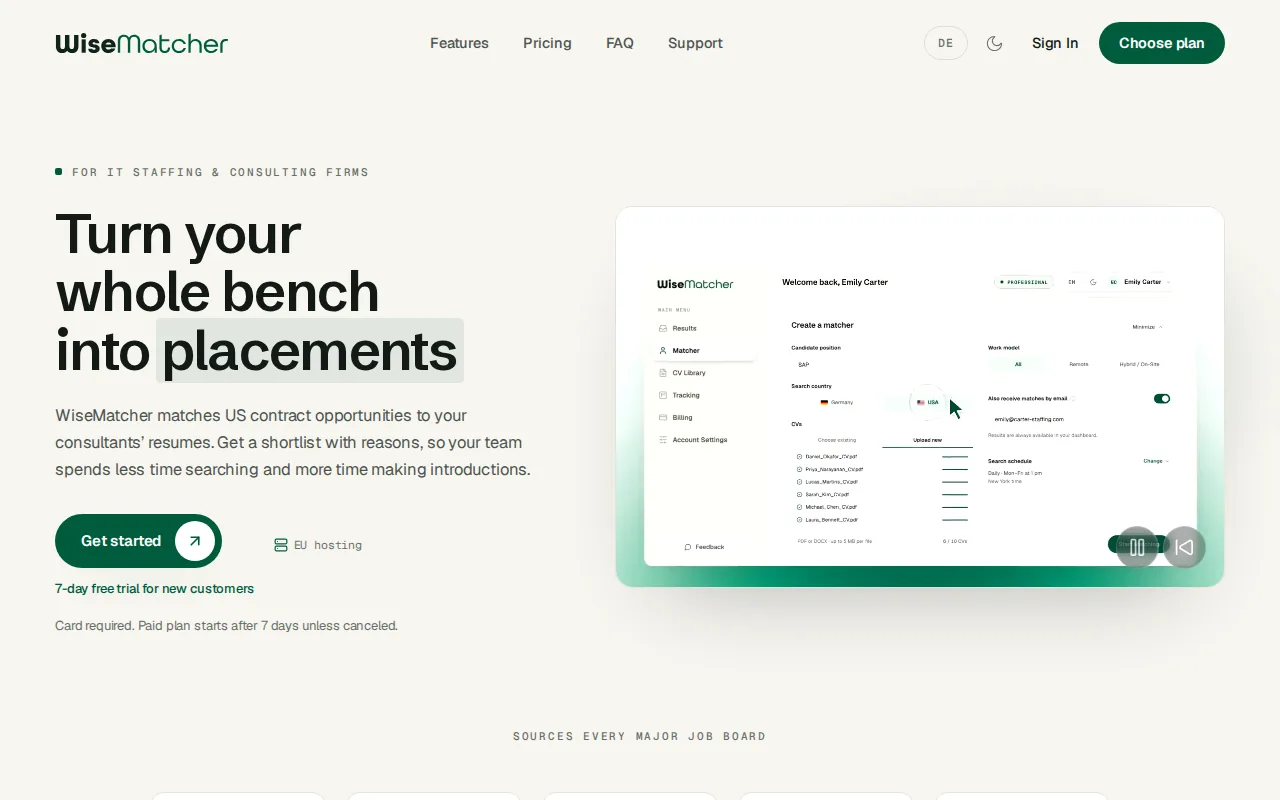
That workflow starts near the top of the funnel. Instead of searching for a role first and then working out which consultant fits, your team can review relevant opportunities alongside matching profiles. WiseMatcher can also send optional email alerts, draft outreach for you to edit, and keep each candidate opportunity in a pipeline. Recruiters still decide which opportunity to pursue and what to send.
WiseMatcher focuses on finding contract work for existing consultants. It isn’t a replacement for a full ATS or CRM; it can sit alongside systems your team already uses to manage candidate records and client relationships. For firms that spend time hunting for contract roles and matching them to bench talent, that narrower job can fill a gap in the recruiting stack.
Plans are based on the number of consultants and searches your team manages. The Solo plan is $24 per month, Professional is $139 per month, and Business is $289 per month. Eligible new customers can try it free for seven days. A card is required, and the selected paid plan starts automatically after the trial unless you cancel.
Teams weighing the cost of manual sourcing against software can review WiseMatcher’s agency opportunity-sourcing ROI resource as a separate planning aid. WiseMatcher is US-only, so check that your role sourcing needs fit that scope.
2. Bullhorn: staffing-focused ATS and CRM for larger teams
Bullhorn is staffing-focused ATS and CRM software for mid-size and large contract or temp agencies. Its core value is that recruiting and client relationship work follow an agency workflow, rather than a general hiring process. It combines applicant tracking with candidate sourcing and automation, making it a fit for teams that manage a steady flow of jobs and placements.
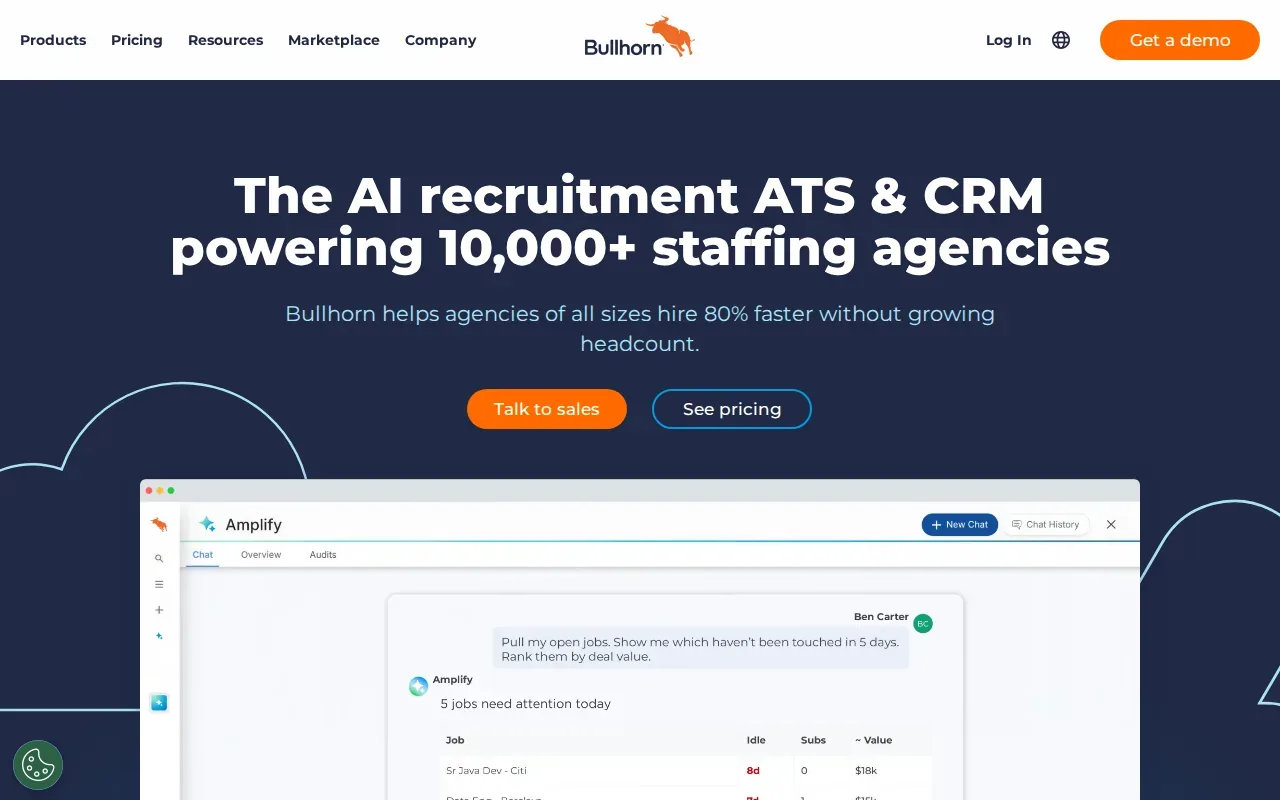
The platform has more than 300 pre-built connectors across back-office systems, VMS tools, and job boards. That can matter when recruiters need candidate and job information to pass between the ATS and other systems. Before choosing it, map the handoffs your team actually needs. A high connector count is useful only when the systems you rely on are part of the workflow.
Bullhorn’s breadth is aimed at established staffing operations. If your process includes temporary placements, client orders, and several systems behind the scenes, its staffing-specific design may suit your team. If your immediate problem is only discovering new contract opportunities for a fixed pool of IT consultants, compare that need separately. CRM and ATS functions manage recruiting work, while opportunity sourcing brings new roles into the pipeline.
During a demo, ask the vendor to show a real job order moving from intake through candidate submission. Watch for where a recruiter needs to re-enter details or switch systems. That will tell you more about fit than a feature checklist alone.
3. JobDiva: recruiting operations for scaling agencies
JobDiva is a recruiting system for staffing companies that need a broad set of operational tools. It’s aimed at mid-sized, international, and rapidly scaling agencies. Its capabilities include applicant tracking, candidate management, CRM, sourcing, operational processes, and back-office support.
JobDiva also includes talent database enrichment and automation across administrative work in the recruiting lifecycle. That combination can help a growing agency keep routine tasks attached to the same process as candidate and client work. For example, a team can assess whether administrative steps are being handled within recruiting operations instead of tracked in separate informal checklists.
The range may suit a firm whose needs span more than candidate tracking. It can be worth evaluating when your team is growing across offices or needs a system that covers both front-office recruiting and back-office support. Ask how the product’s workflows map to your actual placements, since “scaling” can mean different things for an agency that mostly handles direct hire and one that manages contract roles.
For a focused evaluation, bring a sample job order and a candidate record to the demo. Ask the team to show how that work moves through sourcing, candidate management, and the administrative tasks tied to a placement. That helps you judge the fit against the work your recruiters do each day.
4. Zoho Recruit: staffing edition with business-app integrations
Zoho Recruit has a Staffing Agency Edition that combines applicant tracking with recruitment CRM and client management. It’s a candidate for agencies that want those functions in one recruiting system and already use, or plan to use, other business apps in their daily work.
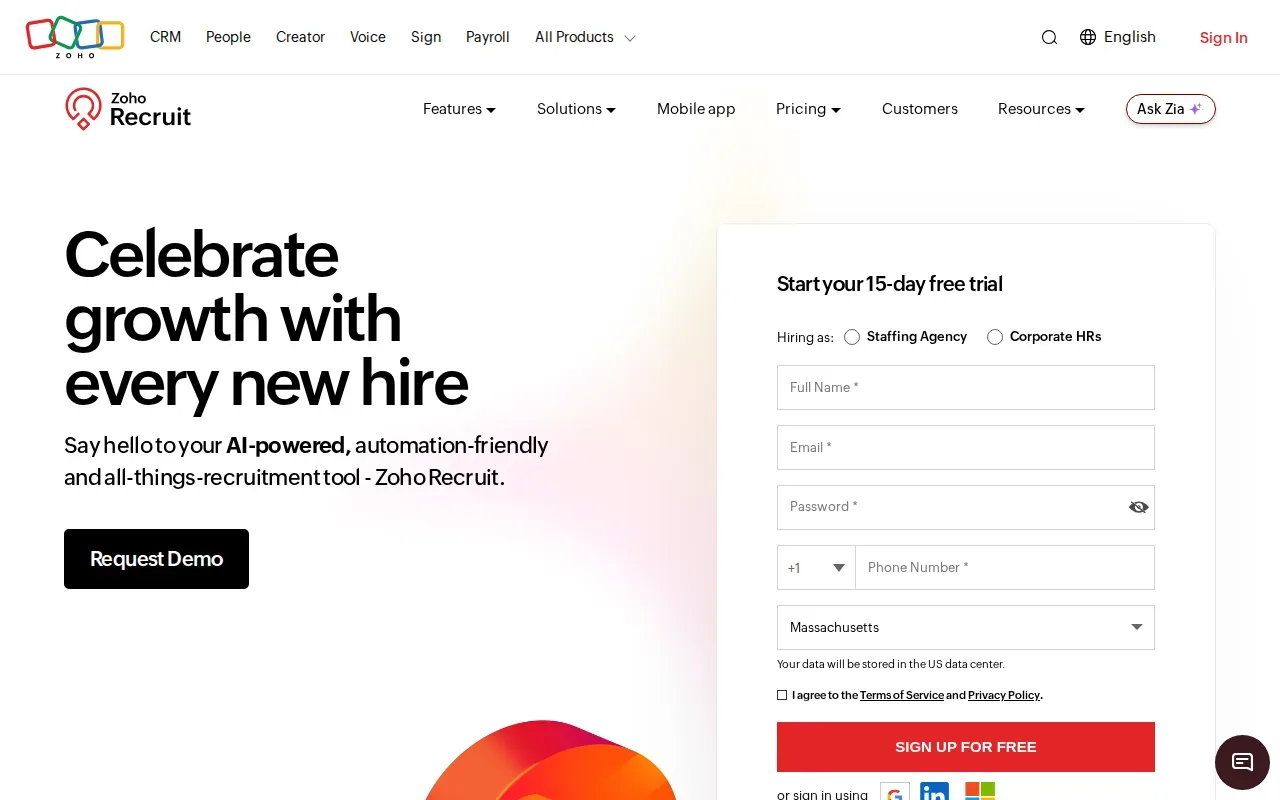
Zoho Recruit integrates with more than 200 business applications. Its features include candidate communication, automation, reporting, resume parsing, and custom hiring pipelines. It can also post jobs to more than 75 job boards and support career sites. For a recruiter, that can mean moving a job through a defined pipeline while keeping candidate details and communication in view.
Zia AI supports candidate matching, profile summaries, job description generation, and communications. These functions can help with tasks such as reviewing a profile against a role or preparing a first draft. Your team should still check whether the suggested match reflects the must-have skills and experience in the job order. AI can support review, but the recruiter owns the decision and the relationship.
Zoho Recruit is worth a look when your agency values broad business-app connections along with staffing-specific recruiting features. In a demo, test one end-to-end workflow: create a job, review parsed resume details, move a candidate through your custom stages, and check what appears in reports.
5. Oorwin: AI-supported talent and workforce management
Oorwin is an AI-powered talent acquisition and workforce management platform for staffing agencies and consultancies managing recruiting, sales, and billable projects. Its unified ATS and CRM connect talent and client work in one system, with pipeline management and real-time analytics and reporting.
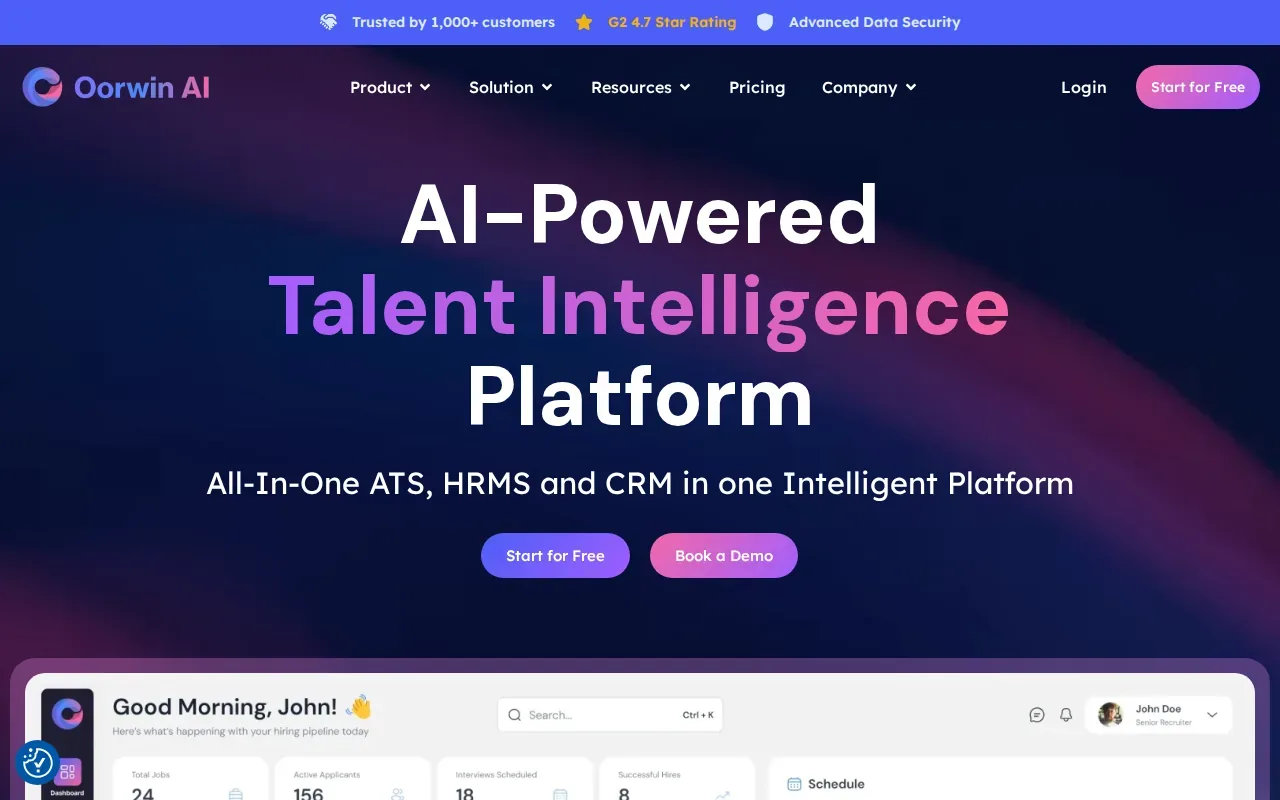
AI-supported candidate matching and automated resume screening address early recruiting tasks. Oorwin also includes onboarding workflows, time tracking, expense reporting, and invoicing. That wider scope may suit a consultancy where placement work continues into project delivery and billing. Recruiters and operations staff can assess whether those steps belong in one system for their team.
Oorwin integrates with more than 160 platforms and tools. As with any connector claim, the number is only a starting point. Check whether your current job boards, email tools, payroll or HR systems, and project tools are supported in the way you need. Then confirm what information flows between systems, since an integration can mean anything from a simple link to a more useful data handoff.
Oorwin is a fit to investigate when your software decision spans recruiting, sales, and billable work.
6. JobSeam: AI skill matching and job-market opportunity tracking
JobSeam brings job-market insights, AI skill matching, and opportunity tracking into one platform. It’s aimed at staffing teams seeking AI-driven talent matching and workflow automation. Its functions include demand exploration by role, skill, or location, along with resume parsing and requirement ingestion.
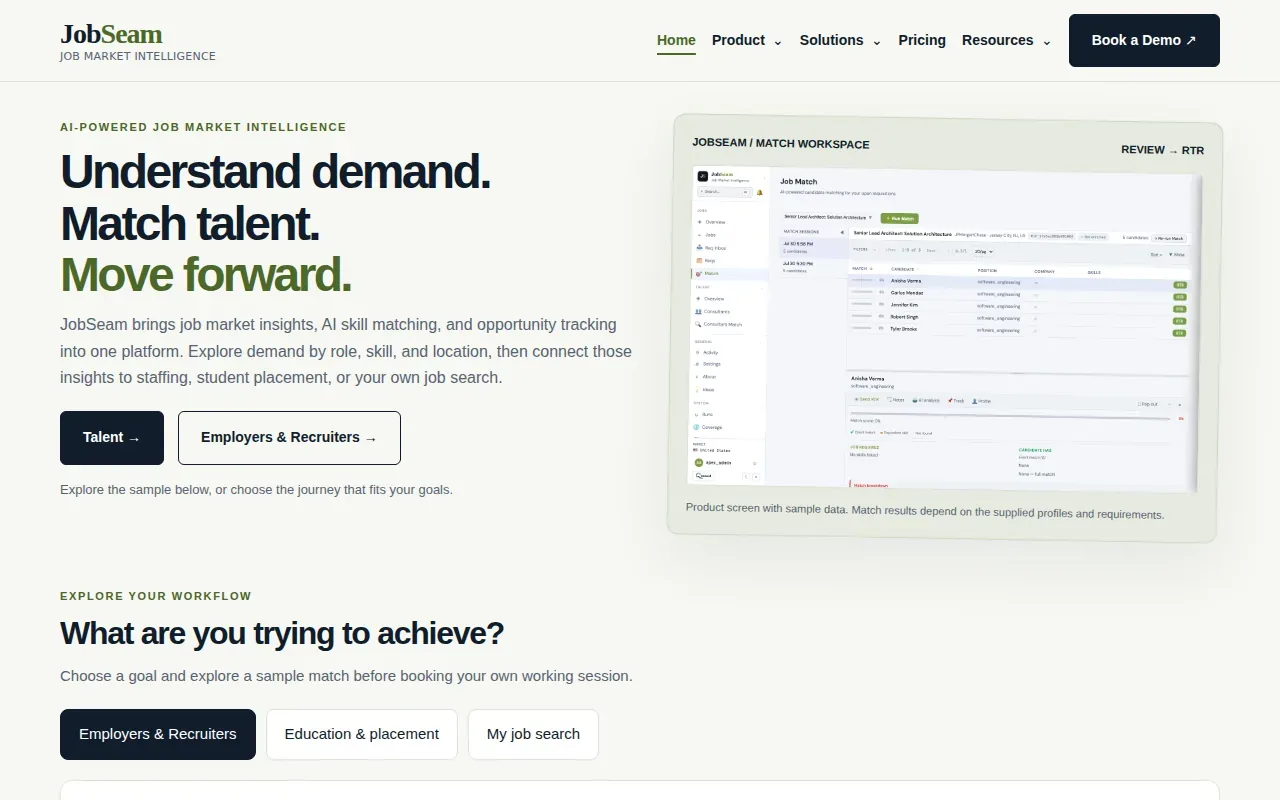
For a team handling incoming requirements, requirement ingestion can turn new role details into information that’s easier to compare with candidate profiles. AI skill matching and resume parsing can structure profile data and suggest talent for relevant opportunities. Recruiters can then review the suggested match against required skills and project experience, rather than treating a match as an automatic placement decision.
JobSeam also includes a Right-to-Represent workflow and a bench sales workflow. Those details make it relevant to teams that coordinate consultant submissions as part of their work. Opportunity tracking and demand exploration add a market-view element, so the product may suit teams that want to inspect demand by role, skill, or location while managing talent matches.
Try the product with a real requirement and a few representative resumes. Check whether the reasons behind a match help your recruiters make a fast, informed shortlist. If your process depends on finding roles as well as matching profiles, also ask how opportunity discovery connects to the specific markets and sources your firm needs.
7. Benchflo: operations layer for IT staffing firms
Benchflo is an operations layer for IT staffing firms that works above an ATS or can run on its own. It connects with systems such as Greenhouse and Lever. Its focus is the work between receiving a role and sending a consultant submission, especially bench scoring, resume preparation, and compliance tracking.
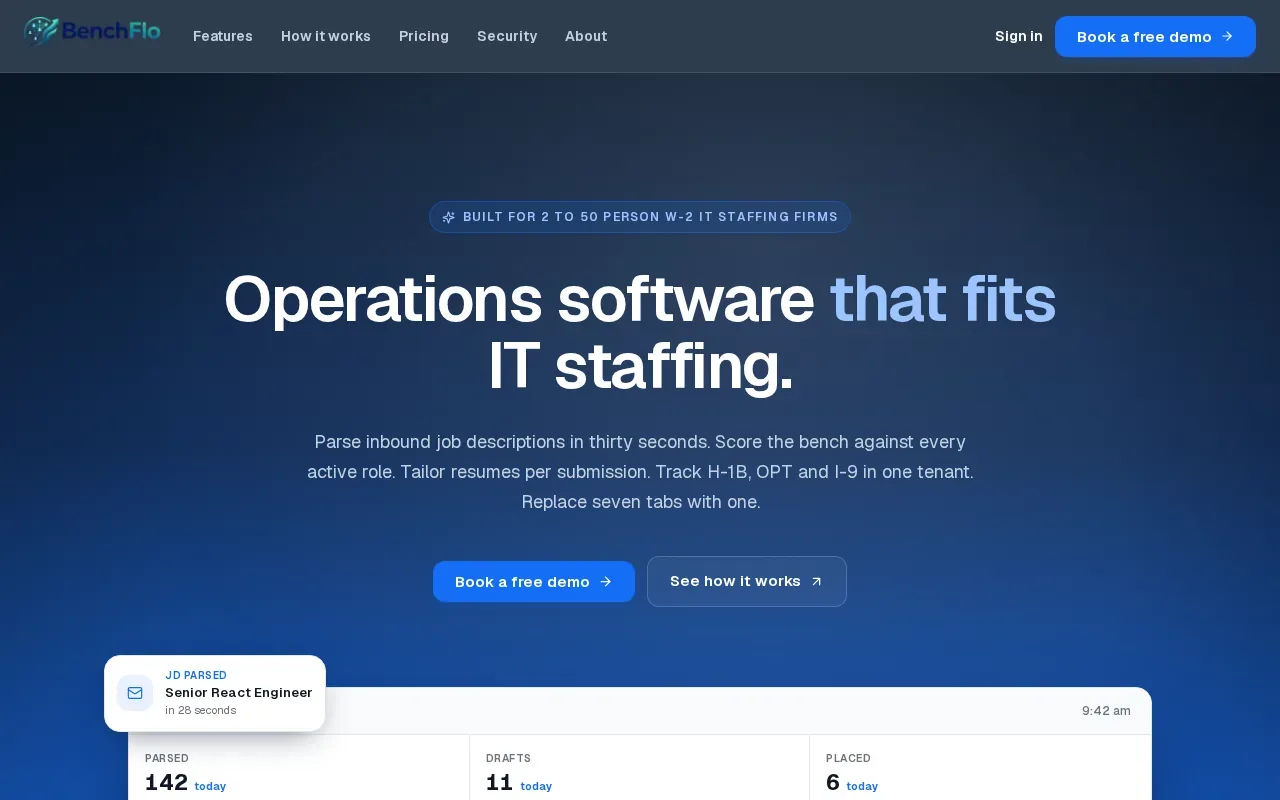
Benchflo can parse an inbound job description in about 30 seconds. Its AI extracts details such as title, skills, rate, location, visa restrictions, and deadline. It can then score available consultants against active roles with a rationale and prepare draft submissions. Resume tailoring applies a firm template by reordering or rewording source material, with changes reviewed rather than treated as approved facts.
For compliance workflows, Benchflo tracks H-1B, OPT, and I-9 details, with alerts at 60, 30, and 7 days. It also keeps audit logs and a compliance trail. That can help a team see which documents or alerts need attention, though the firm remains responsible for checking its own requirements and records.
Benchflo is a strong match to evaluate when job intake arrives by email and recruiters spend time sorting role details before they can match the bench. The key question is whether you need this operations layer alongside an existing ATS, or whether your main gap is sourcing the contract roles themselves.
8. Recruit CRM: ATS and CRM for smaller agencies
Recruit CRM is an ATS and CRM for small and mid-sized recruitment agencies seeking an approachable system. Its functions cover applicant tracking, client relationship management, sourcing, job management, candidate submissions, reporting, and collaboration. The product also includes workflow automation and email communication.
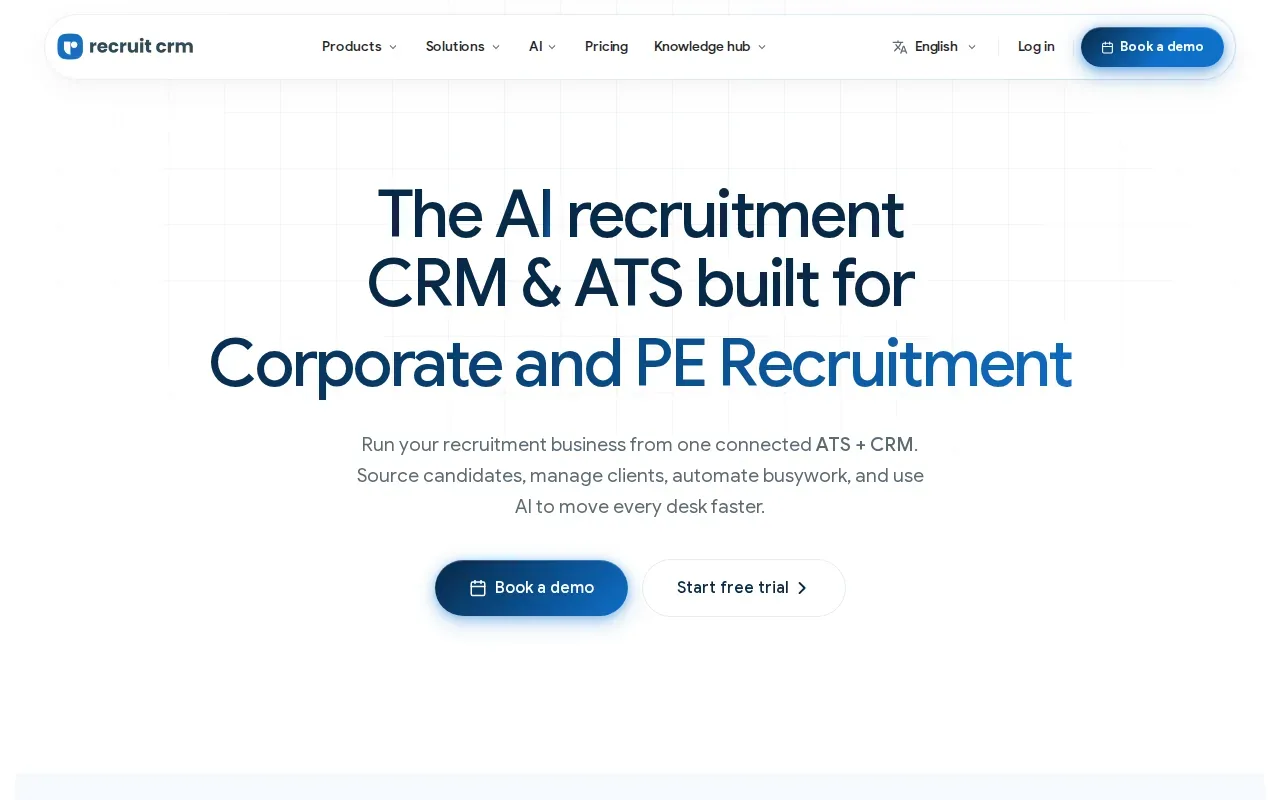
AI agents can assist with resume formatting and data extraction. They can also help prepare candidate submissions and email responses. The team still reviews, edits, and sends communications, keeping recruiters in charge of what clients and candidates receive. Chrome sourcing is another listed capability, while integrations connect with recruitment and productivity applications.
For a smaller agency, keeping job and candidate activity in one place may make daily handoffs easier to manage. Compare the system using your own stages and reporting needs. For example, check whether the team can see a candidate’s current status and submission history without having to ask another recruiter for an update.
Recruit CRM is worth considering when you want ATS and CRM functions without leading with enterprise back-office scope. If you also place IT consultants on contract roles, decide whether candidate and client management is enough, or whether you need a separate workflow that brings contract opportunities into the pipeline.
9. CEIPAL: recruiting and workforce processes for enterprise firms
CEIPAL is aimed at enterprise staffing firms with large databases and complex recruiting operations. Its listed areas include candidate sourcing, applicant tracking, client management, workforce processes, analytics, and AI-assisted recruitment. AI matching can help teams identify candidates from internal databases and external sources.
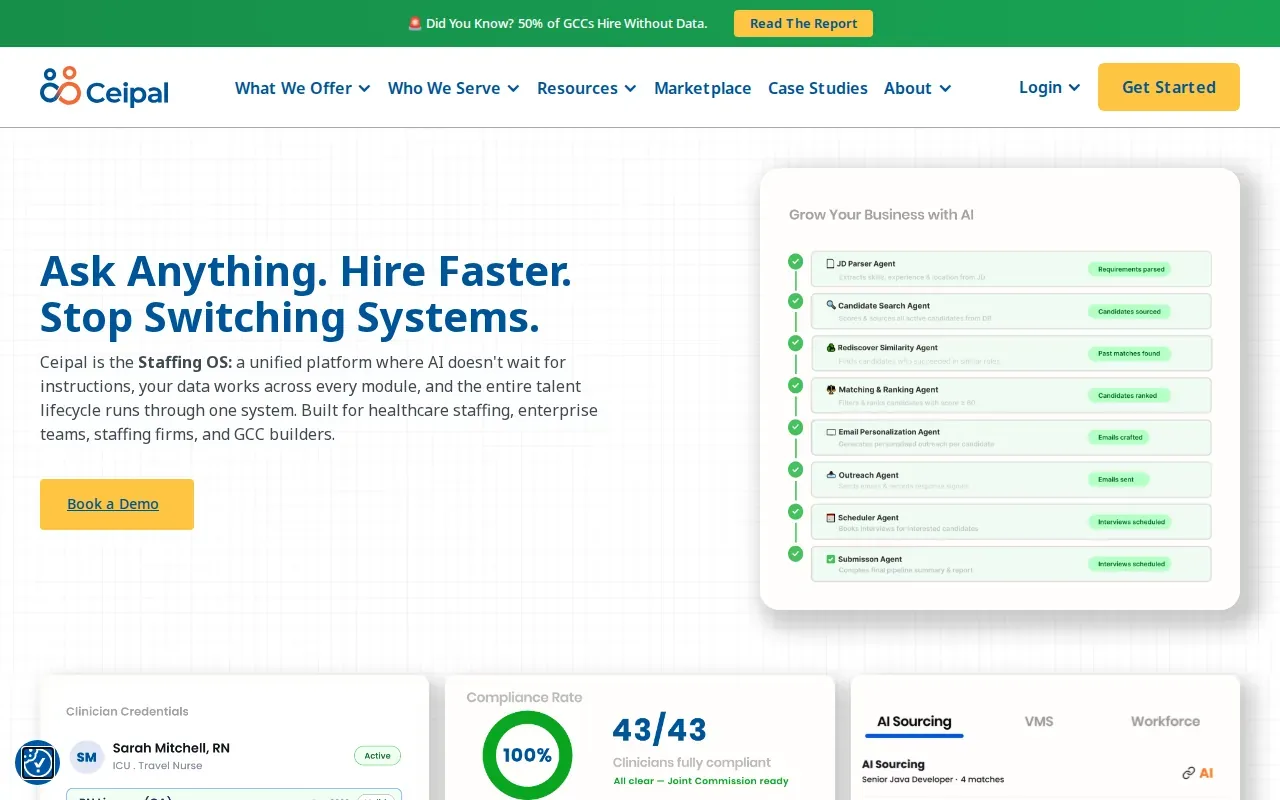
CEIPAL’s analytics tools give teams built-in reports and customizable dashboards. Recruiters, managers, and executives can use role-specific views, then adjust reports to match the measures they track. Dashboards can be pinned to a homepage and shared across teams. Reports can also be sent by subscription, which can help managers keep a regular view of recruiting progress.
That reporting depth matters when a firm has enough activity that a manager can’t rely on informal updates. A useful test is to select one metric your team already reviews, then ask whether the system can show it at the level of detail you need. A dashboard should help answer a question, not add another screen for recruiters to maintain.
CEIPAL may suit a firm that needs broad recruiting processes and analytics across a large talent database. Compare how the AI matching and reporting fit your actual workflow. For a smaller IT staffing team, the key distinction may be whether you need enterprise recruiting operations or a more focused way to match existing consultants with newly sourced contracts.
10. Avionté: configurable recruiting, sales, and back-office suite
Avionté is a staffing platform that brings recruiting, sales, talent management, payroll, billing, and reporting together. It’s aimed at firms that want configurable ATS, CRM, sales, and automation tools. Its front-office and back-office scope can matter when recruiters, sales staff, and operations teams need shared information across a placement.
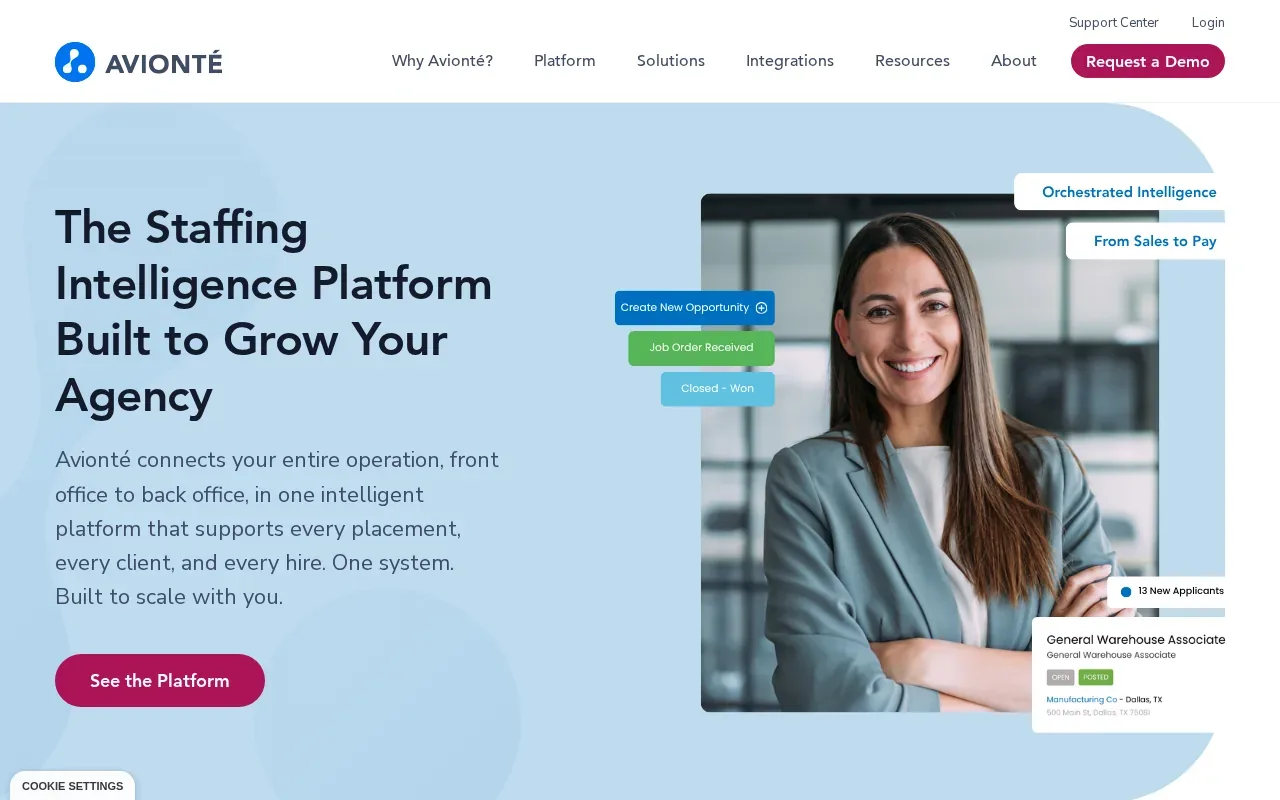
Avionté’s capabilities include AI matching, resume parsing, talent rediscovery, job description generation, and candidate engagement. Its platform also covers payroll and billing. Embedded automation can support recruiting tasks, while centralized records give teams a shared view of client activity, job orders, candidates, and placement details.
The breadth makes Avionté relevant to agencies that want a connected operating suite rather than a tool for one stage of recruiting. It’s worth testing handoffs in a demo. Ask how a new client order reaches recruiting, how candidate submissions are tracked, and how placement information connects to payroll or billing.
Choose a system with this much scope only when the workflow matches the work you want it to cover. If your main pain is finding contract roles for consultants who are available or nearing the end of an assignment, compare sourcing and matching directly against the back-office gains you expect.
Staffing agency software comparison: best fit by team and workflow
These options don’t all solve the same part of staffing work. Some focus on ATS and CRM operations. Others add broader workforce processes or focus on bench and contract matching. Use the table to narrow the demo list, then test the steps your team needs most.
| Option | Best fit | Where it helps | Key evaluation question |
|---|---|---|---|
| WiseMatcher | US IT staffing and consulting teams | Sources contract opportunities and matches them to existing consultant resumes | Do you need new contract roles matched to your current bench? |
| Bullhorn | Mid-size and large contract or temp agencies | Staffing-focused ATS, CRM, sourcing, and connectors | Do your required systems connect to the workflow? |
| JobDiva | Mid-sized or scaling agencies | Recruiting operations with back-office support | Does its broader process fit your growth plans? |
| Zoho Recruit | Agencies seeking connected business apps | Staffing ATS and CRM with broad app integrations | Can your team build the pipeline and reports it needs? |
| Oorwin | Staffing and consulting firms managing projects | Recruiting, sales, workforce, and billing workflows | Do you need recruiting connected to billable work? |
| JobSeam | Teams focused on skills and opportunity tracking | Requirement intake, AI matching, and bench sales workflows | Do match reasons help recruiters shortlist talent? |
| Benchflo | IT staffing firms with email-based role intake | Role parsing, bench scoring, submissions, and compliance alerts | Do you need an operations layer above your ATS? |
| Recruit CRM | Small and mid-sized recruitment agencies | Candidate and client tracking with workflow support | Does it fit your daily pipeline and reporting habits? |
| CEIPAL | Enterprise firms with large databases | Recruiting, workforce processes, and customizable analytics | Can leaders get the views they need from shared data? |
| Avionté | Agencies wanting front- and back-office tools | Recruiting, sales, payroll, billing, and reporting | Can one system support the handoffs across departments? |
For a team buying its first system, start with the workflow that causes the most repeated manual work. For a team replacing software, include migration and training in the demo plan. Ask how candidate records, job history, client notes, and reporting will move. Then give recruiters time to test the system with ordinary work, not only a polished sample scenario.
Integration counts can help frame a shortlist, but they don’t settle the decision. Check the specific connection you need and confirm what data moves in each direction. The same care applies to compliance and onboarding. If those tasks sit inside the software, test the actual handoff and review process rather than assuming that a feature name covers your firm’s needs.
For staffing teams whose main bottleneck is finding work for available consultants, WiseMatcher is the clearest first evaluation. Teams considering how contract sourcing fits a wider IT consulting workflow can also consult WiseMatcher’s IT consulting project-sourcing resource. For a product overview and US plan details, visit WiseMatcher’s contract sourcing page.
Frequently asked questions
What does staffing agency software do?
Staffing agency software helps teams manage recruiting work, candidate records, client relationships, and placement workflows. Some systems focus on ATS and CRM tasks, while others add payroll, billing, workforce operations, or analytics. A sourcing tool has a different job: it can help find opportunities and match them to consultants already in your talent pool.
What is the best software for an IT staffing agency?
The best fit depends on your main bottleneck. If you need to find US contract opportunities and match them with existing consultant resumes, WiseMatcher is built for that workflow. If your priority is managing candidate and client activity, compare ATS and CRM platforms. Teams with broader back-office needs should test those workflows in a demo.
Can staffing software match resumes to job requirements?
Yes, some platforms use AI matching or resume parsing to compare profile details with job requirements. A useful match should help recruiters see relevant skills and experience, plus any gaps they need to check. Treat the result as decision support. Your team should review the resume and requirement before shortlisting or contacting a consultant.
Does staffing software include payroll and compliance?
Some staffing platforms include payroll, billing, onboarding, or compliance workflows, while others focus on recruiting and candidate management. Check the exact tasks in a demo. Ask how documents are tracked, who reviews them, and how data reaches payroll or back-office processes. Don’t assume every ATS includes the same operational coverage.
How much does WiseMatcher cost?
WiseMatcher’s monthly plans are $24 for Solo, $139 for Professional, and $289 for Business. The plans are based on the number of consultants and searches your team manages. Eligible new customers can start a seven-day free trial, with a card required. The selected paid plan begins automatically after the trial unless canceled.
Conclusion
If your IT staffing team needs more relevant US contract opportunities matched to consultants already on the bench, start by testing WiseMatcher against a real set of resumes and requirements. Review the match reasons, edit any outreach draft, and decide whether the workflow fits. You can start with a seven-day trial, then cancel before billing begins if it isn’t right for your team.