

Recruiting operations
Best Resource Management Tools for 2026
Compare resource management tools for scheduling, workload planning, and capacity visibility. See which option fits your team and what to check before you buy.
When project work shifts by the day, it’s hard to see who has room for more without overloading someone else. These resource management tools suit different needs, from live staff scheduling to planning across project delivery.
For IT staffing teams, there’s a separate task: finding contract work that fits consultants already on the bench. WiseMatcher handles US contract sourcing and AI matching, so it can complement a resource planning system rather than replace it.
1. Float: Flexible scheduling for services teams
Float is a resource scheduling tool built around a live timeline. It’s best for agencies, consultancies, and professional services firms whose staffing plans change often.
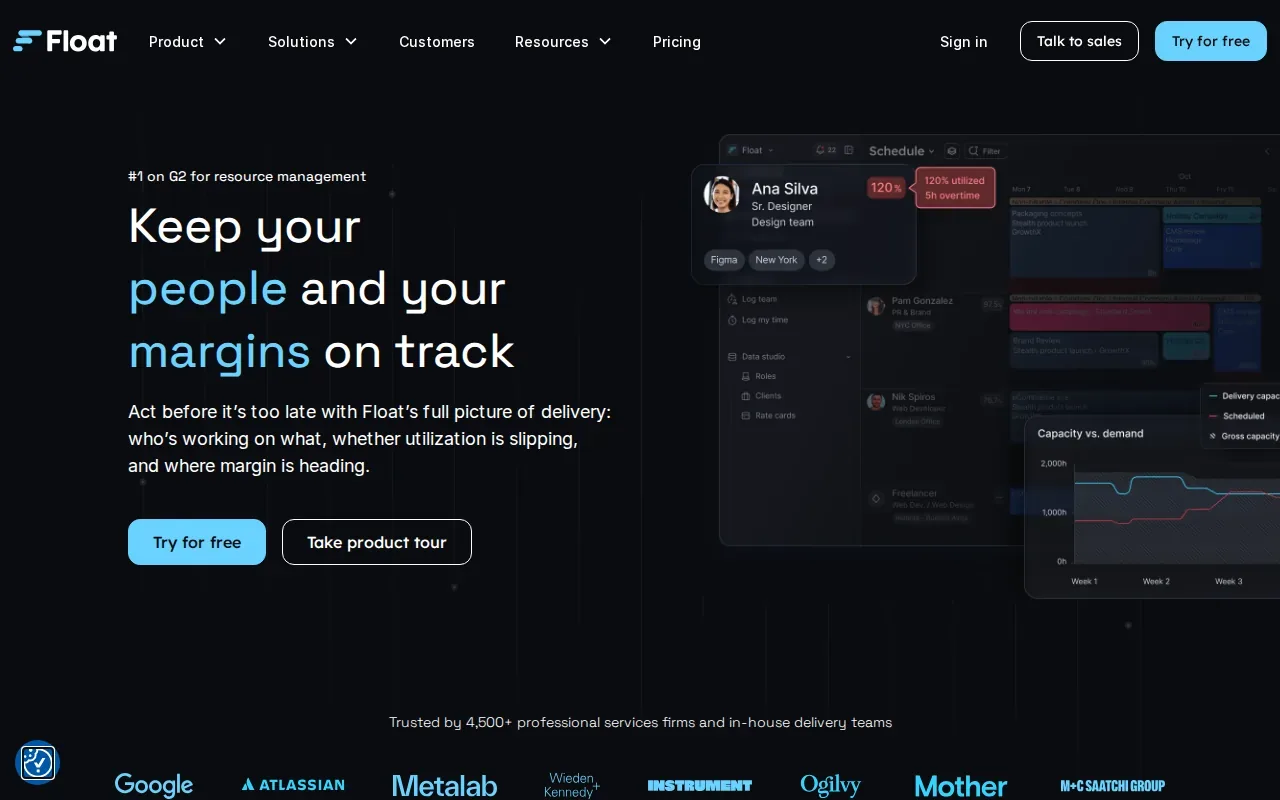
Managers can see availability and compare planned work with project needs. That can help a team spot a capacity crunch before it affects a deadline.
Its strengths include a live view of capacity and utilization, plus reporting on actuals, margin, and budget burn. If a project slips, managers can use those views to decide whether to shift assignments or revisit the plan. Float starts at $6 per person per month and includes a 30-day free trial.
For a team that needs to track existing consultants against open contract work, scheduling is only one part of the job. WiseMatcher searches US contract opportunities and matches them to resumes with reasons; its overview of the cost of manual project searches covers the sourcing side of that workflow.
| Decision point | What Float supports | When that helps |
|---|---|---|
| Day-to-day changes | Live scheduling timeline | When assignments shift as project needs change |
| Capacity review | Views of capacity, utilization, and actuals | When a team needs to spot workload or budget pressure |
2. Resource Guru: Straightforward booking and clash prevention
Resource Guru is a booking and scheduling tool for small teams, IT departments, and internal service desks. It suits teams that want a clear availability calendar for people and shared resources.
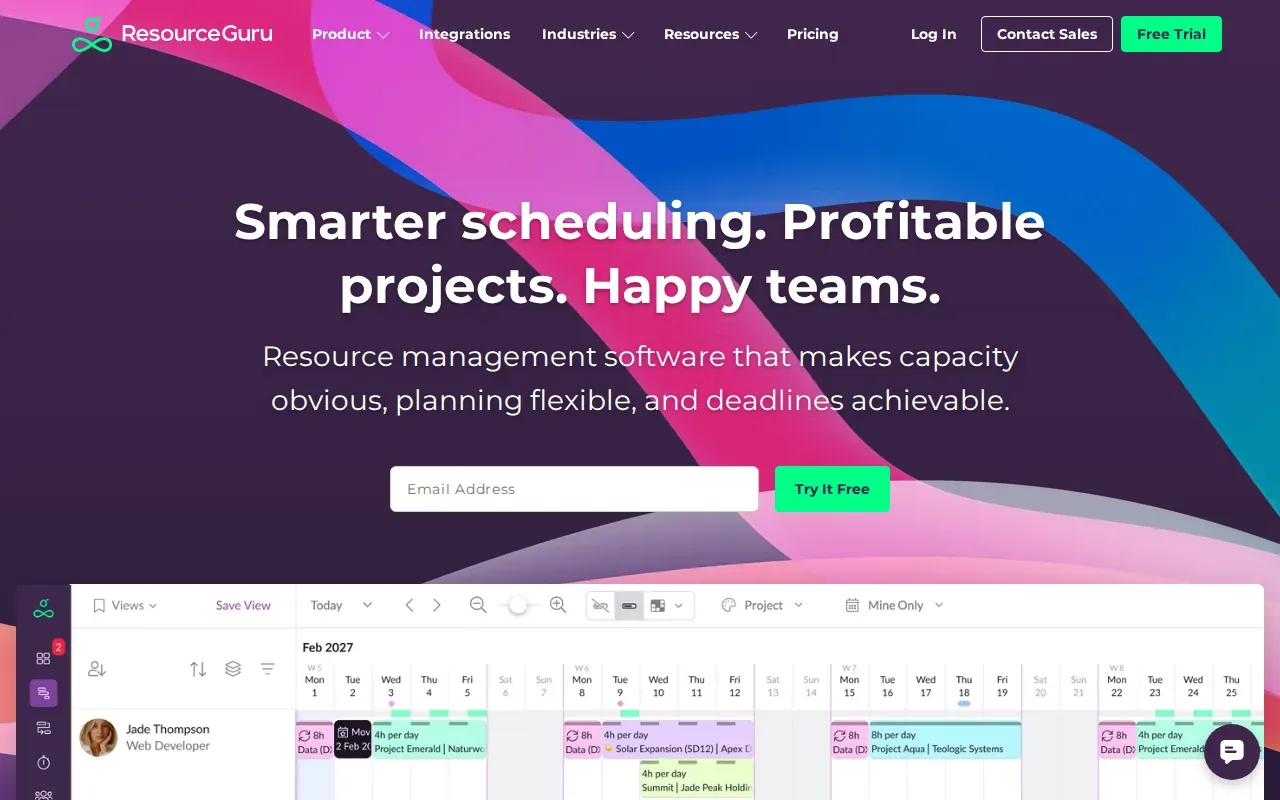
The calendar helps managers check availability before assigning work. That can help a service desk coordinate assignments and shared resources.
Resource Guru’s distinct strength is fast booking with clash prevention. A manager can check the calendar before confirming a booking, which helps avoid double-booking the same resource.
Resource Guru starts at $4.16 per person per month and has a 30-day free trial. It has no free tier, so teams comparing trial access with ongoing free use should account for that difference.
3. Smartsheet: Structured planning with process automation
Smartsheet fits established PMOs and operations teams that need resource planning alongside structured processes. It’s a stronger match when governance and automated workflows are part of the planning job.
Smartsheet offers a people schedule that shows availability, planned work, and time off. Managers can assign people based on role, skills, and availability. An allocation heatmap gives a wider view of who is overbooked or has room for more work.
For project-level planning, the staffing plan shows assigned resources against projections. You can also link that plan to a Smartsheet project plan, so staffing and delivery schedules can stay aligned. Timesheets and real-time analytics support review of scheduled versus actual hours and utilization trends.
Don’t assume automation is part of every resource tool. Smartsheet’s fit includes process automation and automated governance, so it merits a closer look when teams want planning to follow set review steps. It has a free trial.
4. Birdview PSA: Resource planning across project delivery
Birdview PSA is a Professional Services Automation platform covering the project delivery lifecycle. It’s aimed at US consulting firms, agencies, and other professional services organizations.
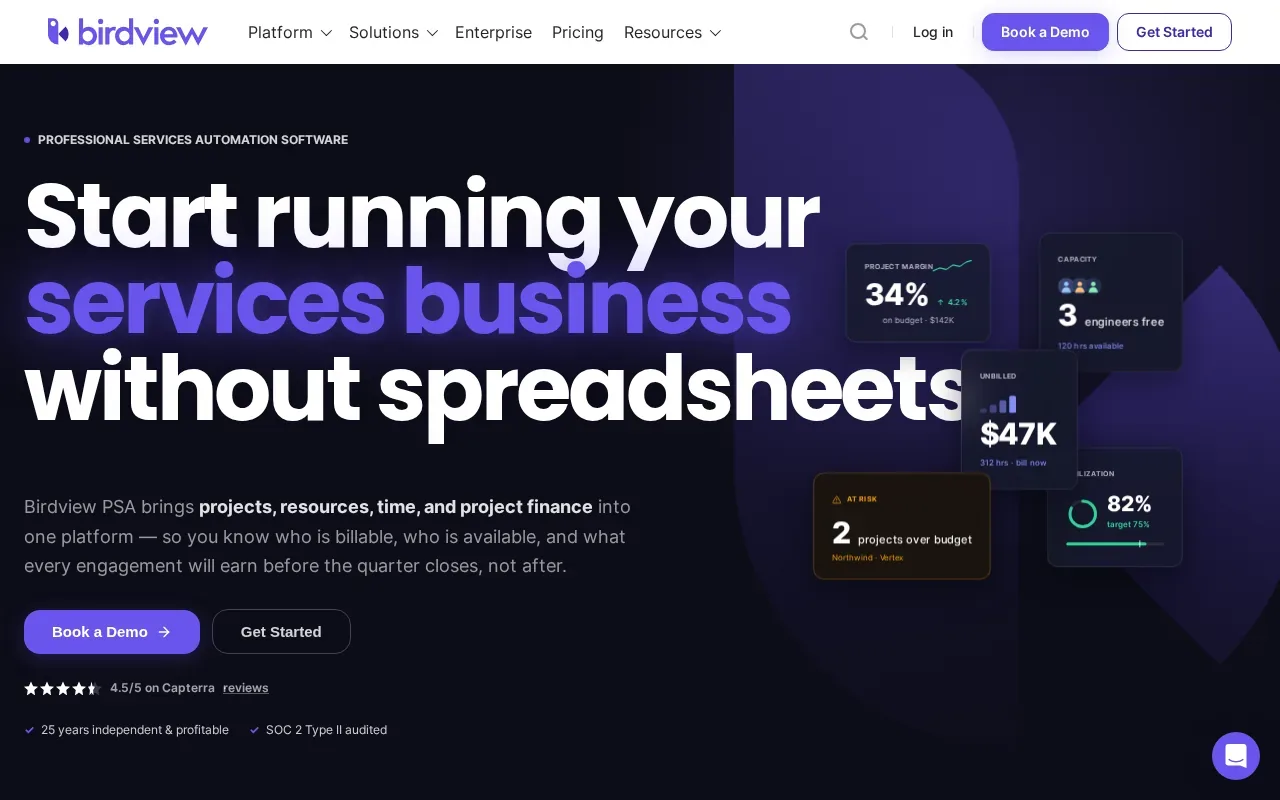
That broader scope may fit teams that want resource planning considered as part of project delivery, rather than as a stand-alone booking calendar. A consulting firm can assess whether it needs a platform spanning more of its delivery work or a narrower tool focused on assignments.
Birdview PSA integrates with Salesforce and QuickBooks. Those connections may matter when project planning needs to sit alongside customer or accounting workflows. Birdview PSA offers a free trial and personalized demos, giving teams a way to assess the workflow before committing.
Its fit is specific: professional services teams looking across the delivery lifecycle. If your main need is simply to prevent two bookings from landing on the same person, Resource Guru is the more focused option in this list.
5. Scoro: An all-in-one option for agencies and consultancies
Scoro combines resource management with project management, billing, and CRM functions. It’s best for agencies and consultancies that want fewer separate tools across their work.
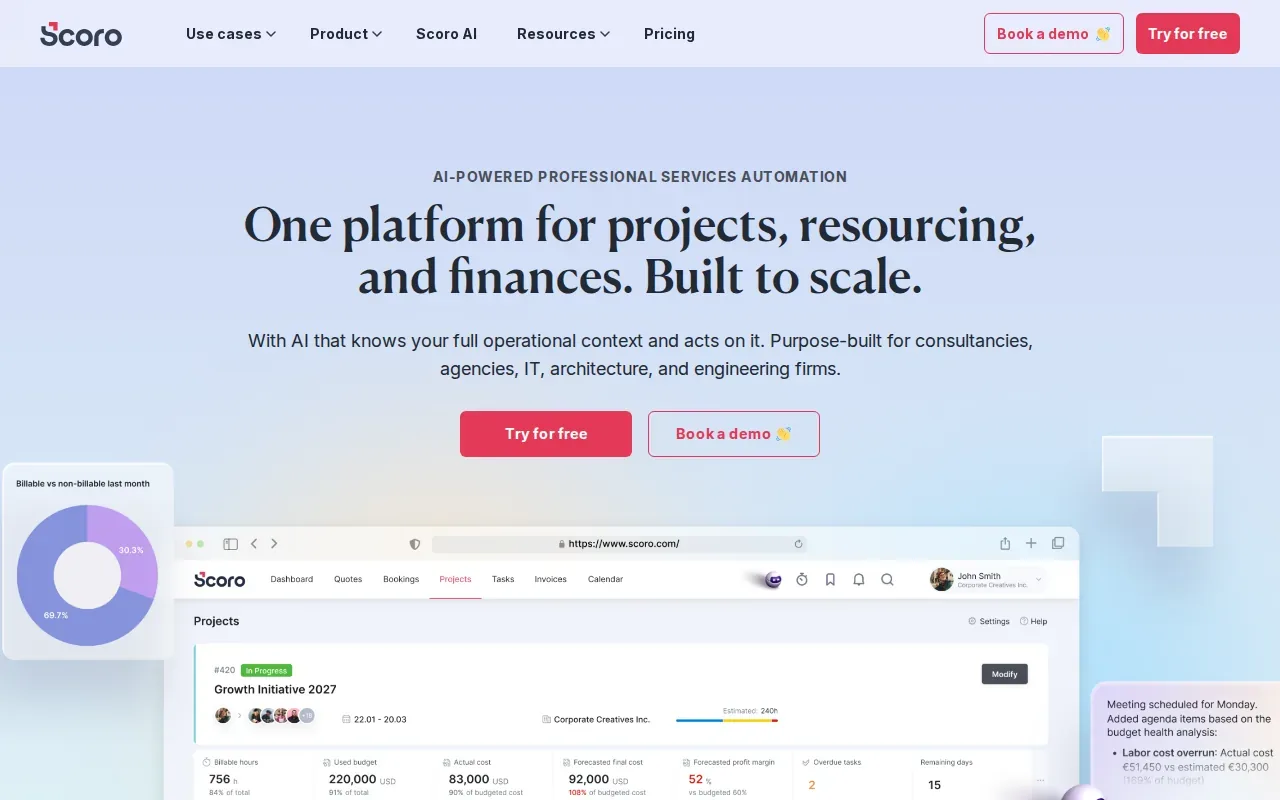
For a team, that can connect staffing decisions with the financial side of client work.
Its resource planning can help managers see when the team may need more work or when a shortage may call for hiring or outsourcing. Scoro also focuses on workload balance and project profitability, which is useful when a team needs to ask whether planned work fits available capacity and expected margins.
Scoro has eight core apps that businesses can select to fit their workflows and expand as needs change. A 14-day free trial includes access to all features, including billing and CRM. That gives agencies a chance to check whether the wider set of functions fits their current process, not just their staffing calendar.
Scoro’s broader scope is a plus when one system is the goal.
How to choose a resource management tool
Start with the decision your team needs to make each week. A calendar can help assign people. A capacity view can show who has room. A broader PSA system can connect resourcing with delivery and financial work.
- For changing agency schedules: assess Float’s live timeline and project reporting.
- For booking conflicts: look at Resource Guru’s availability calendar and clash prevention.
- For planning governance: review Smartsheet’s staffing plans, heatmap, and automation fit.
- For end-to-end services delivery: compare Birdview PSA and Scoro against the systems your team already uses.
Then test a routine your team actually runs. Try assigning a consultant, changing a project date, or reviewing planned versus actual hours. For IT staffing, test sourcing separately: WiseMatcher offers US contract sourcing and AI matching, with a 7-day trial for eligible new customers. A card is required, and the selected paid plan starts automatically after seven days unless canceled. Plans are based on the number of consultants and searches; the Solo plan is $24 per month, Professional is $139, and Business is $289.
FAQ
What do resource management tools do?
Resource management tools help teams plan who or what is assigned to work and when. Depending on the product, they may show availability, workload, project staffing, or time use. A scheduling tool can help prevent booking conflicts, while a broader platform may connect resource plans with project delivery or financial tracking.
Which resource management tool is best for a small team?
Resource Guru is designed for small teams that need straightforward booking and a transparent availability calendar. Float is another option for agencies and professional services firms whose schedules change often. Compare the actual workflow you need, and check the trial terms: both list a 30-day free trial, while Resource Guru has no free tier.
Which tool helps prevent double-booking?
Resource Guru is the clearest choice in this shortlist for clash-free booking. Its strength is a transparent availability calendar that helps teams book without conflicts. That can help an IT department or internal service desk check a person’s availability before confirming a task or reservation.
Are resource management tools always automated?
No. Automation is not a feature you should assume every product has. The options here differ in focus: Smartsheet is suited to planning alongside process automation, while Float centers on live scheduling and Birdview PSA covers project delivery. Confirm that a specific automated task is included before you choose a tool.
Can resource management software find contract projects for consultants?
Some resource tools focus on assigning available people to planned work, while contract sourcing is a different task. WiseMatcher searches US contract opportunities and uses AI matching to compare requirements with consultant skills and project experience. It provides match reasons and shortlist suggestions; your team reviews the fit and decides whether to reach out.
Conclusion
For changing service-team schedules, start by testing Float; for contract sourcing and resume matching, WiseMatcher is the more direct fit. Compare the workflow with your team’s real needs, then see WiseMatcher plans and start a free trial if finding US contract opportunities for your consultants is the priority.