

Staffing software
Best Recruitment Database Software: 7 Options
Compare recruitment database software for staffing and consulting teams, with notes on candidate search, automation, integrations, analytics, and best-fit uses.
A recruiting database can hold plenty of resumes and still leave your team hunting for the right contract role. The best recruitment database software depends on what you need to move: candidates through a hiring process, or existing consultants into new assignments. Here are seven options, starting with WiseMatcher for US contract sourcing and consultant matching.
1. WiseMatcher
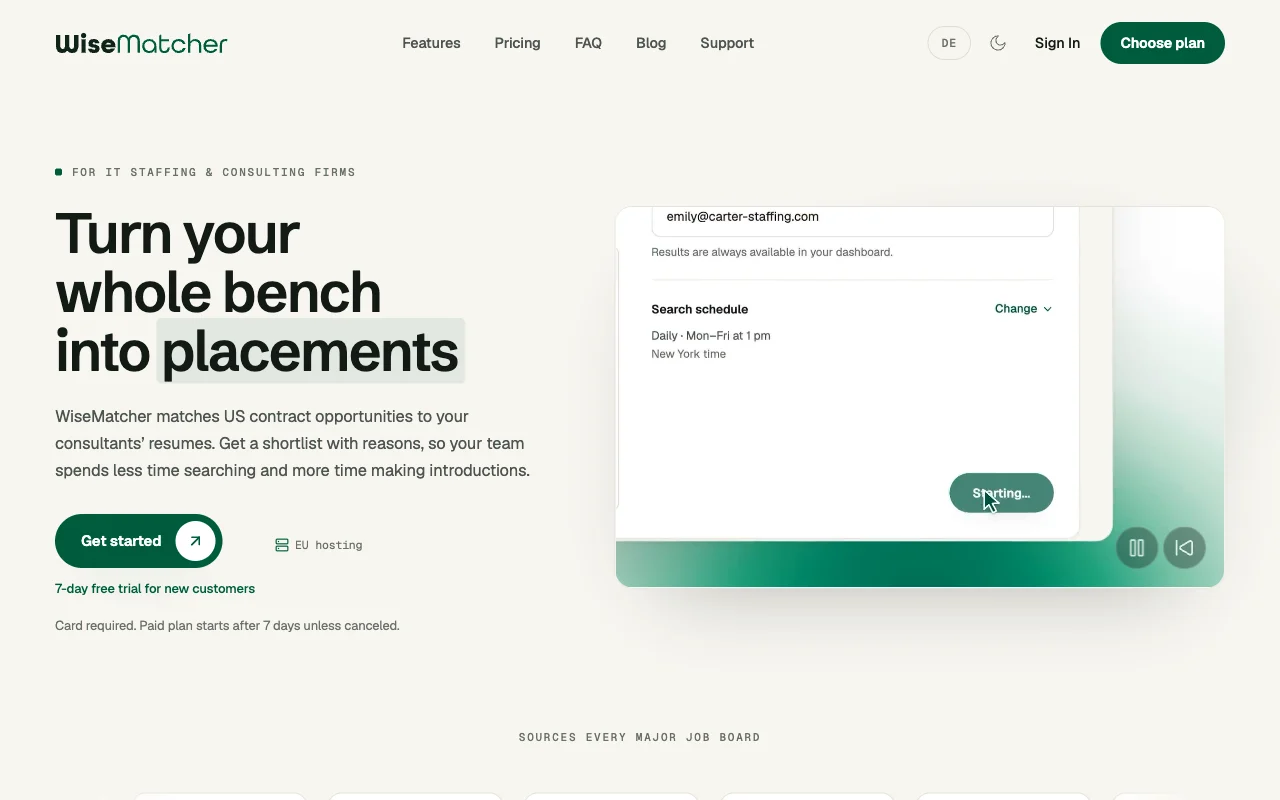
WiseMatcher is a self-serve SaaS platform for IT staffing and consulting teams that need US contract opportunities matched to consultants already in their talent pool. It’s best for finding assignments for available consultants, including people nearing the end of a contract.
WiseMatcher automatically sources US contract opportunities and matches them to consultant resumes. Its AI matching compares role requirements with skills and project experience, then gives your team shortlists with reasons for each match. Recruiters can review those suggestions, edit outreach drafts, and decide which introductions to send.
Optional email alerts and a candidate opportunity pipeline help your team keep track of relevant roles. This is a different workflow from a standard applicant database: the focus is finding the next contract for consultants you already represent. For more on that specific use case, see these bench sales software options for IT staffing.
WiseMatcher is a strong fit here when contract sourcing is the bottleneck. Your team stays in control of which matches to pursue and what messages to send.
2. Workable: recruitment automation for SMBs
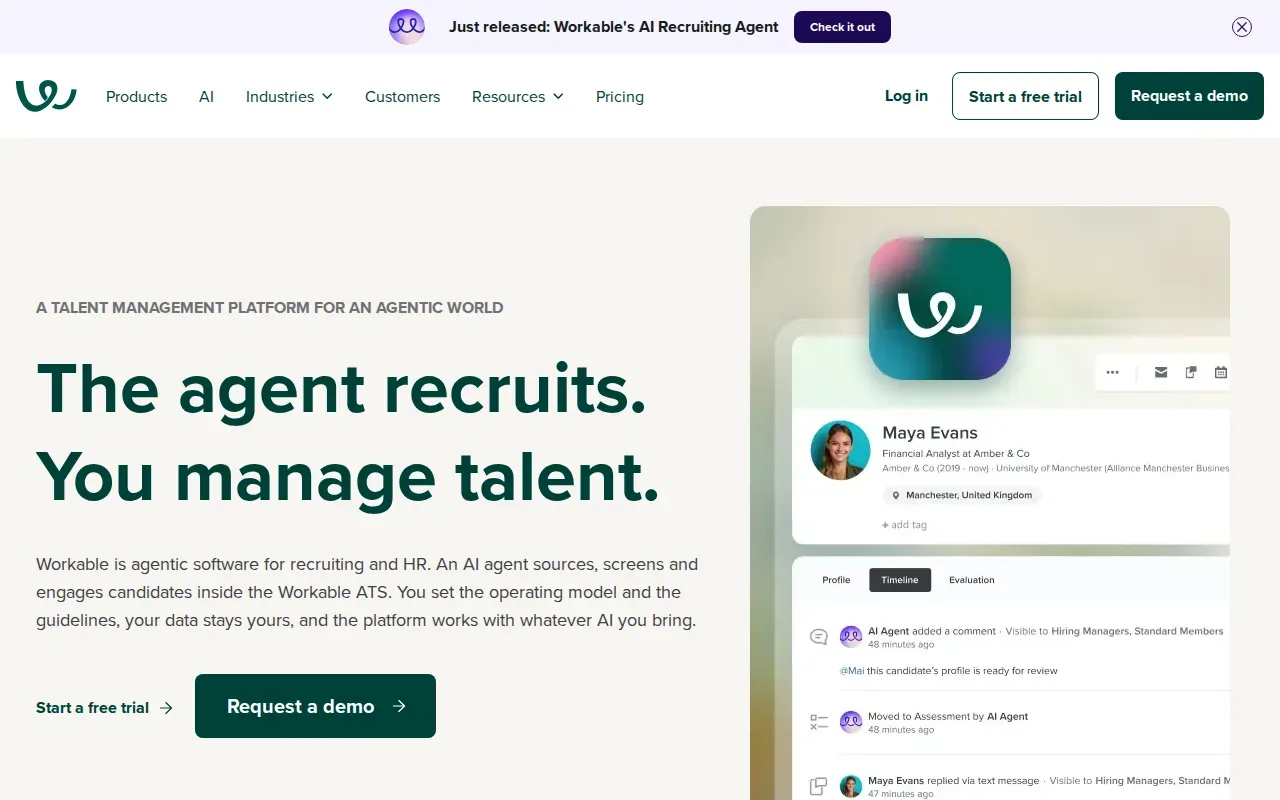
Workable is a user-friendly staffing CRM designed to simplify recruitment. It’s best for small and midsize businesses that want to automate parts of their recruitment process.
That focus suits teams that need a straightforward way to organize recruiting work and reduce manual steps. If your day includes frequent status changes or repeated admin tasks, look at how the system fits those tasks before judging it by the word automation alone.
Automation can mean a small task, such as sending a notice, or a wider workflow. WiseMatcher handles a different part of the process by finding US contract opportunities and matching them to existing consultant resumes. If your team mainly hires applicants for open roles, Workable’s SMB focus may be more relevant.
Before choosing, map one typical opening from first contact to hire. Check which candidate details are searchable, how your team tracks progress, and whether the system can work with your current ATS or CRM. Those questions matter more than a broad claim about saving time.
3. Recruit CRM: agency workflows and customer satisfaction
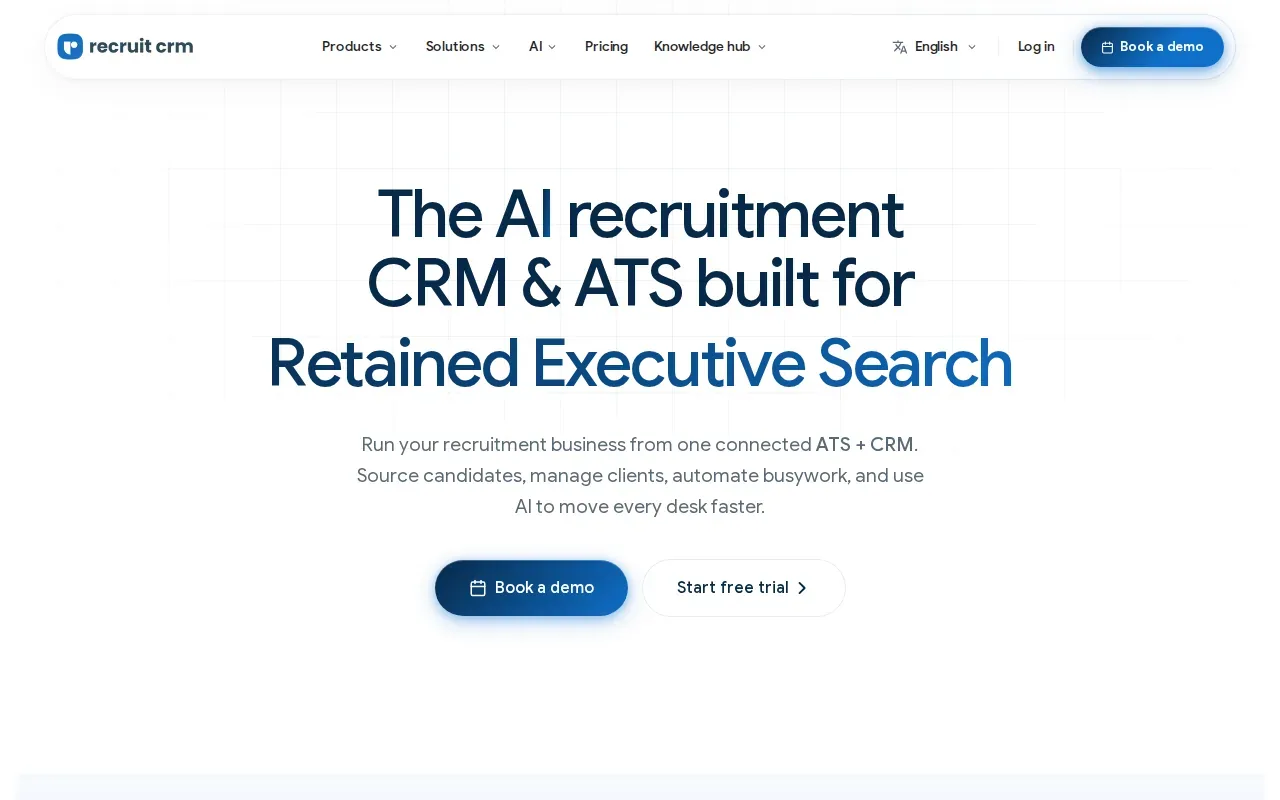
Recruit CRM is best suited to teams that value high customer satisfaction. Teams comparing recruitment database software can consider whether a system fits the way they organize their work and the steps they need to complete.
A practical evaluation is to walk through a typical task, such as locating a record and tracking its progress, then consider whether that process fits the team’s needs. Recruit CRM has reports of minor bugs and occasional system slowdowns, a caveat to weigh if recruiters need quick access during a busy day.
If you’re comparing agency-focused systems, this staffing agency CRM comparison looks at the broader CRM use case. Recruit CRM is worth considering when your database needs to support agency relationships as well as candidate records.
4. Zoho Recruit: quick implementation for SMBs
Zoho Recruit is a recruitment CRM and ATS for staffing agencies and in-house recruiting teams. It’s best for SMBs that need a quick implementation.
When evaluating a recruitment CRM, identify the work your team needs the system to support and compare each option against those requirements. Consider whether it fits the way your team organizes recruiting work, and decide what information you need before choosing. A product description alone may not show whether a tool suits your process, so use your team’s requirements to guide the review.
Before making a decision, consider what your team needs from a recruitment system and how you will assess whether it meets those needs. Agree on the priorities that matter to your hiring process, and use them to compare options. A clear evaluation can help your team focus on its requirements and decide which product merits further review.
For a growing team, check whether the system can match your process. Ask how candidate records fit into your recruiting and client work, and confirm that your team can get the information it needs. Zoho Recruit is a sensible shortlist choice when fast setup is a priority.
5. Lever: collaborative recruiting for IT and services organizations
Lever is recruitment software focused on collaborative hiring, reporting, and connections with job boards and social media. It’s best suited to IT and services organizations that want recruiting teams to work together on candidates.
Collaboration matters when more than one person reviews a candidate or gives input on a role. Before selecting any shared recruiting database, make sure your team can see the candidate’s current stage and find the feedback needed for a decision. A clear handoff can reduce duplicate work and keep the hiring team aligned.
Lever’s focus includes reporting and integration. Ask for a walkthrough of the reports your managers rely on, then check how the product connects with the systems your team already uses. Integration claims can vary in scope, so it helps to test the specific handoff you need rather than assume every connection works the same way.
Lever is a stronger match for shared hiring work than for a narrow workflow built around placing existing consultants into contract roles. Consider it when team collaboration is the main need.
6. Oorwin: unified staffing workflows with AI capabilities
Oorwin is an AI-powered talent acquisition and workforce management platform. It’s best for staffing agencies and consultancies that want ATS and CRM workflows together, plus AI matching and revenue tracking.
Oorwin describes candidate tracking, automated workflows, client CRM features, and talent pool communication. Its platform is aimed at teams that want more than a place to store resumes. A unified setup may suit a staffing operation that follows talent and client activity across connected workflows.
For AI matching, ask how the system weighs job requirements against candidate skills and experience. The answer should help recruiters judge why a profile appears, not just produce a score. Also test how the team moves from a promising match to a reviewed submission and a tracked placement.
Oorwin offers a free trial. Use any evaluation period to test the records and reports your staff will use each day. The platform’s broad scope makes it worth assessing against your current staffing process, especially if revenue tracking is part of the purchase decision.
7. JobDiva: staffing and recruiting firm operations
JobDiva is most used by staffing and recruiting firms.
Evaluate whether its workflows fit the kinds of records your recruiters handle.
Use the comparison below as a starting point, not a substitute for a workflow test. The products target different needs, so the best fit depends on whether your team is hiring for open roles, managing agency desks, or sourcing contracts for current consultants.
| Option | Best fit | First workflow to test |
|---|---|---|
| WiseMatcher | US contract sourcing and matching for existing consultants | Find a role and review the reasons for a resume match |
| Workable | SMBs automating recruitment work | Track an applicant through a typical opening |
| Recruit CRM | Small to midsize recruitment agencies | Connect a candidate record to a job and client |
| Zoho Recruit | SMBs that need quick implementation | Search applicants against role skills and location |
| Lever | Collaborative recruiting for IT and services organizations | Review team input and a hiring report |
| Oorwin | Staffing teams seeking unified ATS and CRM workflows | Follow a match through submission and revenue tracking |
| JobDiva | Staffing and recruiting firms | Search, track, and report on candidate records |
For JobDiva, assess whether it fits your team's day-to-day recruiting work.
What to check before you choose
Recruitment database software can mean an applicant tracking system, an agency CRM, or a tool for finding roles for consultants on the bench. Start by naming the work you need the database to handle. Then test that workflow with a real, representative record set.
Check how resumes are stored and searched. Confirm which filters matter to your team, such as skills, location, or project experience. If you need to share candidate progress with clients, test that handoff too. Ask vendors how roles and permissions work, how long records are kept, and what controls protect candidate data. Treat privacy and security as buying requirements, not assumptions.
Look at integrations with your ATS, CRM, email, calendar, and job boards. Ask which data moves automatically and which steps still need manual entry. For reporting, name the measures your managers use, such as time-to-fill or placement activity, and confirm the product can support them. Also ask how your team can adjust fields and workflows as the firm grows.
Frequently asked questions
What does recruitment database software do?
Recruitment database software stores candidate information and helps recruiters search and track it. Many systems also support applicant stages or agency workflows. The exact scope varies: some focus on hiring applicants for open roles, while others support staffing firm activity or matching existing consultants with contract opportunities.
What’s the difference between an ATS and a recruitment CRM?
An ATS usually helps a team manage applicants through a hiring process. A recruitment CRM often supports ongoing relationships with candidates and clients, including agency workflows. Some products combine both. Check how the tool handles your actual process rather than relying on the label alone.
Can recruitment software match resumes to jobs?
Some recruitment tools describe matching features, but the details differ. Ask which role requirements the system uses and whether it explains why a resume matches. WiseMatcher compares US contract opportunities with consultant resumes and gives users reasons for suggested matches, which they can review before taking action.
What should staffing teams check for data security?
Ask how the software controls access to candidate records and protects stored data. Confirm who can view or edit sensitive information, how records are retained, and what happens when a user leaves your team. Your firm should review the vendor’s current security and privacy terms before uploading candidate data.
Which option is best for finding contracts for consultants on the bench?
WiseMatcher is designed for IT staffing and consulting teams seeking US contract opportunities for existing consultants. It sources opportunities and matches them with consultant resumes, then shows the reasons behind suggested matches. Your team decides which opportunities to pursue and can edit outreach drafts before sending them.
Conclusion
If your main need is matching available consultants with US contract roles, start with WiseMatcher. Review the WiseMatcher platform and test how its match reasons fit your placement workflow. If you’re buying for applicant hiring or broader agency operations, use the same role and record set to compare the other options.