

Staffing software
Best Staffing Agency CRM Software: 5 Top Platforms
Compare staffing agency CRM platforms for recruiting workflows, automation, integrations, reporting, and cost. Find the right fit for your team.
A staffing agency CRM can keep client and candidate work in view, but it won't always find your next contract opportunity. Here are five platforms built for staffing and recruiting workflows, plus a specialist tool for IT firms that need to match existing consultants with US contract work.
1. Bullhorn: A staffing-focused platform for larger firms
Bullhorn is a staffing software platform best suited to larger firms that want one system from front to back, including middle and back office in North America. More than 10,000 staffing firms use it, and its deep ecosystem is a key reason larger teams consider it.
Bullhorn's marketplace has more than 300 pre-integrated technology partners, including VMS tools, and it offers an open API. That breadth can matter when a staffing operation needs a wide set of connected tools. It also gives teams room to connect recruiting work with back-office processes.
A large agency may have recruiters, sales staff, and payroll teams who all need current records. In that setting, front-to-back coverage can reduce the need to keep separate workflows in sync. But firms should map their current process before a demo. Ask which teams will use the system each day and which workflows need to share data.
Bullhorn is the strongest fit on this list when back-office coverage and a broad integration network are central requirements. A smaller firm may want to compare the scope of its needs with the depth of the platform before committing.
2. Recruit CRM: ATS and CRM capabilities for mid-size agencies
Recruit CRM combines applicant tracking and CRM features for recruiting agencies. Its plans include unlimited jobs, candidates, and contacts, which can help a team keep a growing database in one place.
Recruiters can use an open API to connect recruitment data with other tools. That matters when email, calendars, job boards, and reporting already sit in a team's daily workflow. Before choosing a plan, ask how the system will connect to the tools your staff relies on and what work will still happen outside it.
A connected record can make handoffs easier. For example, when a recruiter speaks with a candidate about one job, the team can keep that activity with the candidate profile rather than in a separate note or spreadsheet.
Recruit CRM is a fit for agencies that want ATS and client relationship work together. If you're comparing CRM and ATS terms, CRM focuses on managing relationships over time.
Its unlimited records may suit a team that wants fewer limits on database growth. Still, test the everyday flow with real tasks: find a candidate, record a client touch, then check whether your team can see the next action.
3. Avionté: An end-to-end option for high-volume temporary staffing
Avionté is a US staffing platform built around the full temporary staffing workflow. ATS, CRM, onboarding, payroll, and billing sit within the same system, making it a fit for agencies that handle high volumes of temporary placements.
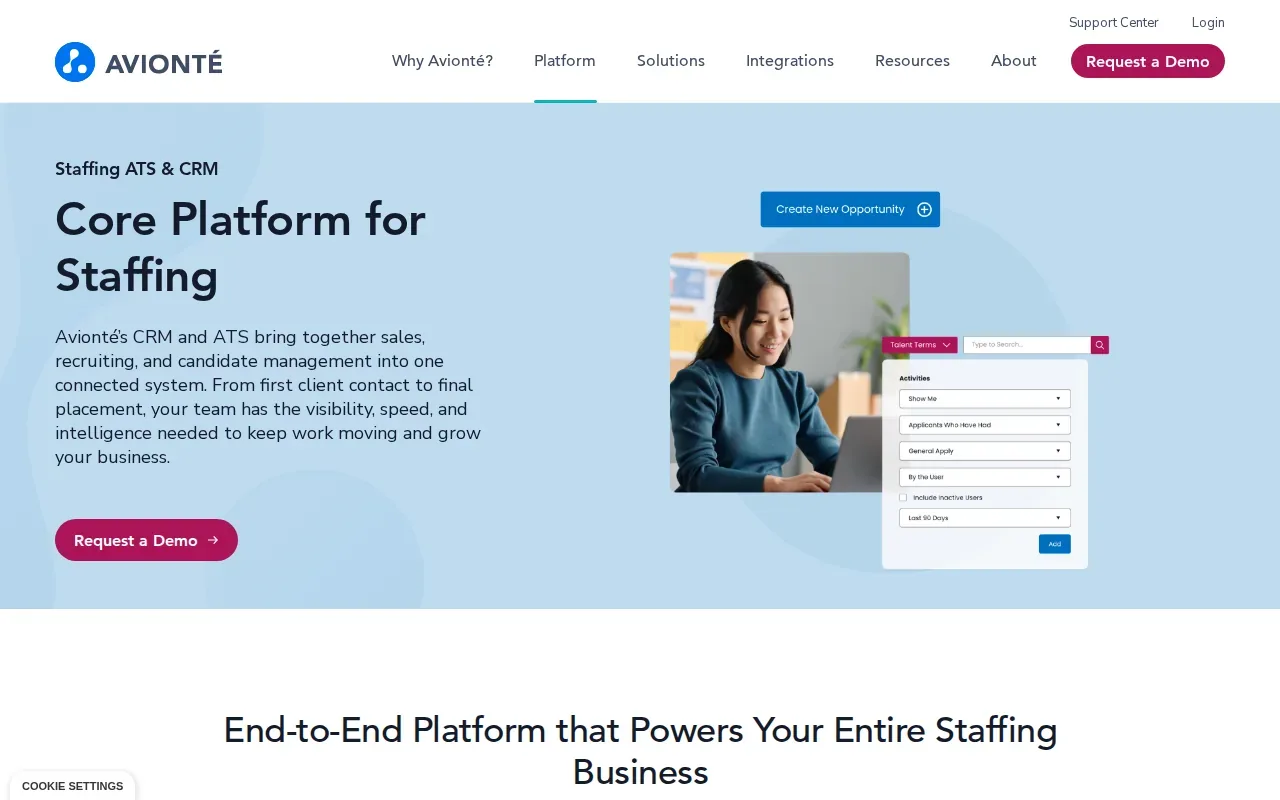
That full workflow can help when a placement moves quickly from a job order to onboarding, a shift, and payroll. A shared system can reduce duplicate entry between recruiting and back-office teams. It also gives managers a way to look at performance across the operation rather than relying on separate records.
Its core distinction is that payroll and billing are part of the product's design, not an extra workflow bolted onto a recruiting tool.
If your agency mostly places permanent hires, the full temp workflow may be more than you need. For high-volume temporary work, though, payroll and billing belong in the evaluation alongside recruiting features.
4. Crelate: Flexible recruiting CRM with portals and reporting
Crelate pairs an ATS and recruiting CRM with client portals, a job portal, and reporting. It is aimed at agencies that want configurable recruiting workflows and a way to share information with clients.
Client portals can give hiring teams a shared place to review submitted candidates. Reporting can help managers check whether open roles are moving and where recruiters may need support. Crelate also builds federal and state forms and location-specific compliance into onboarding.
Configuration is worth testing during a demo. Bring examples of the fields your team tracks, such as candidate availability or a role's must-have skills. Then ask how those details appear in a recruiter’s day-to-day view and in reports. This is more useful than judging a system by a feature list alone.
For background, an applicant tracking system is built to manage job applications and candidate progress. Crelate brings that function together with CRM features, portals, and reporting.
Crelate publishes prices for its first two tiers: Essentials at $85 per user per month, paid annually, and Business at $119 per user per month. Automation and sequences come with Business Plus, which has custom pricing, so check which workflows your team expects to automate and confirm the plan that includes them.
5. Recruiterflow: Recruiting and sales automation in one platform
Recruiterflow's Platform plan includes ATS and CRM, multichannel sequences, recruitment and sales automation, reports, and API access. It is a fit for agencies that want outreach and sales follow-up in the same system as recruiting work.
Sequences can support repeat follow-up across more than one channel. That can help a recruiter keep candidate conversations moving while the sales side tracks client prospects and job orders. The key is to make sure automated messages fit your team's actual voice and timing. Recruiters should review outreach before sending it.
Recruiterflow's no-add-ons policy may make plan comparisons easier. Still, compare the full cost against your current stack. Include per-user fees, any required integrations, and the staff time spent copying updates between systems. A low license price can be a poor fit if a team has to keep several disconnected tools running.
Recruiterflow also has custom AIRA plans for AI agents. If those agents are part of your evaluation, ask for a demo based on a task your recruiters handle often. Look at what the agent drafts or updates, then decide which actions need human review.
| Need on your desk | What to check in a demo | Recruiterflow detail |
|---|---|---|
| Candidate and client follow-up | Can you see the next action and review a sequence before it runs? | Multichannel sequences are included in the Platform plan. |
| Sales pipeline visibility | Can managers review reports alongside recruiting activity? | Reports are included in the Platform plan. |
| Connections to current systems | Can your team connect required tools through API access? | API access is included in the Platform plan. |
| AI help with routine work | Which actions can an agent take, and which need approval? | AI agents are part of a custom AIRA plan. |
For contract opportunity sourcing, add WiseMatcher
These five products focus on staffing and recruiting workflows. WiseMatcher handles a different task: it automatically sources US contract opportunities and matches them against consultants’ resumes. AI matching looks at role requirements, skills, and project experience, then gives your team shortlists with reasons for each match.
That makes it a useful complement when your recruiters already manage candidates in an ATS or CRM but spend too much time searching for suitable contract work. WiseMatcher finds and compares opportunities; your team reviews the matches, edits outreach drafts, and decides what to send.
WiseMatcher’s plans are based on the number of consultants and searches you manage. All plans include US contract sourcing and AI matching. Monthly prices are $24 for Solo, $139 for Professional, and $289 for Business.
How to compare staffing CRM platforms
Start with the work your team needs the software to support. A staffing agency CRM should help you track both client and candidate activity, not only store contact records. CRM tools are commonly used to manage a business's interactions with current and potential customers over time.
- Check the pipeline: Can recruiters see candidate stages and client job orders without switching between separate records?
- Review fields and activity: Can your team track the details it needs, then see email or meeting history alongside a contact?
- Test reporting: Can managers review placements, pipeline movement, and team activity in a useful way?
- Map integrations: List the email, calendar, ATS, job board, and other tools your staff uses. Confirm which connections matter most.
- Ask about automation: Check which plan includes sequences or workflow rules. Make sure your team can review messages before sending them.
- Estimate total cost: Compare license fees with integration charges and the time needed to maintain connected tools.
Also ask about data enrichment, mobile access, custom fields, and duplicate records if those are daily pain points. These needs matter only when they match your process. A mobile app, for instance, is more useful if recruiters capture contacts or update tasks while away from their desks.
For IT staffing, separate contact management from contract sourcing. The first keeps relationships and candidate stages organized. The second helps find new contract opportunities that fit people already on your bench. WiseMatcher focuses on that sourcing and matching task, so your team spends less time searching and more time on introductions.
FAQ
What is a staffing agency CRM?
A staffing agency CRM is software for managing relationships and activity across clients, candidates, and job orders. It can help recruiters keep notes and next steps tied to the right contact. Many agencies pair CRM functions with an ATS, which tracks applicants as they move through a specific role or placement process.
What is the difference between a staffing CRM and an ATS?
A staffing CRM focuses on ongoing relationships with clients and candidates, while an ATS tracks candidates through hiring or placement stages. Some products combine both functions. If your agency uses separate systems, check whether records and activity can move between them without repeated manual entry.
Which staffing CRM is best for temporary staffing?
Avionté is the fit in this shortlist for high-volume temporary staffing because its platform includes ATS, CRM, onboarding, payroll, and billing. Those functions cover more of the temporary staffing workflow than candidate tracking alone. Compare its scope with the way your teams handle placements and back-office work.
Can a CRM find contract jobs for consultants?
Some systems focus on managing candidate and client records, while contract opportunity sourcing is a separate task. WiseMatcher automatically searches US contract opportunities and matches them with consultants’ resumes, with reasons attached to the shortlist. Your team still reviews the fit and decides how to approach the client.
How much does staffing CRM software cost?
Costs depend on the product, plan, number of users, and connected tools. WiseMatcher lists monthly plans at $24, $139, and $289, based on consultants and searches managed. For other products, ask vendors to show the full cost for your team size and the workflows you plan to use.
Conclusion
Choose the platform that fits the work your team does every day: Bullhorn for larger firms that want front-to-back coverage, Avionté for high-volume temporary staffing, or another option above for its specific workflow. If contract sourcing is the gap, see how WiseMatcher matches US contract opportunities to your consultants’ resumes, with a reason for each match.