

Recruiting operations
Best Job Order Management Software for 2026
Compare the top job order management software for manufacturing, engineer-to-order, and repair teams. See features, pricing, and which tool fits your workflow.
Finding a system that keeps every work order, quote, and inventory line in sync can feel like hunting for a needle in a haystack. Below is a short list of the tools that actually deliver the workflow you need, plus a quick comparison to help you decide.
We’ve also added a note on how WiseMatcher can fill the staffing gap that most job‑order platforms ignore; staffing teams comparing options for sourcing, recruiting, client management, compliance, and back-office work can explore staffing agency software.
1. DELMIAWorks by Dassault Systèmes: ERP and MES depth for larger manufacturers
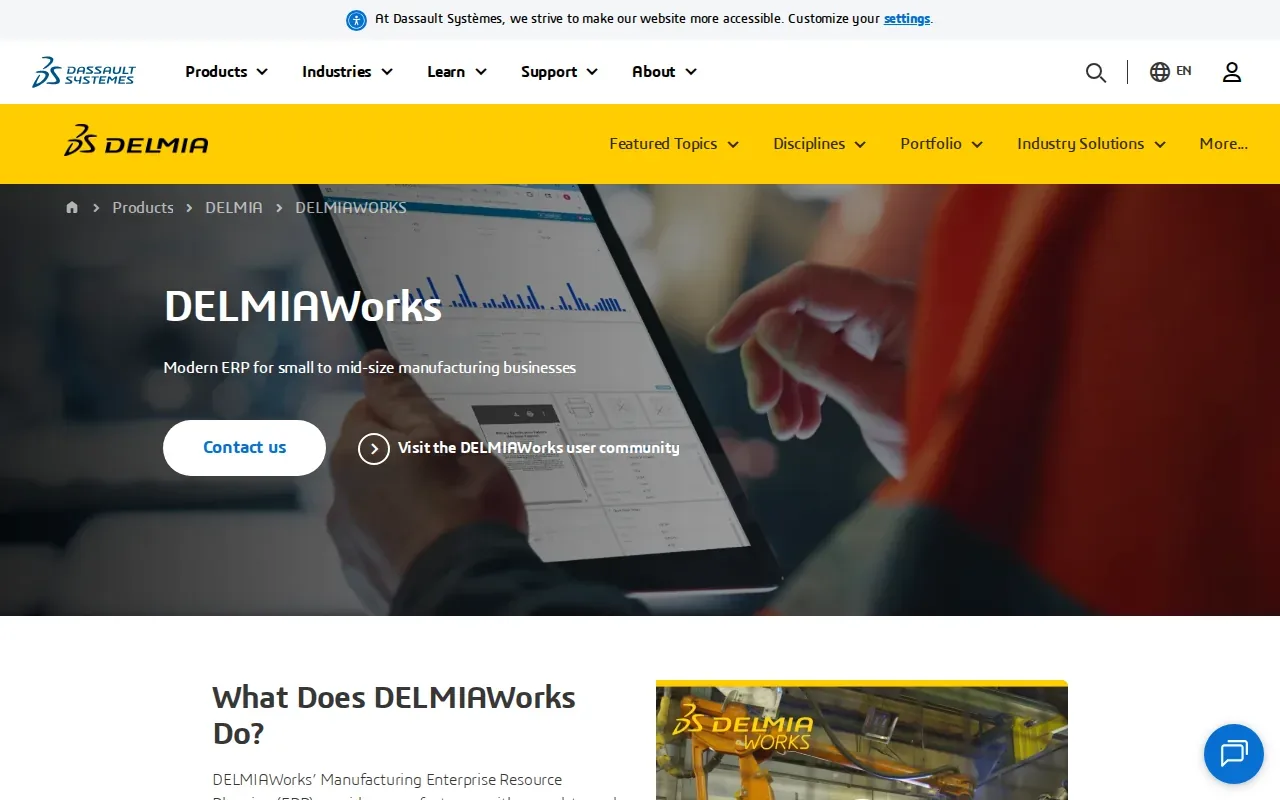
DELMIAWorks is an integrated ERP and MES platform built for mid‑market to enterprise manufacturers. It ties quoting, scheduling, shop‑floor execution, and financials into a single data set.
Best for: Companies that have outgrown standalone scheduling tools and need real‑time production monitoring.
The system supports complex routings and offers a live dashboard that shows order status, labor usage, and material consumption at a glance. That visibility helps managers catch a $400 labor overrun on day three instead of at invoice time.
Because it’s a full ERP, implementation can take several months and requires internal process mapping before go‑live.
2. ProShop ERP: Integrated ERP, MES, and QMS for quality‑driven job shops
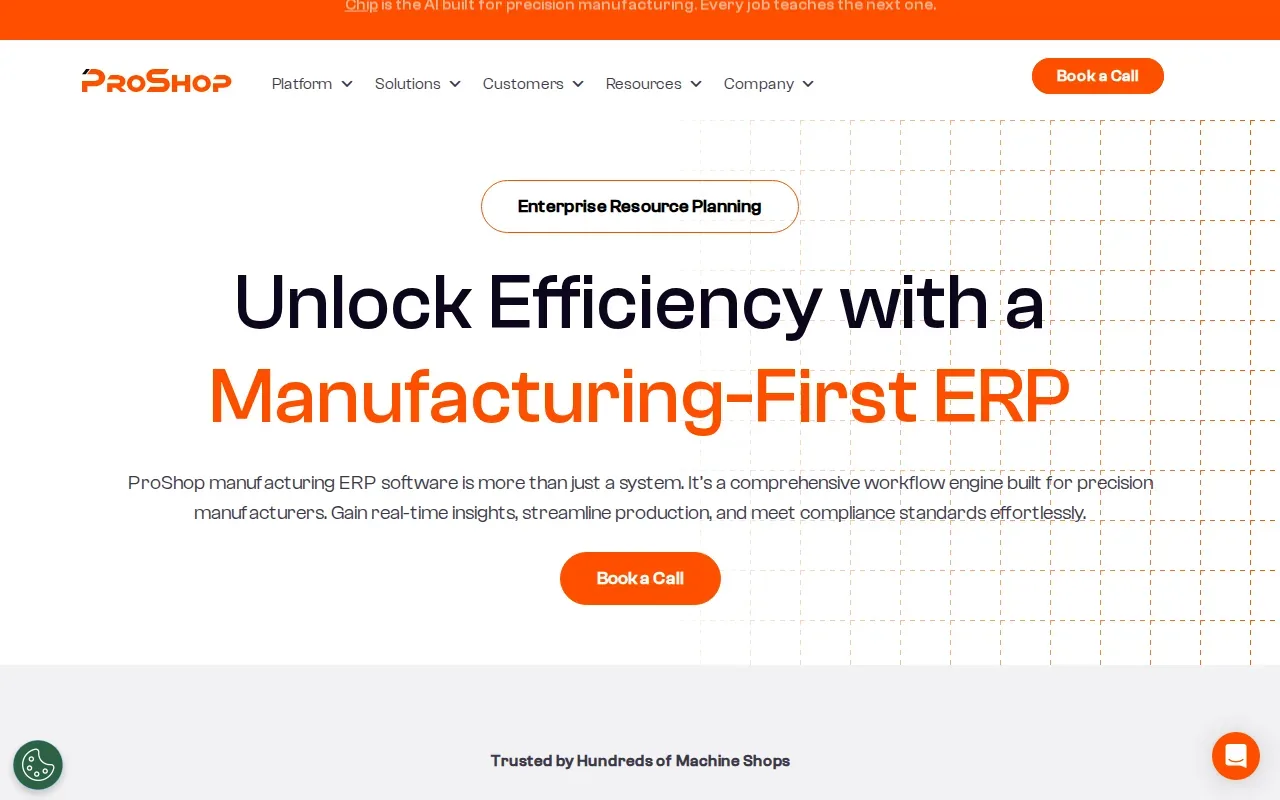
ProShop ERP blends ERP, MES, and QMS in a web‑based suite aimed at precision manufacturers.
Best for: Job shops that must track quality records, meet CMMC standards, and keep traceability for aerospace or defense contracts.
Its quoting engine reuses routing logic and historical cost data, which trims the time to generate a new estimate. The built‑in QMS lets you attach inspection checklists directly to a work order, so auditors can see every step without digging through paper.
Pricing is quote‑based, so you’ll need to contact sales for a quote that matches your user count.
3. Jobber
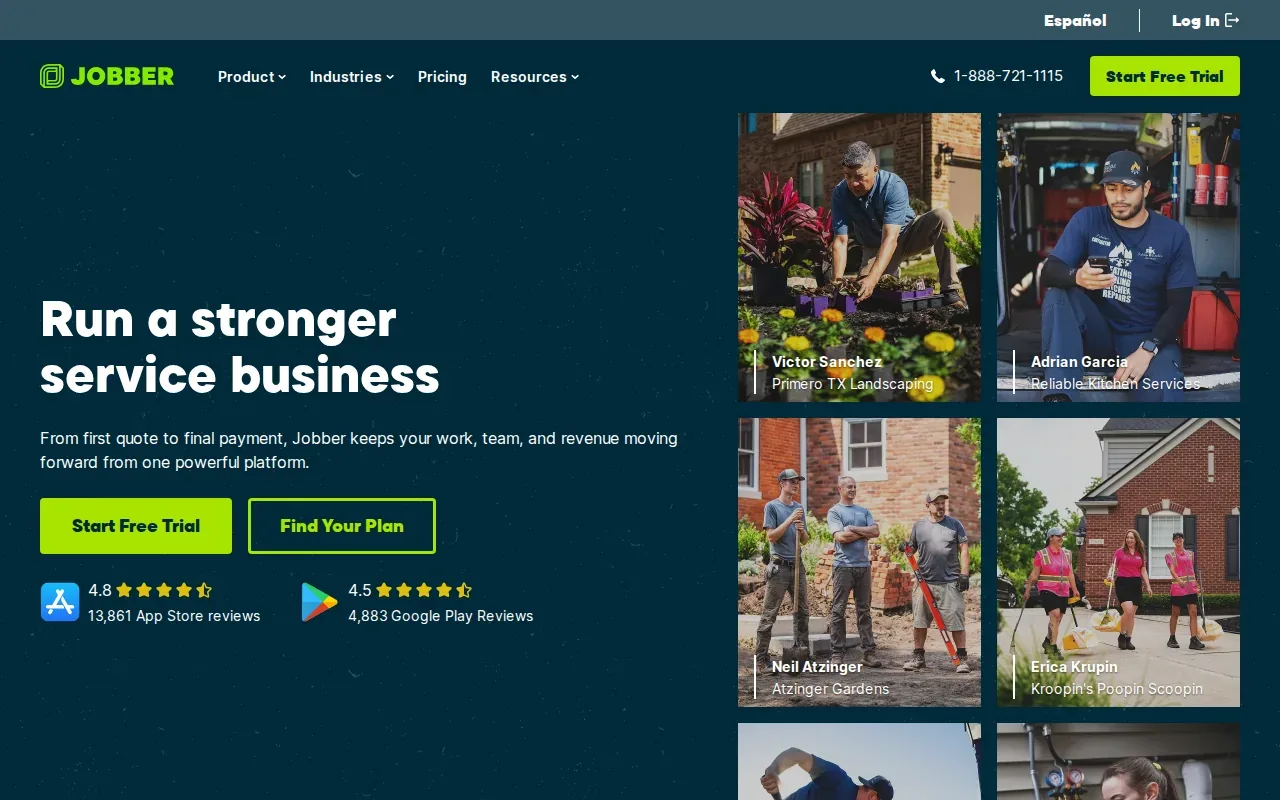
Jobber is built for home‑service businesses that need to move a job from quote to payment without juggling separate apps.
Best for: Service teams that rely on mobile scheduling, client communication, and invoicing on the same device.
The all‑in‑one mobile app lets a technician accept a new job, capture photos, send updates, and invoice the client, all from the field. That reduces back‑office effort and keeps the customer loop tight.
A limitation is that it focuses on service work; manufacturers looking for deep inventory control will outgrow it quickly.
4. MRPeasy: Cloud MRP for small manufacturers moving beyond spreadsheets
MRPeasy offers cloud‑based MRP, inventory, and production planning without a heavy rollout.
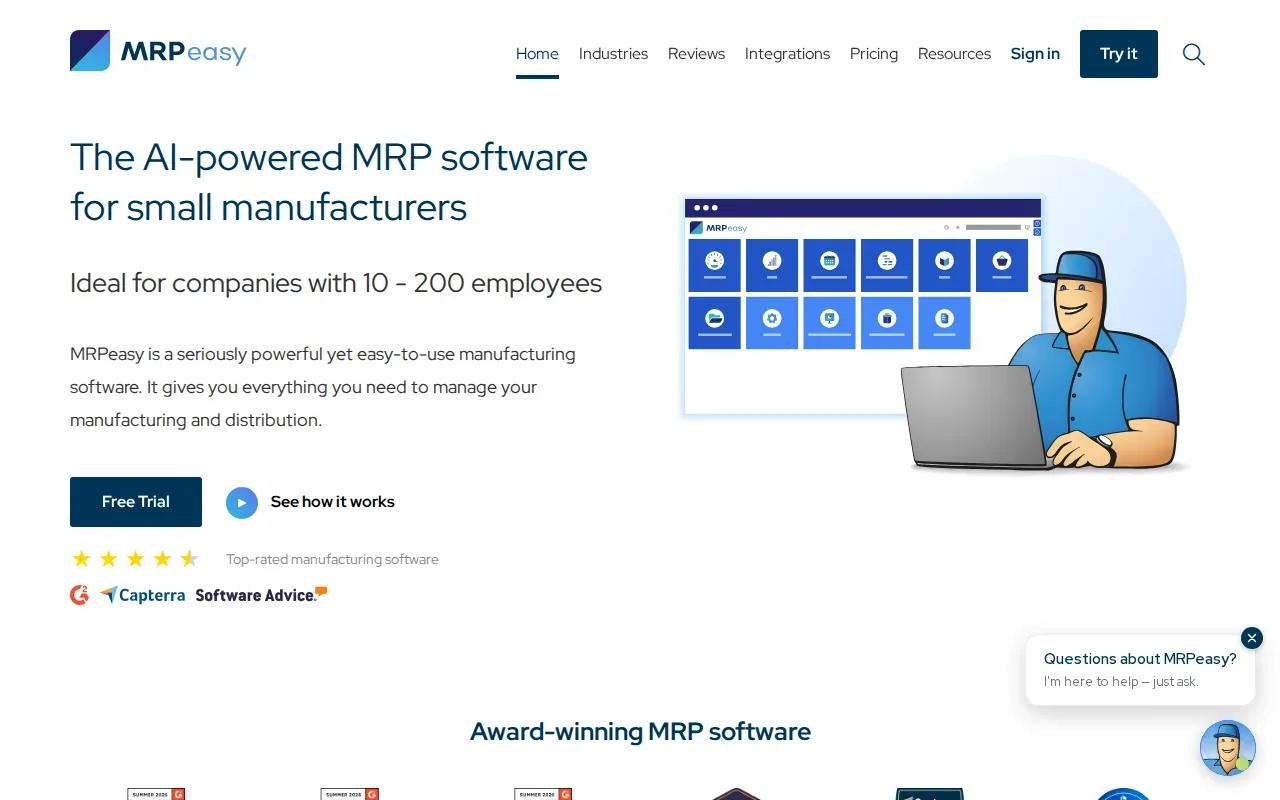
Best for: Small shops under 50 employees that want to replace spreadsheets with a single system.
The platform lets you generate a detailed production plan in a few clicks, then automatically creates purchase orders for needed parts. Users report that they can see real‑time stock levels and avoid both shortages and excess.
Because it’s cloud‑hosted, you can start with a free trial and scale as you add more users.
5. Orderry: Work order control for repair and service shops
Orderry turns each repair request into a digital work order that tracks the entire lifecycle.
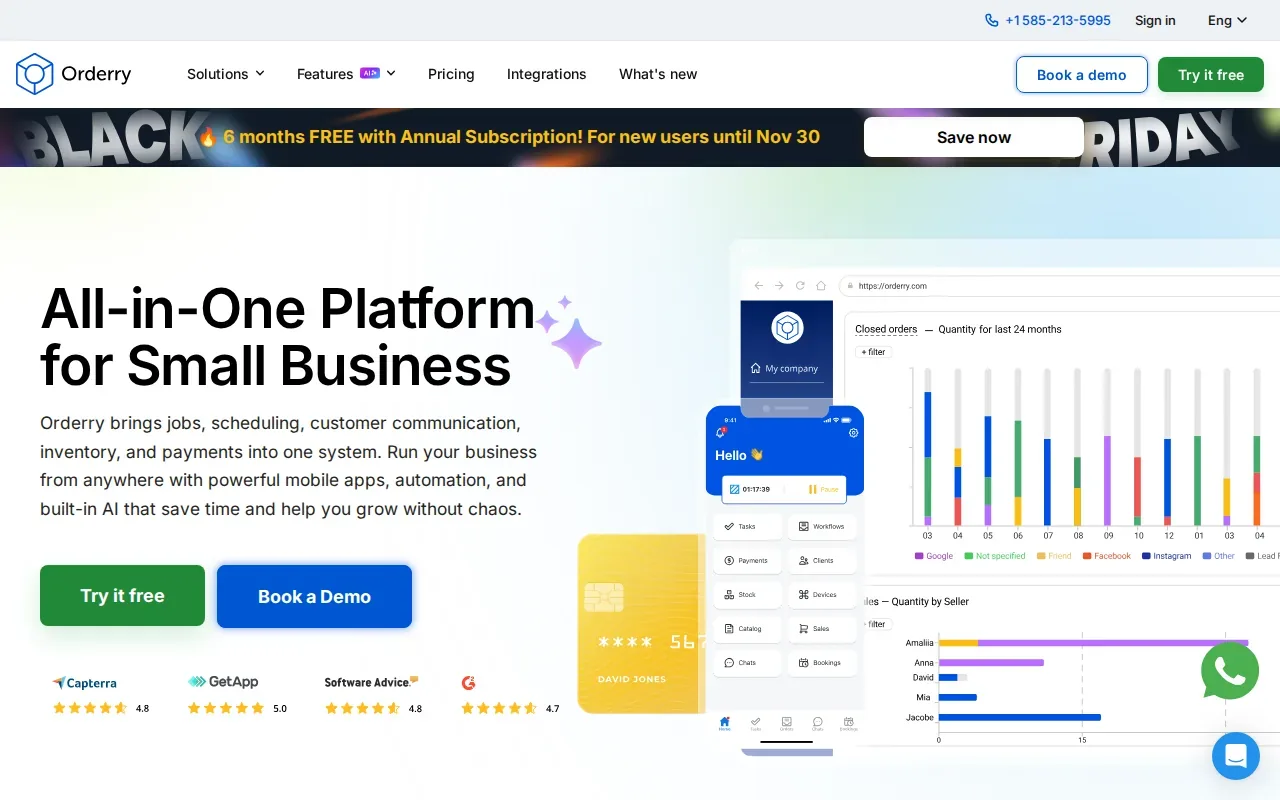
Best for: Repair shops that need clear job visibility, customer updates, and integrated invoicing.
The system groups bookings, parts, photos, and notes in one record, so a technician can update status from a mobile app while the desk sees real‑time progress. Integration with QuickBooks and Xero cuts double‑entry work.
One caveat is that the mobile app can feel cluttered at first, so teams should spend a day on onboarding.
Job Order Management Software Compared
Below is a quick side‑by‑side view of the five tools. The criteria focus on what matters most for job‑shop operations.
| Tool | Best For | Key Differentiator | Typical User Size |
|---|---|---|---|
| DELMIAWorks | Mid‑size to large manufacturers | Full ERP + MES with real‑time monitoring | 200+ employees |
| ProShop ERP | Quality‑driven job shops | Integrated QMS and CMMC features | 50‑200 employees |
| Jobber | Home‑service teams | All‑in‑one mobile app | 1‑30 technicians |
| MRPeasy | Small manufacturers | Cloud MRP with fast time‑to‑value | Under 50 employees |
| Orderry | Repair & service shops | AI transcription & sentiment tools | 1‑40 technicians |
Frequently Asked Questions
What is job order management software?
Job order management software tracks a work order from quote through production, delivery, and invoicing. It gives a single source of truth for scheduling, inventory, and labor.
Do I need a full ERP for a small shop?
Not always. Small shops often start with a cloud MRP like MRPeasy, which provides planning and inventory without the overhead of a full ERP.
Can I use the same tool for manufacturing and field service?
Usually not. Manufacturing tools focus on material planning and shop‑floor execution, while field‑service apps like Jobber prioritize mobile scheduling and client communication.
Is AI really useful in job order software?
Most job‑order platforms still lack AI‑driven matching. The only real AI feature we see is Orderry’s transcription and sentiment analysis, which helps automate note‑taking.
How do I evaluate integration options?
Check whether the software offers open APIs or native connectors to your accounting, CRM, or IoT systems. Open APIs give you flexibility to build custom flows.
Conclusion
If you need a strong ERP‑MES combo, DELMIAWorks leads the pack. For quality‑centric shops, ProShop ERP is a close second. Small manufacturers should start with MRPeasy, while service‑focused teams may prefer Jobber or Orderry.
Ready to close the staffing gap that these tools ignore? WiseMatcher.