

Staffing software
Best Candidate Tracking Software: 10 Top ATS
Candidate Tracking Software: compare 10 options, including Greenhouse, Workable, Ashby, Lever, Journeyfront, Recruiterflow, Tracker, BambooHR and Factorial.
Candidate tracking software can organize applicants, but staffing firms often have another daily task: finding contract roles for consultants already on the bench. WiseMatcher is built for that contract-sourcing workflow, while the ten ATS options below focus on hiring pipelines.
Use this shortlist to compare the kind of work each tool handles. If your priority is finding U.S. contract opportunities and matching them to existing consultant resumes, start with WiseMatcher’s contract sourcing platform.
1. Greenhouse: Structured hiring for recruiting teams
Greenhouse is an applicant tracking system for managing sourcing, interviews, candidate pipelines, and onboarding handoffs. It’s best suited to recruiting teams and talent acquisition specialists who want a consistent process across roles.
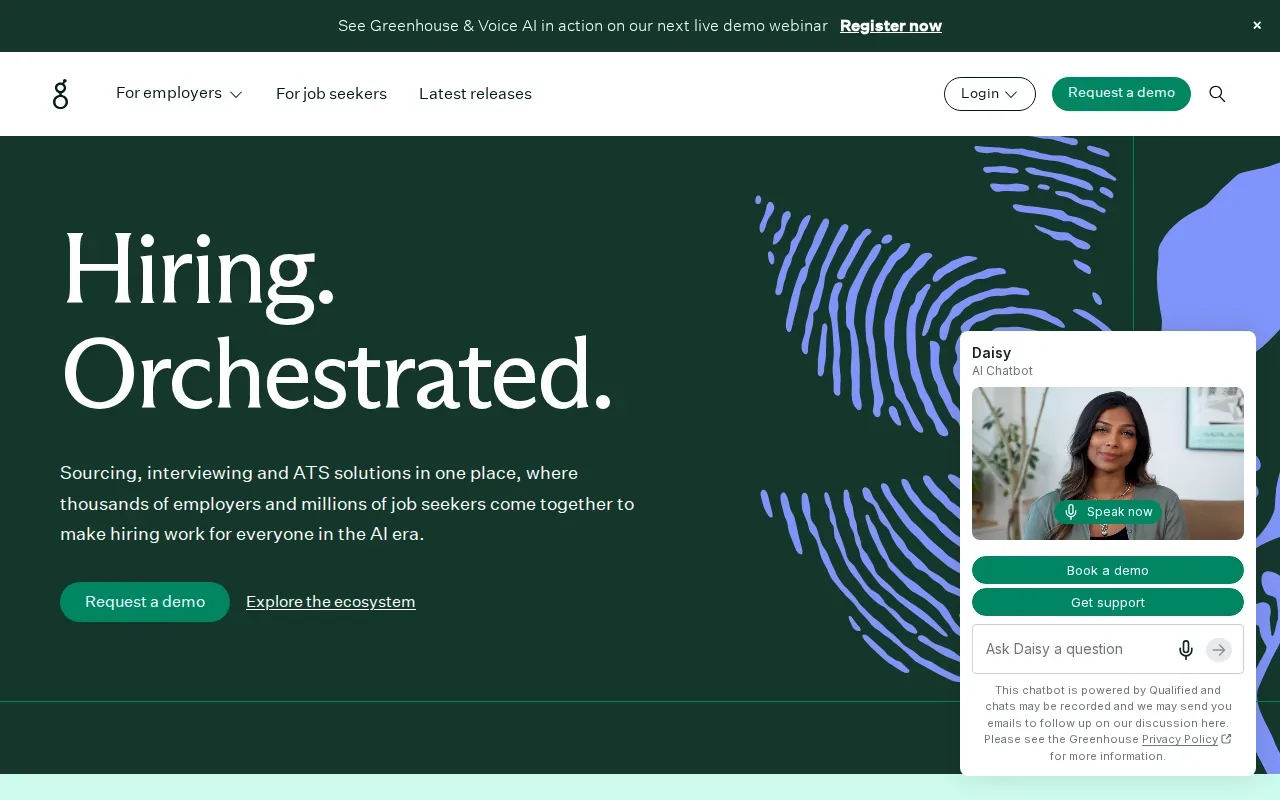
Structured interview kits and scorecards give interviewers shared criteria to use when they review candidates. Greenhouse also has AI-assisted candidate matching, interview scheduling suggestions, and tools that record and summarize interviews. The team still makes the hiring decisions, but the software can help put relevant candidate information in front of reviewers sooner.
Reporting can help a talent team spot a stalled stage or review funnel activity. Greenhouse says its ATS includes more than 40 pre-built reports and dashboards, along with custom reporting and data export. It also connects with meeting tools such as Zoom, Google Meet, and Microsoft Teams, which can keep interview coordination close to the hiring workflow.
Greenhouse makes sense when consistency across interviewers matters as much as moving candidates through stages. It’s an in-house hiring system, though, rather than a tool for sourcing contract assignments for consultants already in a staffing firm’s talent pool.
2. Workable: A usable fit for small and midsize businesses
Workable is an applicant tracking system for HR teams and recruiters who want to manage candidate pipelines and reduce repetitive hiring work. It’s a fit for small and midsize businesses that need a hiring workflow without building one from scratch.
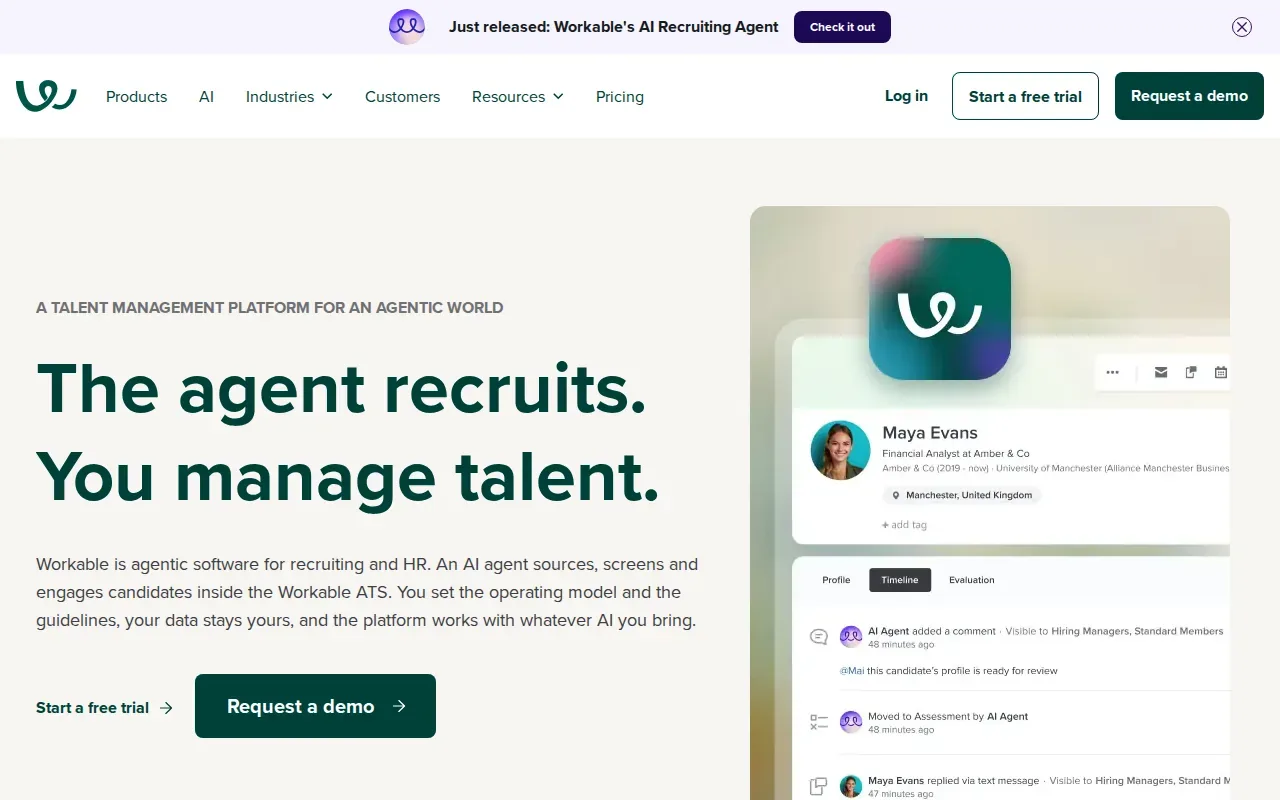
One of its distinct strengths is a no-code careers page builder. A team can use it to publish a branded careers page without relying on a developer for each change. That can help when a growing business needs to post jobs quickly and keep its application path tied to its own hiring process.
Workable lists integrations with LinkedIn and Indeed for recruiting, plus tools such as ADP Workforce Now, Xero, Slack, Google Workspace, Microsoft 365, Zoom, and DocuSign. That mix can matter when recruiters need candidate records to work alongside calendars, communication tools, or HR and payroll systems.
For example, a small HR team could use the careers page to collect applicants, then track each person through its interview stages. Before choosing it, map the hiring steps your team repeats most often. A good fit should cut admin work without adding a second process your team has to maintain.
Workable is focused on hiring people for open roles. If your recruiters place existing consultants into contract opportunities, that’s a different workflow from tracking applicants for a company’s own positions.
3. Ashby: Recruiting, CRM, scheduling, and analytics in one platform
Ashby combines an ATS with a candidate CRM, interview scheduling, and analytics. It’s aimed at talent acquisition teams at high-growth tech companies that want recruiting activity and reporting in one system.
Bringing those functions together can reduce the need to switch among separate recruiting tools. The CRM supports relationships with potential candidates, while the ATS tracks people who apply to roles. Scheduling and analytics sit alongside those records, so teams can review pipeline activity and interview progress within the same recruiting setup.
Ashby’s integrations include Google Workspace, Microsoft 365, Workday, LinkedIn, Indeed, Google Jobs, Slack, and Zapier. Its AI-generated report interpretations are another point of difference: they put plain-language insights on top of recruiting data, which can help a team explain what a chart means to hiring leaders.
That reporting focus may suit a company that needs to track hiring plans or share regular updates with stakeholders. Ask which metrics are available for the decisions your team makes, then check how the system defines each one. A dashboard is useful when it answers a real question, such as where candidates are pausing in the process.
Ashby is built around recruiting and hiring. It doesn’t replace the separate task of finding open-market contract work for consultants already available for placement.
4. Lever: ATS and recruitment CRM for growth-stage teams
Lever brings applicant tracking and recruitment CRM features together in one platform. It’s a match for mid-sized to enterprise technology and growth-stage companies that need to manage applicants while keeping track of candidate relationships.
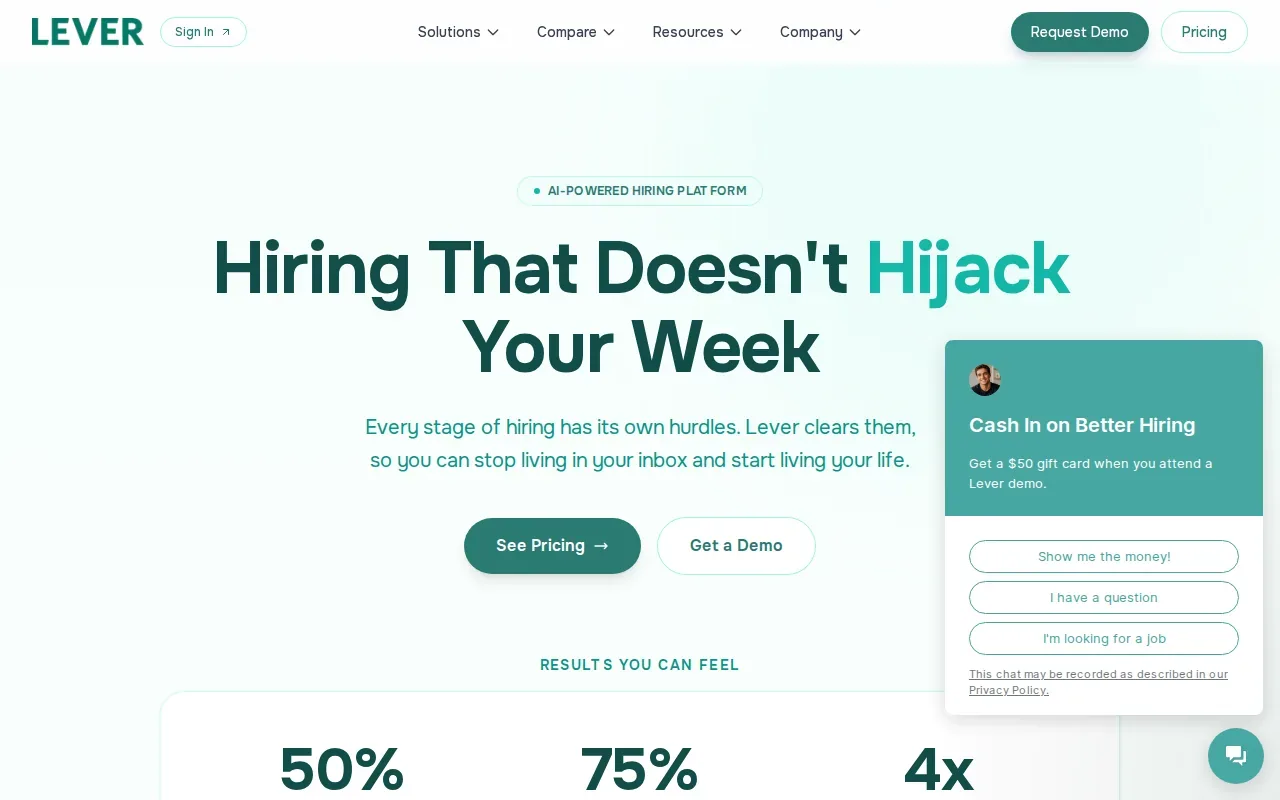
The combined ATS and CRM approach helps recruiters keep a record of both active applicants and people they may want to contact later. That distinction can be useful when a hiring team revisits past candidates for a new role rather than starting every search with a fresh pool.
Lever’s integrations include Zoom, ADP, Google Meet, and DocuSign. For a team assessing its stack, check how recruiting data moves into the tools used for interviews and HR administration. The right connection should support a defined handoff, not simply add another logo to an integration list.
Candidate records also need clear ownership. Before rollout, agree on who updates stages, logs feedback, and follows up with people in the CRM. A shared system only helps when recruiters and hiring managers use it in the same way.
Lever’s combined tracking and relationship-management model is relevant to in-house recruiting. It isn’t the same as a staffing agency CRM that centers on clients, job orders, and placements. If your agency is weighing that distinction, this staffing agency CRM software comparison covers a related buying decision.
5. Journeyfront: Automated ranking for high-volume applicant pipelines
Journeyfront combines job board broadcasting, automated candidate ranking, and structured interview tools. It’s best for recruiting teams with large, ongoing applicant volumes, including teams hiring in BPO settings.
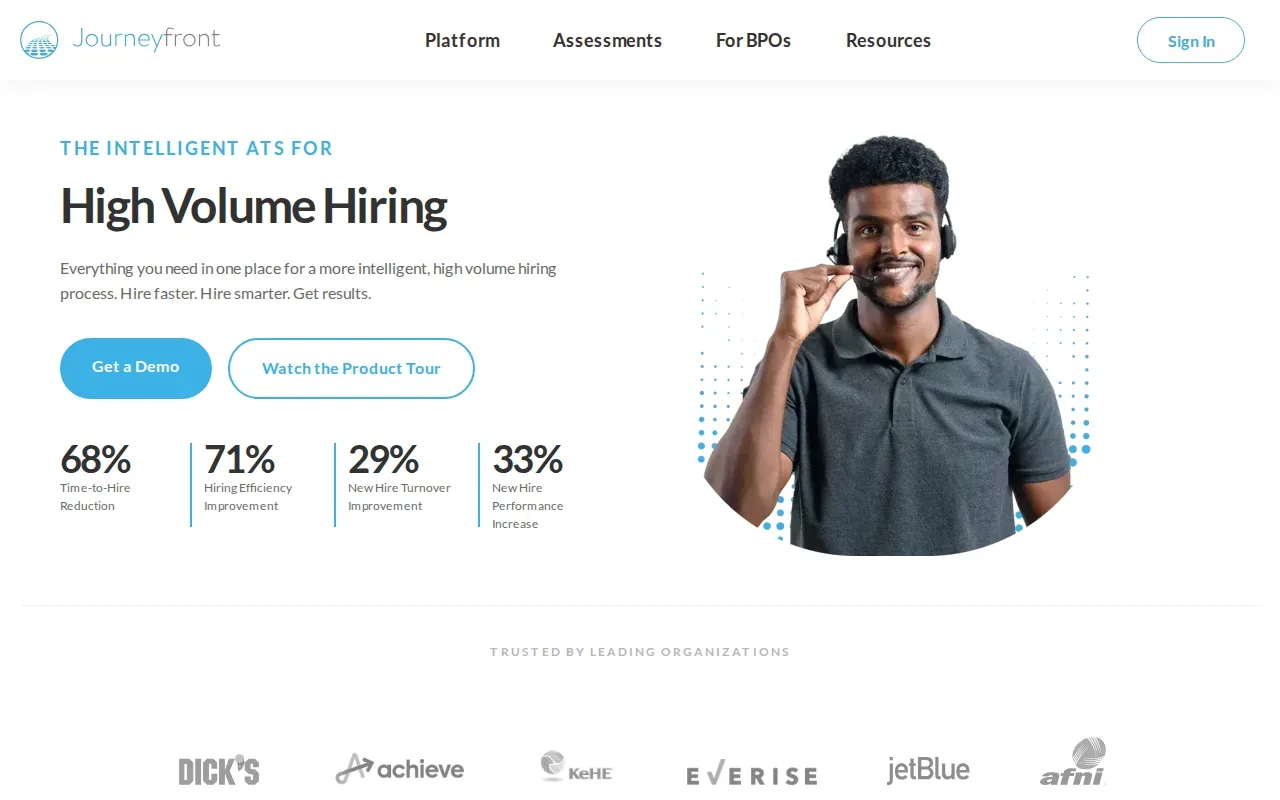
Its job board broadcasting can send openings to more than 200 boards at once. That can help a team that needs a wide reach for recurring roles, rather than posting each opening one channel at a time. Automated ranking then helps sort incoming applicants so recruiters can focus review time on people who appear to fit the role criteria.
Structured interview tools can give interviewers a shared way to assess applicants after the initial screen. That matters when many people take part in hiring across a high-volume pipeline. Teams should still review how rankings are produced and decide what evidence they need before moving someone forward.
Journeyfront lists integrations with Facebook, Instagram, TikTok, Lever, iCIMS, Greenhouse, Workday, and SmartRecruiters. Its role in the workflow is clear: attract applicants to open jobs, then help the hiring team process a large candidate pool.
For IT staffing teams, applicant ranking and contract sourcing solve different problems. Journeyfront helps sort people who applied to a job. It isn’t described here as a tool that searches the open market for contract roles and matches them to consultants on a staffing firm’s bench.
6. Recruiterflow: Relationship-driven recruiting for search firms
Recruiterflow is built for executive search firms and agencies that manage relationship-driven hiring. It’s best suited to executive recruiters and agency principals at boutique or midsize search firms.
Its strength is pipeline management for search work, paired with automated email sequences. Recruiters can use sequences to keep outreach moving, while the pipeline helps them track the progress of a search and maintain context around candidate relationships.
Recruiterflow also describes CRM features for managing client relationships and business opportunities. That can be useful when the same team handles candidate outreach and client development. Automated tasks and follow-ups can reduce manual record updates, leaving recruiters more time for conversations that need their judgment.
Its integrations include Aircall, DocuSign, Glassdoor, Google Workspace, Indeed, and Hireflix. Check which tools your team relies on each day and test a sample workflow during evaluation. For instance, confirm where an email or interview update appears in the candidate record, and who on the team can see it.
Recruiterflow is aimed at search firms and agencies, not only internal corporate recruiting teams. Still, its core use case is managing recruitment relationships and searches. If your main challenge is finding contract openings for consultants who are already available, verify that your chosen system supports that specific sourcing task.
7. Tracker: Candidate, client, and job-order management for staffing
Tracker is a recruitment platform for staffing agencies and talent acquisition teams. It’s best suited to recruiting firms that want to manage candidates, clients, and job orders in one system.
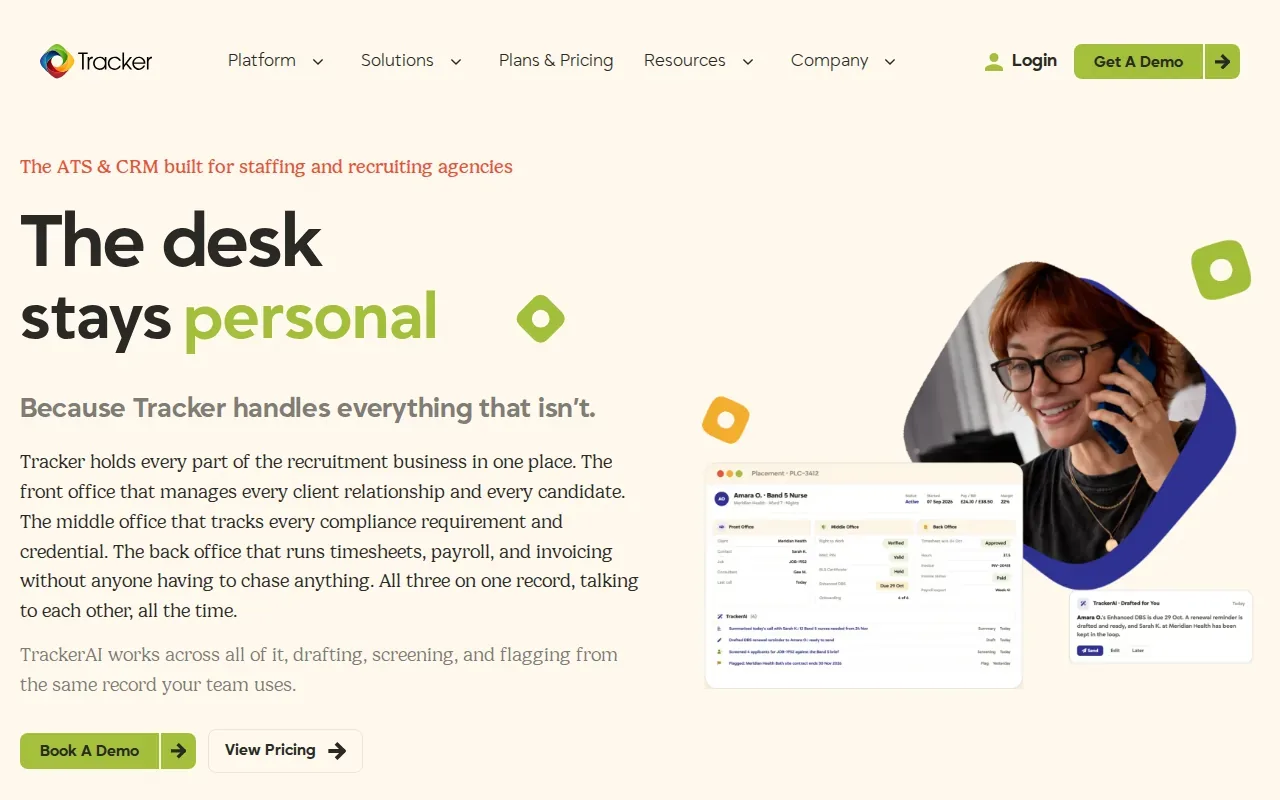
Tracker’s distinguishing feature is CRM functionality built into the same system. For an agency, that can keep client details and candidate records close to the jobs they relate to. Recruiters can use that shared view to follow a job order from intake through candidate activity, rather than keeping each part in a separate record set.
Its integrations include Broadbean, LogicMelon, Indeed, Monster, Facebook, LinkedIn, Office365, Gmail, and Textkernel. When comparing integrations, ask what data passes between systems and whether the connection supports your current recruiting steps. A posting connection, for example, serves a different need than a resume-processing connection.
Tracker’s focus on candidate, client, and job-order management makes it a closer fit for agency operations than a basic in-house ATS. It still differs from contract sourcing tools that find U.S. opportunities from the open market and match them with resumes in an existing consultant pool.
Choose Tracker when keeping agency relationships and job orders connected is a central need. If you also need contract discovery, assess that workflow separately instead of assuming every staffing platform covers it.
8. BambooHR: HR platform with built-in applicant tracking
BambooHR is an HR platform with a built-in applicant tracking system. It’s best for small and midsize businesses that want hiring tools alongside broader people operations.
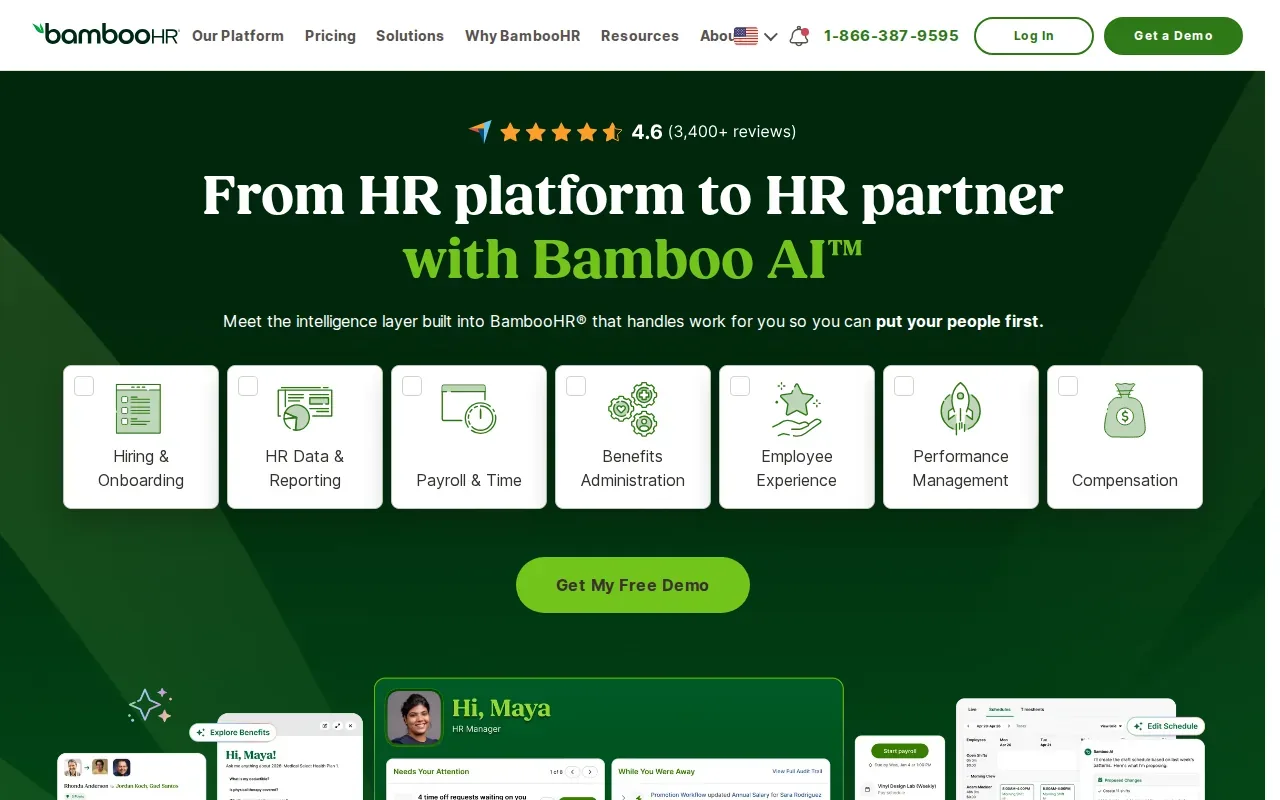
The ATS supports job posting, candidate communication, interview scheduling, and hiring reports. BambooHR says its system can post to job boards and social networks, while its Candidate Sources Report shows where applicants came from. Its Candidate Funnel report can help teams look for stages where candidates slow down or leave the process.
Offer-letter templates can fill in candidate and role details, then send the document for e-signature. That can make the offer handoff easier to manage when a business hires for different positions or job types. The system also supports onboarding handoffs, keeping candidate information connected to employee records after a hire.
BambooHR lists more than 150 integrations. Examples include Deel, Papaya Global, Oyster, Lattice, 15Five, Engagedly, BreezyHR, and JazzHR. Its hiring app also lets people involved in hiring review new applicants and communicate with candidates from a phone.
This option is strongest when applicant tracking needs to sit within an HR system. An agency that mainly places consultants into client contract roles should check whether that built-in hiring workflow matches its business process.
9. Factorial: Applicant tracking within broader people operations
Factorial is an AI-powered HR platform that combines applicant tracking with broader people operations tools. It’s best for small and midsize businesses that want recruiting and HR tasks within one platform.
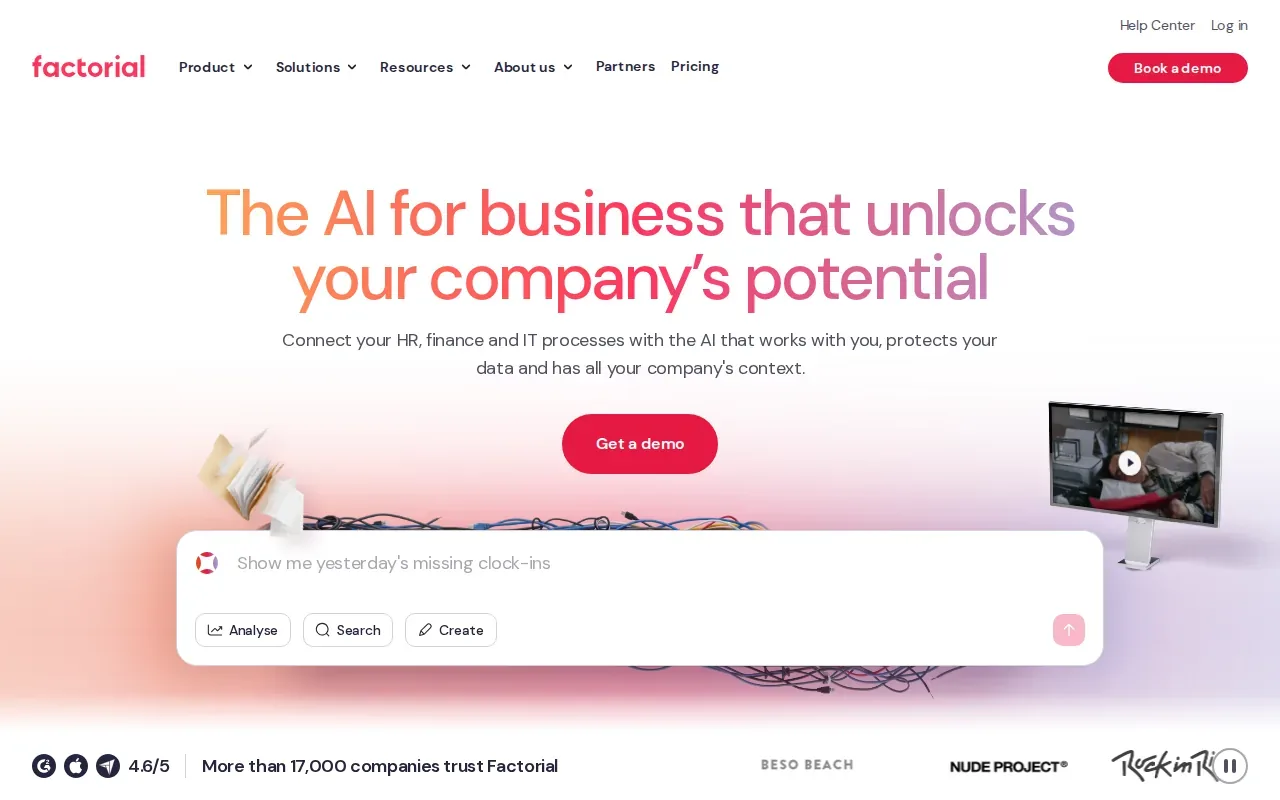
Its AI can help generate job descriptions, parse and summarize CVs, and recommend candidates. In a hiring workflow, that can help a recruiter move from drafting an opening to reviewing applications. The team should still check the generated text and candidate suggestions against the role’s actual requirements.
Factorial lists integrations with LinkedIn, Recruitee, Google Workspace, Slack, Microsoft Azure, a public API, and Zapier. Those connections may help a business fit recruiting into its existing HR setup. During a demo, follow one application from submission through review and ask what information is saved at each stage.
Because Factorial combines hiring with people operations, it may appeal to a smaller HR team that prefers fewer separate systems. But broader HR functions don’t automatically mean a tool can source open-market contract opportunities for an IT staffing firm’s bench.
Keep the buying question specific: do you need to hire employees for your own organization, or do you need relevant contract opportunities for consultants you already represent? The answer points toward a different type of software.
10. Deel HR: Applicant tracking for international hiring teams
Deel HR supports global businesses and talent teams that need applicant tracking for international hiring. It’s best for midsize to enterprise companies hiring across multiple countries.
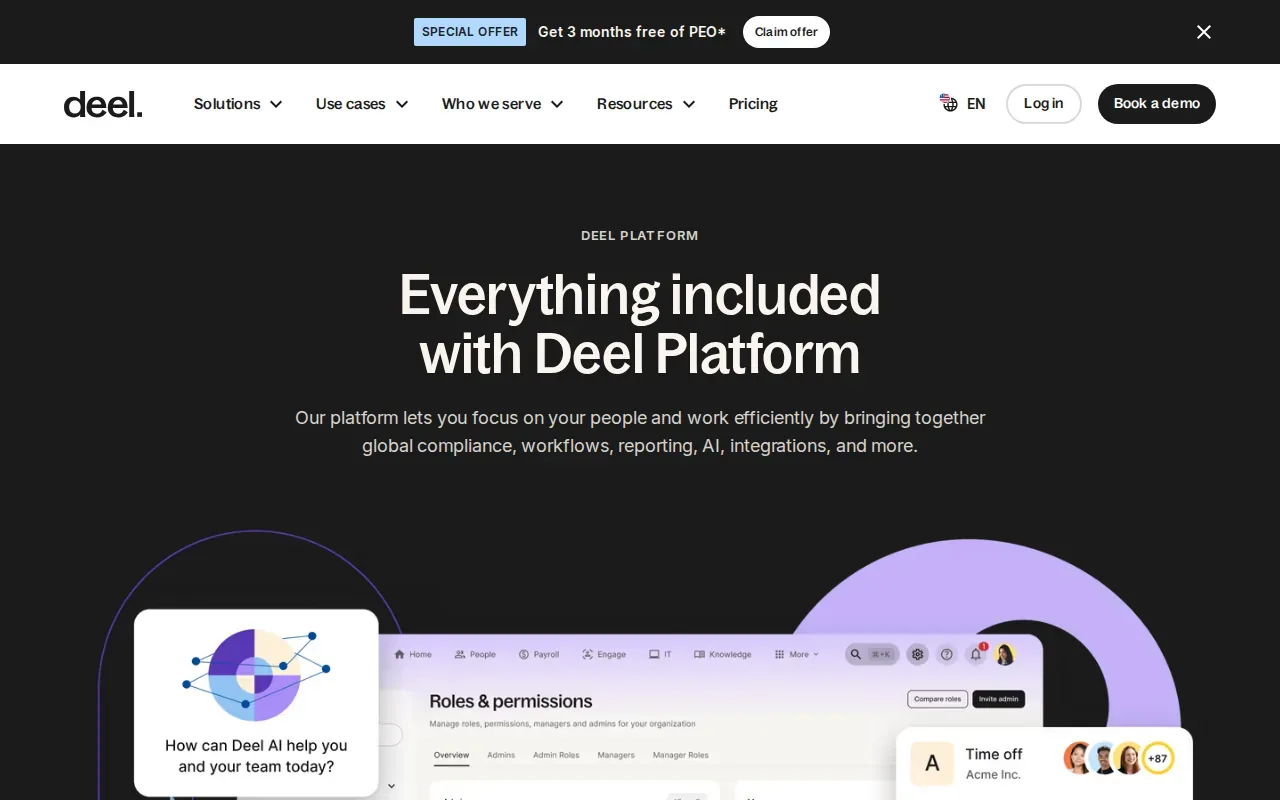
Its distinct strength is immigration support within the hiring flow, including one-click visa renewals. That can be relevant when hiring involves immigration tasks as part of a candidate’s path into a role. Teams should map those steps before a demo so they can see where the system fits into their own hiring process.
Deel HR lists integrations with FaceUp, Snowflake, DefensX, Microsoft Finance, Kintsugi, ReFresh OS, Revo.ai, Keeper, Human Interest, and Everyminute. Check which of those connections match your current systems, and which data your team needs to move between them. An integration count alone won’t tell you whether a key handoff is supported.
Deel HR is aimed at hiring across borders. That makes it a different fit from an ATS focused on one company’s applicant pipeline, and a different workflow again from contract sourcing for U.S. staffing firms.
If your team hires across countries, assess the international hiring steps alongside everyday applicant tracking. If the job is to place U.S.-based IT consultants into contract roles, focus on software that addresses that sourcing and matching work directly.
Candidate tracking software comparison table and buyer checklist
The right choice depends on the work your team needs the software to organize. An ATS usually tracks applicants through a company’s hiring stages. A broader HR platform can add employee records or other people operations. Staffing agencies may also need CRM and job-order management, while contract sourcing is a separate need: finding open roles and matching them to existing consultants.
| Option | Best fit | Core buying distinction | Check during evaluation |
|---|---|---|---|
| Greenhouse | Structured in-house recruiting | Interview kits, scorecards, matching, and reporting | How scorecards and pipeline reports fit your process |
| Workable | Small and midsize businesses | No-code branded careers page | Whether its hiring steps match your team’s routine |
| Ashby | High-growth tech talent teams | ATS, CRM, scheduling, and analytics together | Which recruiting metrics leaders need to see |
| Lever | Growth-stage and larger companies | Applicant tracking with recruitment CRM | How candidate relationships stay connected to open roles |
| Journeyfront | High-volume recruiting | Job board broadcasting and automated ranking | How ranking fits with human review and interview stages |
| Recruiterflow | Executive search firms and agencies | Relationship-based pipeline management and email sequences | How outreach and client records fit your search workflow |
| Tracker | Staffing agencies and recruiting firms | Candidate, client, and job-order management in one system | Which integrations support your posting and resume steps |
| BambooHR | Small and midsize businesses | Applicant tracking inside an HR platform | How offers and employee-record handoffs work |
| Factorial | Small and midsize businesses | Recruiting within broader people operations | How AI-generated job text and candidate suggestions are checked |
| Deel HR | International hiring teams | Applicant tracking with immigration support | How hiring steps vary across the countries in scope |
Buyer checklist for staffing and hiring teams
- Name the workflow. Are you hiring employees for your company, managing agency searches, or placing existing consultants into contracts? Don’t treat those as the same job.
- Trace one record end to end. Follow an applicant or consultant from first contact through the next handoff. Note who updates the record and where the next action appears.
- Test the features that affect daily work. Try posting a job, reviewing a resume, scheduling an interview, or matching a consultant to an opportunity, based on your actual need.
- Review AI with human judgment in view. Ask what information informs a match or ranking, how a recruiter can review the reasons, and who makes the final decision.
- Check data handling and access. Identify which roles can see candidate information and how your team will manage permissions. Treat security and data retention as part of the purchase, not a setup detail.
- Estimate the full cost of ownership. Include subscription fees, onboarding, integrations, and staff time for rollout. Ask which features are included in the plan you’d buy.
- Plan adoption before launch. Name a process owner, agree on stage definitions, and set a date to review usage. Start with one team or workflow if a broad launch would create too much change at once.
For WiseMatcher, the workflow is specific: it automatically sources U.S. contract opportunities and matches them to existing consultant resumes. Its AI matching uses requirements, skills, and project experience to produce shortlists with reasons. Recruiters review those matches, edit outreach drafts, and decide what to send.
WiseMatcher has a seven-day free trial for eligible new customers. A card is required, and the selected paid plan starts automatically after the trial unless canceled. The listed monthly plans are Solo at $24, Professional at $139, and Business at $289; plans differ by the number of consultants and searches managed. The service is for U.S. contract sourcing.
If you’re comparing agency systems alongside this shortlist, this overview of bench sales software for IT staffing can help you frame the sourcing and placement side of the decision.
Frequently asked questions about candidate tracking software
What is candidate tracking software?
Candidate tracking software is a system for collecting and managing applicant information through a hiring process. An ATS commonly stores applications, tracks stages, and helps a team coordinate interviews and decisions. Some tools also add a recruiting CRM, analytics, or HR functions. For staffing firms, tracking applicants is different from sourcing contract roles for consultants already in a talent pool.
What’s the difference between an ATS and an HRIS?
An ATS focuses on recruiting and applicants, while an HRIS supports broader employee and HR operations. Some products combine the two, as BambooHR and Factorial do in different ways. Look at the tasks your team needs to complete after hiring. If you need employee records or onboarding alongside recruitment, a broader HR platform may fit better.
How do I choose the right ATS for a small business?
Choose a system that supports the hiring steps your team uses now and can handle the next stage of growth. Check how it creates job posts, tracks applicants, coordinates interviews, and reports on pipeline activity. Also review integration needs, onboarding effort, and full costs. A short demo using a sample role can reveal more than a long feature list.
Can AI in an ATS make hiring decisions?
AI can assist with tasks such as matching, ranking, resume summaries, or report interpretation, depending on the tool. Your team should understand what information informs those outputs and how to review them. Keep a person responsible for evaluating candidates and making decisions. Ask vendors to show the reasons behind a recommendation, not only a score.
Is an ATS the same as contract sourcing software?
No. An ATS tracks applicants for roles a company is trying to fill. Contract sourcing software finds open contract opportunities and can match them to consultants already represented by a staffing or consulting firm. WiseMatcher is designed for the latter workflow: its users review suggested matches and outreach drafts before deciding what to send.
Conclusion
For in-house hiring, choose the ATS that fits your team’s process and reporting needs. For U.S. IT staffing teams looking for contract opportunities for existing consultants, WiseMatcher is the better fit for that specific task. Review the plan sizes, then start the seven-day free trial if the sourcing workflow matches your team’s needs.