

Recruiting operations
Best Resource Allocation Software for 2026
Compare top resource allocation software options for project planning, scheduling, forecasting, and agency profitability. Find the right fit fast.
Finding the right resource allocation software can feel like hunting for a needle in a haystack. You need a tool that shows who’s free, predicts demand, and ties work to profit. Here are five options that cover those bases, plus a quick way to see how they stack up.
1. Microsoft Project: Capacity planning across multiple projects
Microsoft Project is a long‑standing platform that lets large teams map work across many projects and see capacity at a glance.
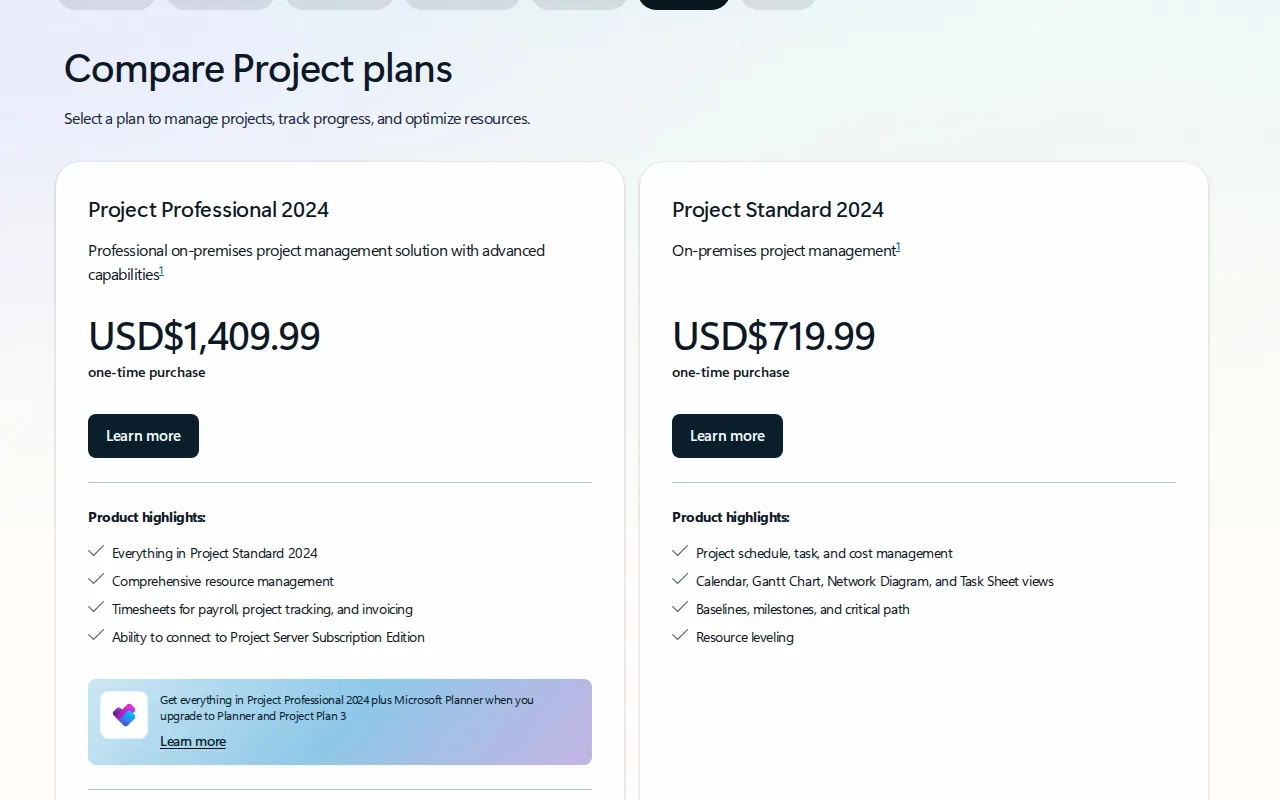
Its heat‑map view highlights over‑ and under‑loaded resources, so managers can shift people before bottlenecks form. The feature pulls data from all active projects, giving a real‑time snapshot of demand versus availability.
One thing to note: Microsoft plans to retire Project Online in late 2026, so teams that need a long‑term roadmap should start looking at migration paths now.
2. Resource Guru: Calendar‑based scheduling for people and equipment
Resource Guru keeps people, rooms, and gear in a single calendar, letting you drag‑and‑drop bookings without clashes.
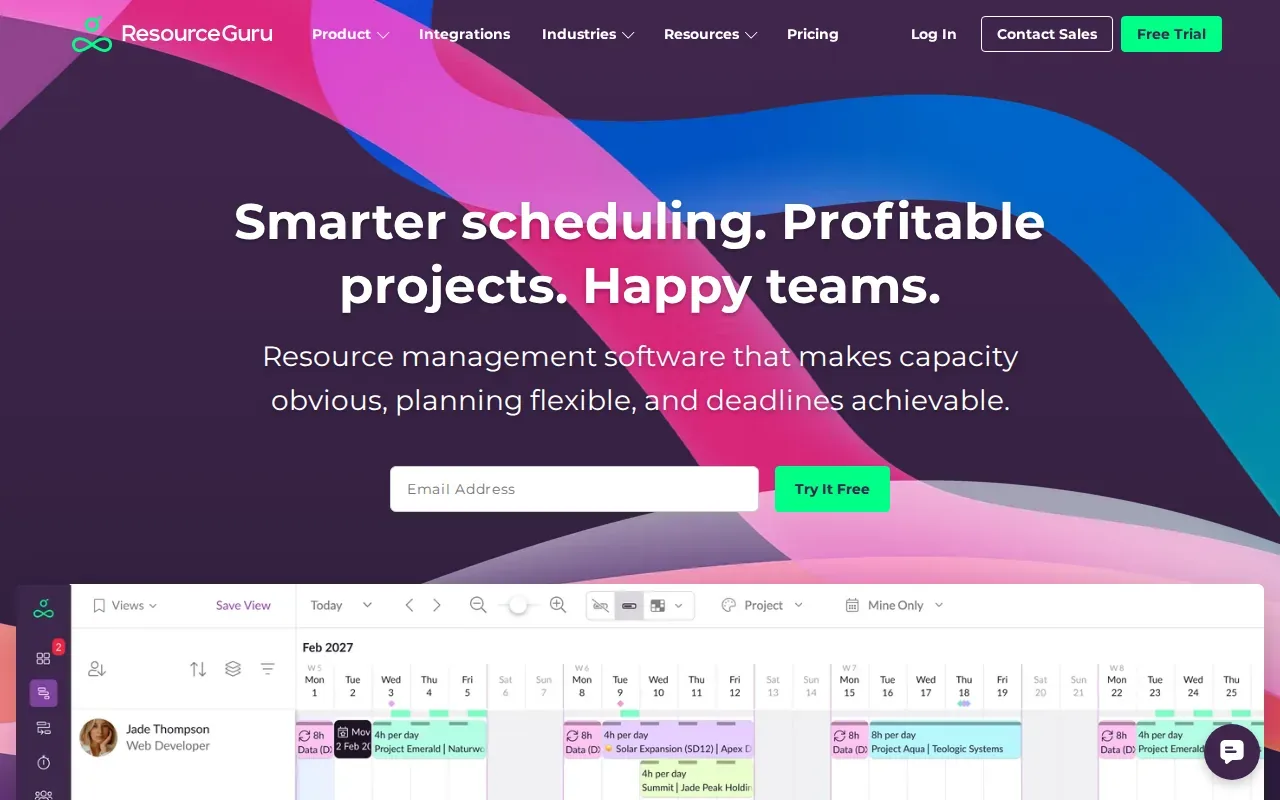
The tool shines for operations teams that must coordinate shared assets. You can filter the view by skill, location, or equipment type, which makes it easy to spot who’s free for a new assignment. The built‑in conflict resolver stops double‑bookings before they happen.
Because it focuses on the scheduling side, deep financial reporting isn’t part of the core offering.
3. Productive: Resource planning tied to agency profitability
Productive blends resource scheduling with budgeting and time tracking, giving agencies a clear view of profit margins.
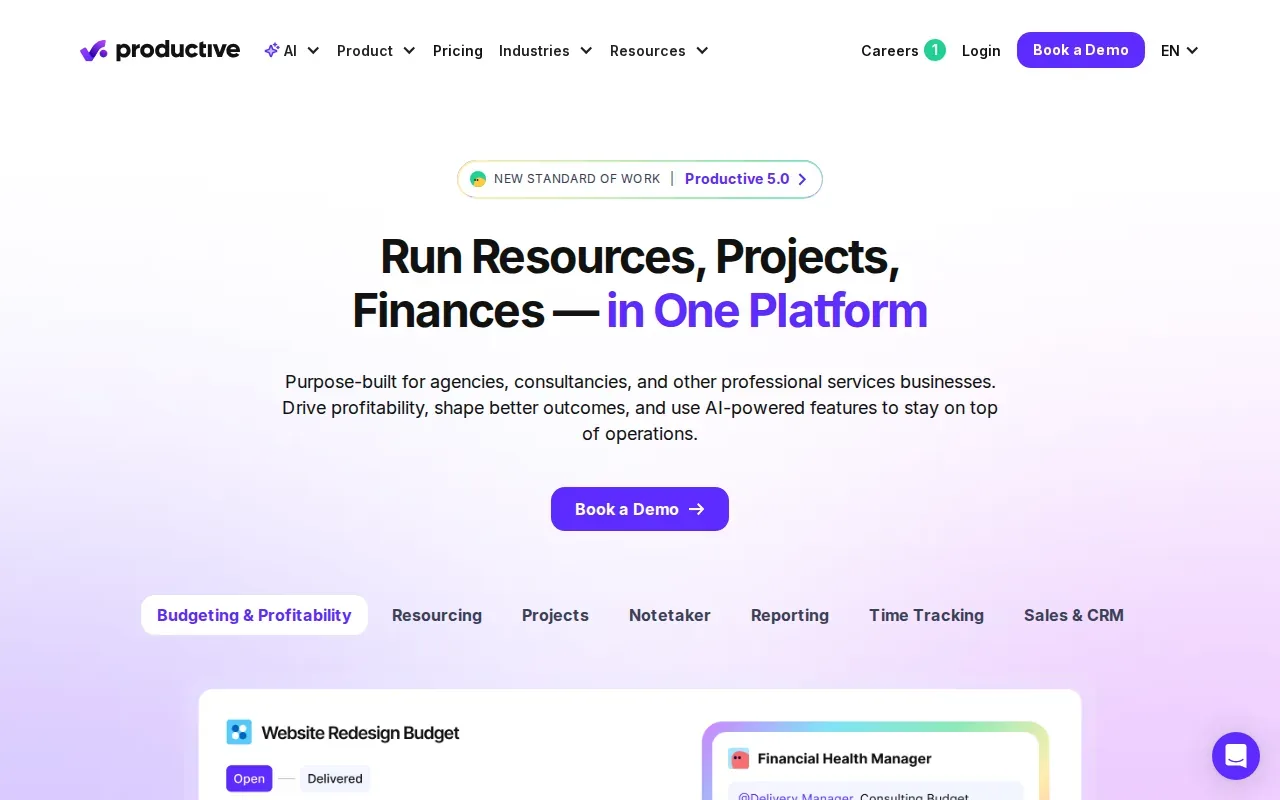
When you book a person, the platform automatically logs the hours against the project budget. The AI assistant can suggest the best available staff for a task, and you get real‑time utilization reports that show billable versus non‑billable work.
It’s a strong fit for agencies that need both capacity insight and financial outcomes in one place. A minor downside is that the financial modules can feel broad for teams that only want pure scheduling.
4. Saviom: Enterprise forecasting and scenario planning
Saviom targets large organizations with matrixed teams and multi‑year portfolios.
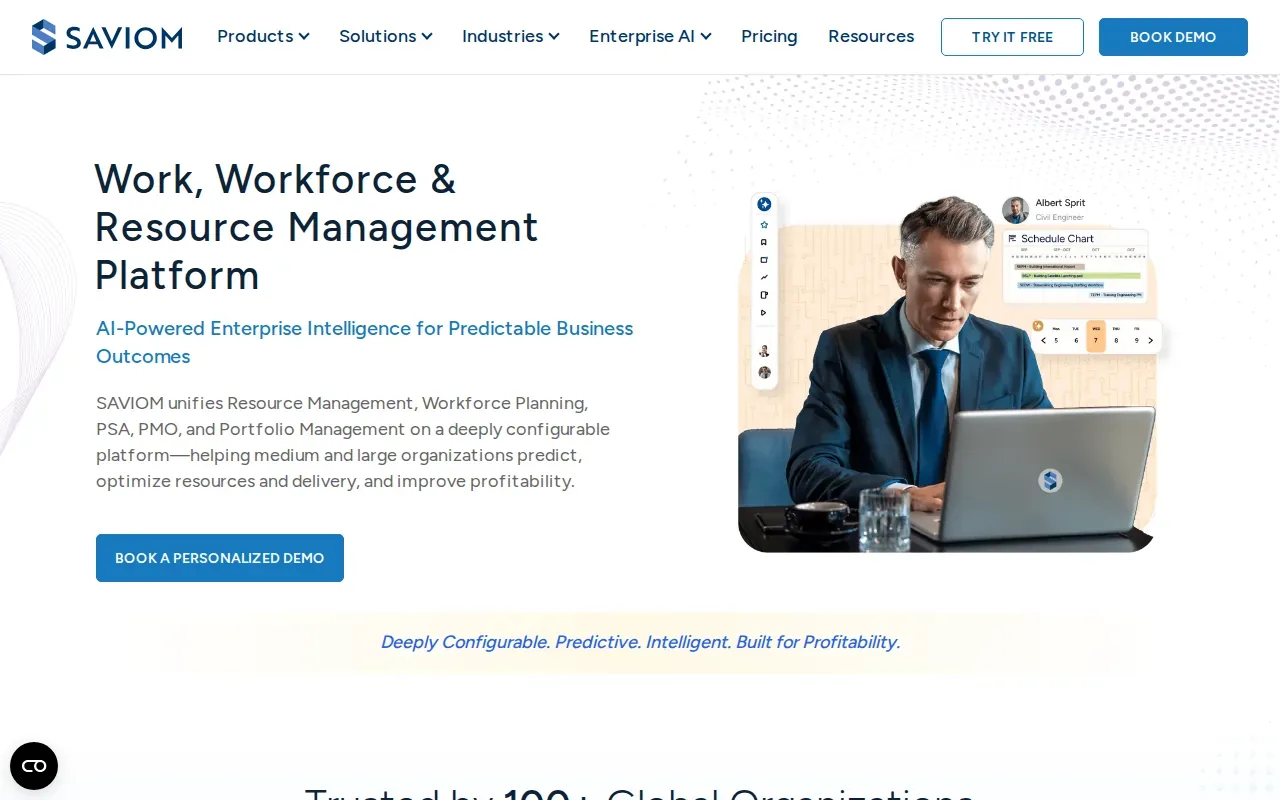
Its what‑if engine lets you model changes in demand, skill gaps, and cost impacts before you lock in a plan. You can run multiple scenarios, like a new project win or a hiring delay, and see how each affects utilization and margins.
Because Saviom is sold via custom quote only, you won’t see a public price list, which can slow the buying process for smaller firms.
5. Teamdeck: Connecting staffing plans with actual hours
Teamdeck merges a visual calendar with timesheets, making it easy to compare planned work against what people actually log.
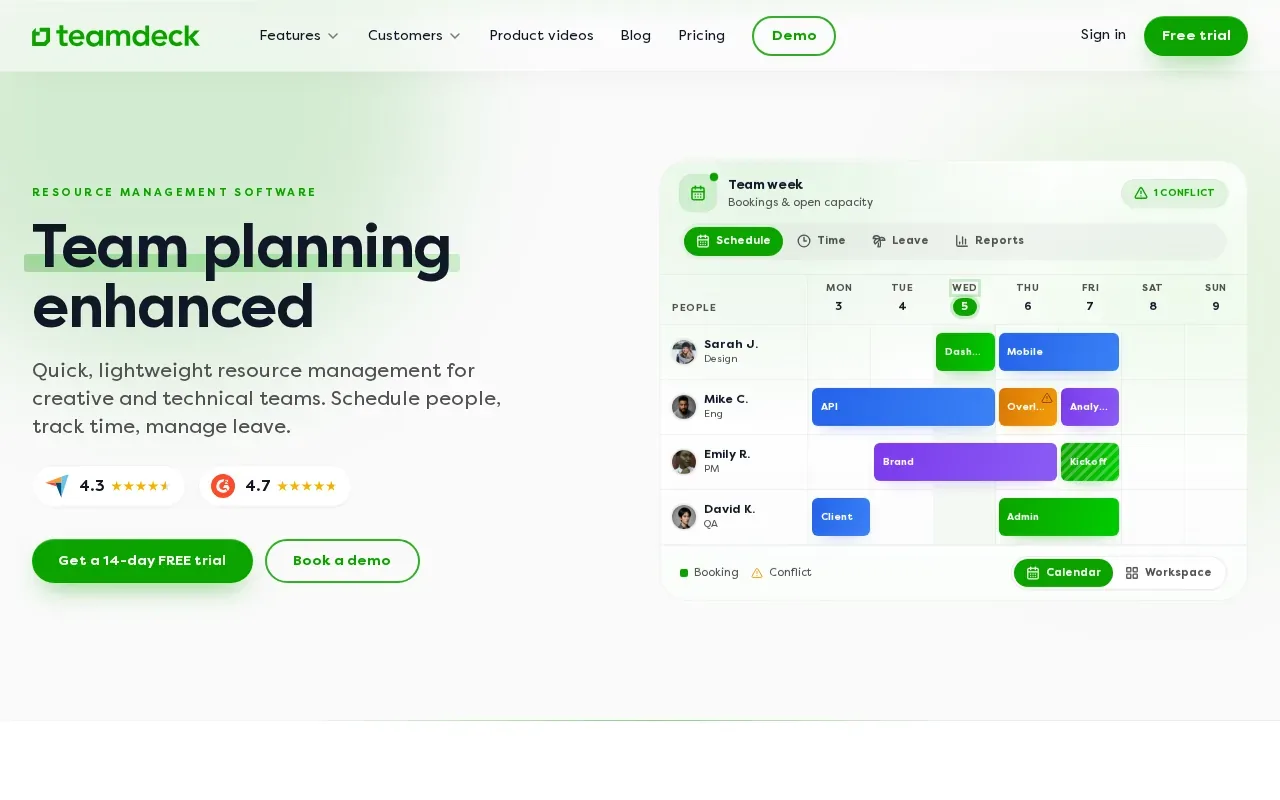
Its simple UI shows bookings, leave, and real‑time utilization in one view. You can export data for payroll or billing, and the mobile app lets staff punch in from anywhere.
The platform focuses on resource visibility; it doesn’t include advanced task‑management features, so you may still need a separate project tracker. Consulting firms that also need to fill available capacity can complement scheduling with automated project acquisition.
Compare the resource allocation software options
Below is a quick side‑by‑side look at the key capabilities that matter most for staffing and consulting firms.
For a deeper look at how resource management drives business results, see WiseMatcher’s resource‑allocation guide. It walks you through setting up AI‑matched pipelines that cut manual search time dramatically. For staffing firms comparing adjacent tools for sourcing projects and matching people to work, this overview of project acquisition and freelancer-matching tools covers how those options relate to resource planning.
If you need a quick way to compare your own shortlist, export the table above and add rows for any extra tools you’re testing.
Frequently asked questions
What is the main benefit of using resource allocation software?
The main benefit is visibility: you can see who is busy, who is idle, and where future demand will hit, so you can move people before projects slip.
Do these tools integrate with common payroll systems?
Most of them offer API or built‑in connectors for payroll platforms; Teamdeck and Productive have native integrations, while Saviom relies on custom connectors.
Can I try any of these solutions before buying?
Yes. Microsoft Project, Resource Guru, Productive, and Teamdeck all provide free trials ranging from 14 to 30 days, letting you test capacity views with real data.
Is AI really useful in resource planning?
AI helps by suggesting the best‑fit staff for a role and flagging potential overloads, but the quality depends on how well you feed skill and availability data.
How does WiseMatcher fit into a resource‑allocation workflow?
WiseMatcher automatically pulls US contract opportunities, matches them to your consultants, and delivers shortlists with reasons, so you spend less time searching and more time assigning.
Conclusion
If you need a tool that balances capacity insight with financial outcomes, Productive is a strong all‑in‑one pick. For enterprise‑level forecasting, Saviom leads the pack. Start a free trial of the option that feels closest to your needs, then bring your data into WiseMatcher to accelerate contract matching.