

Recruiting operations
Best Recruitment Process Automation Options
Compare recruitment process automation options by workflow coverage, integrations, candidate experience, and fit for your hiring team.
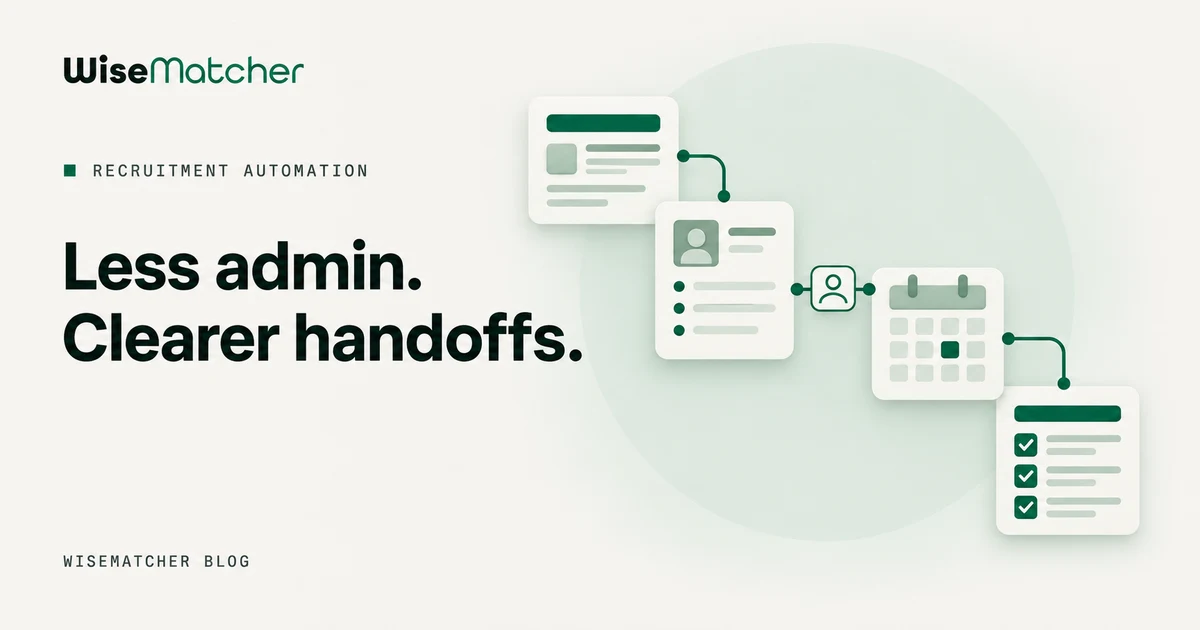
Recruiting can get buried under resume reviews, calendar emails, and status checks. Recruitment process automation moves repeat tasks into software so your team can spend more time speaking with candidates. Here are five workflow areas to automate, plus the kind of tool that fits each one.
1. Job Posting and Distribution Automation: Reduce repetitive publishing work
Job posting automation helps you publish a role across the channels your team uses without retyping the same details each time. It fits teams that hire for several roles or need a consistent way to start a hiring workflow.
Keep the source job description clean and approved before it feeds any other system. Use set fields for the role title, location, skills, and application steps. If a change is made later, assign someone to check that every live post has the right details.
This stage is about getting the role in front of the right people. For IT staffing firms, sourcing may mean finding contract opportunities that suit consultants already in the talent pool, rather than advertising a new opening. WiseMatcher focuses on that contract-sourcing workflow: it searches US contract opportunities and matches them to consultants’ resumes. Its project acquisition ROI overview covers the related sourcing process.
Recruitment includes sourcing, screening, shortlisting, interviewing, and hiring. Automation can support more than job ads, but a team should still check that a post reaches the audience it intends to reach.
2. Resume Parsing and Candidate Screening Automation: Speed up initial review with human oversight
Resume parsing turns candidate documents into searchable profile fields. Screening tools can compare those fields with role requirements, helping recruiters sort a large pool before a person reviews the strongest matches.
Start with requirements that can be checked clearly, such as a stated skill. Keep subjective judgments out of automatic reject rules. A missing keyword may reflect how a candidate describes their work, not whether they can do it.
Clean data matters here. If a resume has an old skill profile or a role’s requirements are vague, the results will be less useful. Review screening rules on a set schedule, look at who gets filtered out, and adjust criteria that do not relate to the work. Train recruiters to read match reasons rather than treating a score as a hiring decision.
For general hiring, applicant tracking systems can track applicants through review stages. For contract staffing, a candidate-opportunity pipeline helps your team see which consultant is being considered for which role. Those are related jobs, but they are not the same workflow.
3. Interview Scheduling and Candidate Communication Automation: Make coordination easier
Scheduling automation checks availability, shares interview slots, and sends confirmations or reminders. It suits teams where recruiters spend too much time finding a time that works for the candidate and each interviewer.
Set clear rules before you turn it on. Say who can interview, how long each meeting should last, and how much notice a candidate needs. Keep a person available to handle changes that do not fit the standard path, such as a request for an accommodation or a time-zone issue.
Good communication should tell candidates what happens next and when they can expect an update. A short receipt message after an application can reduce uncertainty. Later, status messages should match the real stage in the process. Avoid sending an automated promise your team cannot meet.
Keep human contact in the process when a candidate needs context or a real conversation.
4. Onboarding Workflow Automation: Keep post-offer handoffs moving
Onboarding workflows move a new hire from accepted offer to ready-to-start status. They suit employers whose offer, document, equipment, and manager tasks pass through several people or systems.
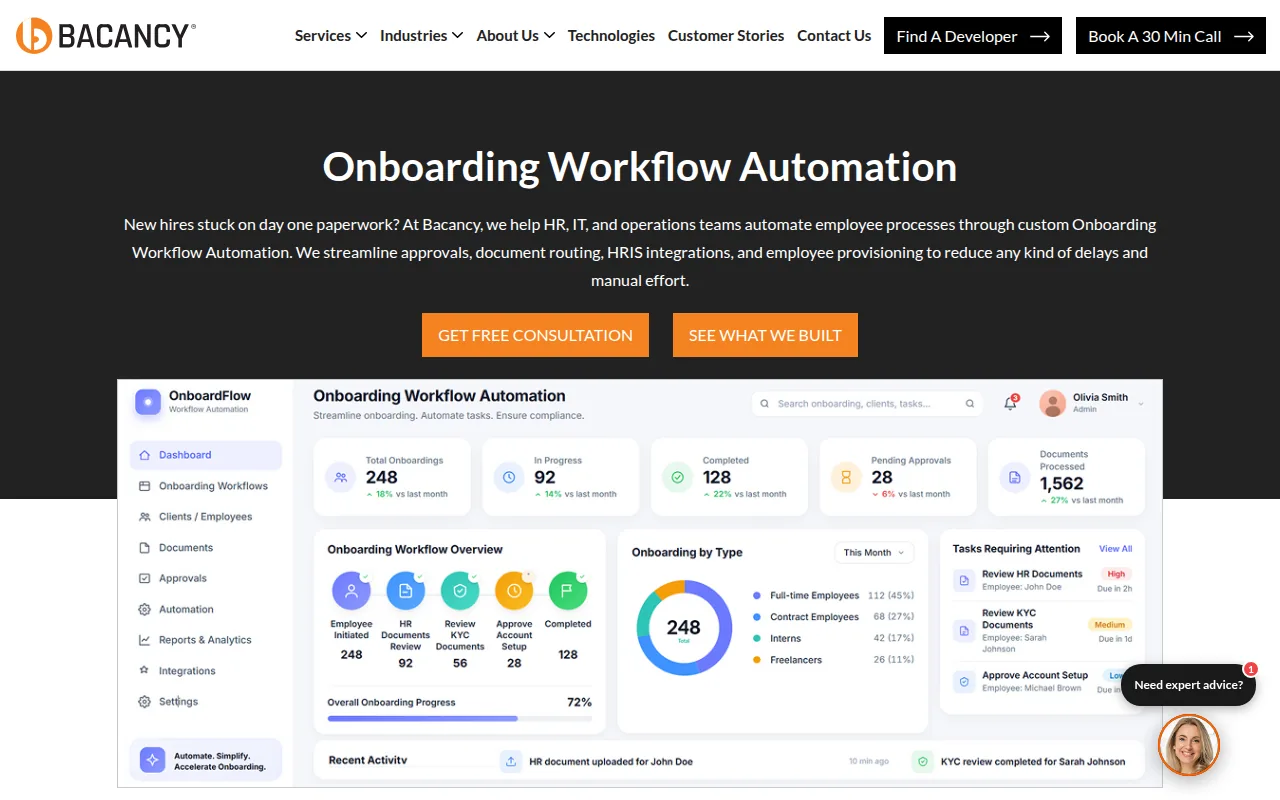
Once an offer is accepted, a workflow can assign tasks to the right owners and show what remains open. For example, HR may need to collect employment forms while a manager prepares a first-week plan. A shared status view helps the team spot a delay before the start date.
Use automation for repeatable handoffs, not for every sensitive choice. A system can remind an owner that a form is due. A person should still answer questions about the role, pay, or a candidate’s situation. Keep the candidate informed if a required step changes the start timeline.
Onboarding also depends on accurate data moving from recruitment into the next system. Avoid asking new hires to enter the same details twice when your systems can pass them along safely. Check access permissions and decide who can see personal records.
5. Low-Code Recruitment Workflow Automation: Connect tools and measure results
Low-code tools let teams connect apps and set simple rules without building every workflow from scratch. They fit teams with a clear process that spans email, forms, calendars, spreadsheets, and team alerts.
A workflow might start when an application form arrives. It can add a row to a tracking sheet, alert a recruiter in a team chat, and send a receipt email. A later status change can trigger a different message. Keep a human approval point before an automated rejection or a final hiring decision.
Begin with one process that has a clear trigger and owner. Decide what data needs to pass between tools, then test the path with sample records. A broken field mapping can create duplicate profiles or send the wrong update. Set a review date so staff can catch errors and update the workflow when the process changes.
Track measures that show whether the workflow is working, such as time between stages, candidate response delays, or incomplete handoffs. Use those measures to find bottlenecks, not to judge a recruiter from one number. A faster process is not better if it sends poor-fit candidates forward or leaves people without an answer.
| Automation type | Best fit | What to check |
|---|---|---|
| Job distribution | Teams posting similar roles across several channels | Role details stay accurate across each post |
| Resume screening | Teams sorting a large applicant pool | Criteria relate to the work and allow human review |
| Scheduling and messaging | Teams coordinating many interviews | Candidates can get help when plans change |
| Onboarding workflow | Employers with several post-offer owners | Tasks have owners and personal data has access controls |
| Contract sourcing and matching | IT staffing teams placing existing consultants | Matches include reasons and recruiters control outreach |
WiseMatcher is built for US contract sourcing and AI matching. A recruiter can choose a plan based on the consultants and searches they manage, then review explained matches and edit an outreach draft. See WiseMatcher plans and trial terms before deciding whether that focused workflow fits your team.
Match the automation type to your hiring workflow
Pick the workflow that creates the most delay today. A general employer hiring new employees may start with applicant tracking and interview scheduling. An IT staffing firm managing a consultant bench may get more value from contract sourcing and match review.
- Map the handoff: Name the trigger, owner, next action, and system that holds the record.
- Check the data: Clean up role requirements and candidate profiles before relying on automated matches.
- Keep review points: Let software sort and alert. Keep people responsible for decisions, candidate conversations, and exceptions.
- Measure a real delay: Track how long a stage takes or how often tasks remain open, then review the change.
For IT staffing, WiseMatcher can help with one specific part of the cycle: finding US contract opportunities that fit resumes already in your pool. It provides explained shortlists, optional email alerts, editable outreach drafts, and a candidate-opportunity pipeline. Your recruiters still decide which matches merit an introduction.
Frequently asked questions
What is recruitment process automation?
Recruitment process automation uses software to handle repeat tasks in hiring. It can support job posting, resume review, interview scheduling, candidate updates, or onboarding. The aim is to reduce manual work and keep each stage moving. People should still review candidate fit, handle exceptions, and make hiring decisions.
Which parts of recruiting should be automated first?
Start with a high-volume task that follows clear rules, such as sending application receipts or coordinating interview times. Map who owns the task and what data it needs before you automate it. Keep a human review step if the action affects a candidate’s status or makes a judgment about their fit.
Can AI screening make hiring decisions?
AI screening can sort resumes or compare profiles with stated role requirements, but your team should review the results. Check whether the criteria connect to the job and whether qualified people are being filtered out. Treat match scores as a way to guide review, not as a final hiring verdict.
Is WiseMatcher an applicant tracking system?
WiseMatcher focuses on sourcing US contract opportunities and matching them with consultants’ resumes. It gives staffing teams explained match shortlists, optional email alerts, editable outreach drafts, and a candidate-opportunity pipeline. That makes it relevant to contract placements from an existing talent pool, rather than a general applicant tracking system for every hiring stage.
Conclusion
Choose automation based on the stage that holds up your team, and keep human review wherever judgment or candidate trust matters. For US IT staffing teams placing existing consultants, WiseMatcher is a focused place to start. Review the plans and trial terms, then see whether its contract matches fit your current bench.