

Recruiting operations
Best Project Resource Management Software: 10 Tools
Compare project resource management software for scheduling, capacity planning, forecasting, workload visibility, integrations, and project control.
When project plans compete for the same people, a calendar can show the clash before a deadline slips. Project resource management software helps teams plan who can take on work and when. Here are 10 tools, with the type of planning each one supports best.
For IT staffing and consulting teams, WiseMatcher solves a different part of the workflow: it sources US contract opportunities and matches them to consultants already in your talent pool.
1. Microsoft Project: For Microsoft-centered project portfolios
Microsoft Project is project planning software with views for checking assignments, workload, and resource availability. It’s a fit for project managers who already plan work in Microsoft tools and need to spot overallocated people.
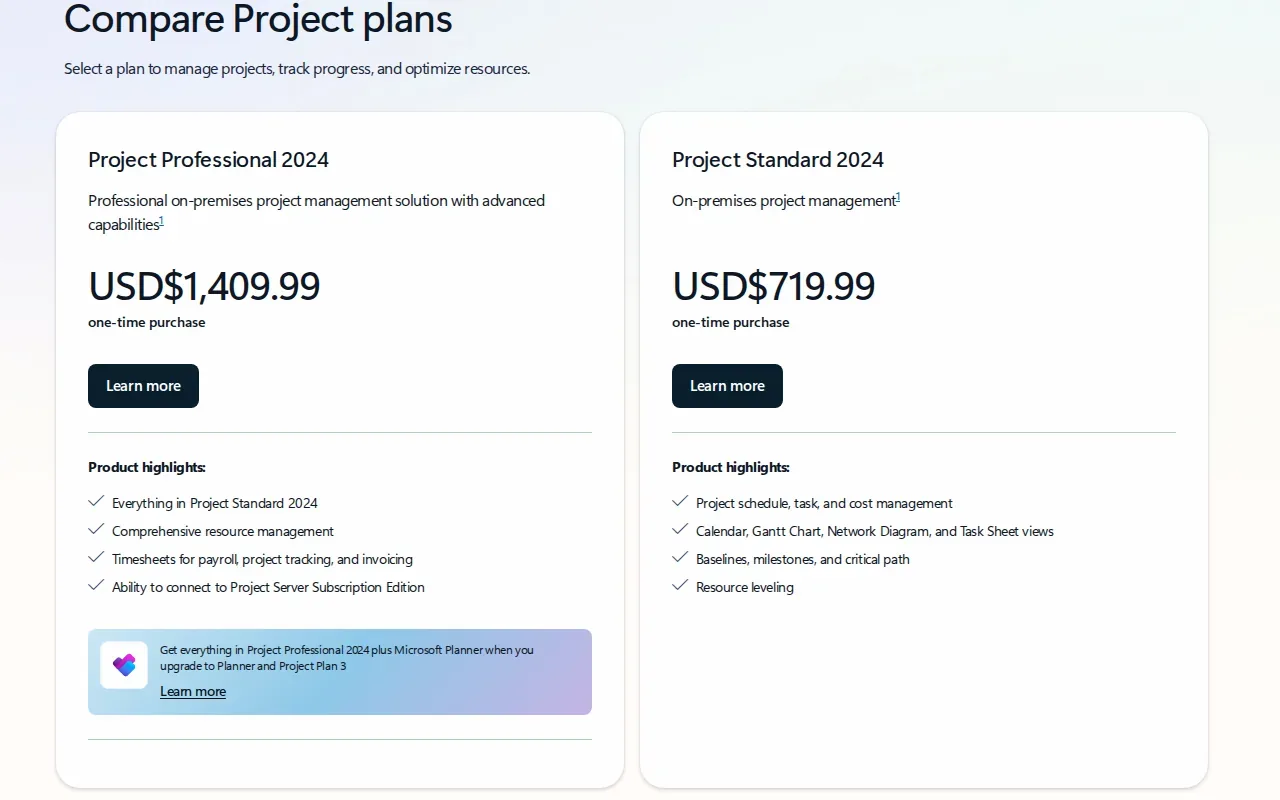
In the Resource Usage view, managers can review assignments by resource and see how much work is allocated over time. Managers can then review the assigned tasks and decide whether to adjust the schedule or move work.
The key detail is how capacity is assessed. Two tasks can overlap for a few hours and show an overallocation, even if the person’s total work across the day stays within their daily capacity. That makes the time scale and assignment detail important when reviewing a warning.
For teams working across projects, resource availability views can help managers review assignments over a selected date range. This pick makes sense when your team needs detailed project schedules and can keep its assignment data current.
2. Resource Guru: For straightforward team scheduling
Resource Guru is a scheduling tool for seeing who is booked, free, or over capacity. It suits teams that want a shared view of people and other resources without making every scheduling change inside a full project plan.
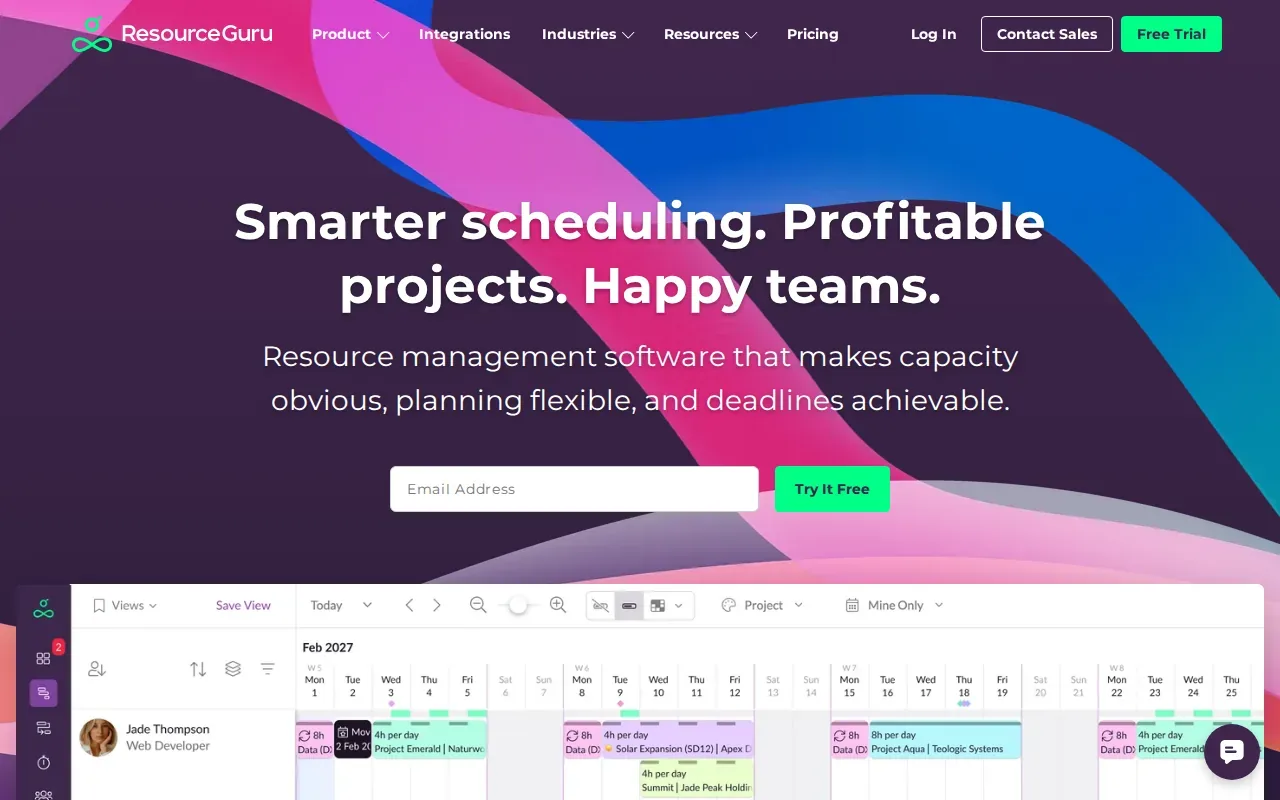
Its visual calendar lets managers move bookings by dragging them to a new time or resource. The schedule can include availability, time off, and project bookings. The software also flags booking clashes as they’re made, so a manager can catch a double-booking before confirming the change.
Teams can add custom fields for details such as skills, departments, or locations. Those fields help when scheduling depends on more than an open time slot. A manager can filter resources by a relevant attribute before assigning work.
Resource Guru’s scheduling focus is its strength. Choose it when clear bookings and availability matter most. If budget control is central, test that workflow carefully before you commit.
3. Float: For visual resource scheduling and workload planning
Float is a resource planning tool that combines team availability with project and financial views. It’s a good fit for service teams that need to see who is doing what, while checking how delivery is tracking against a project baseline.
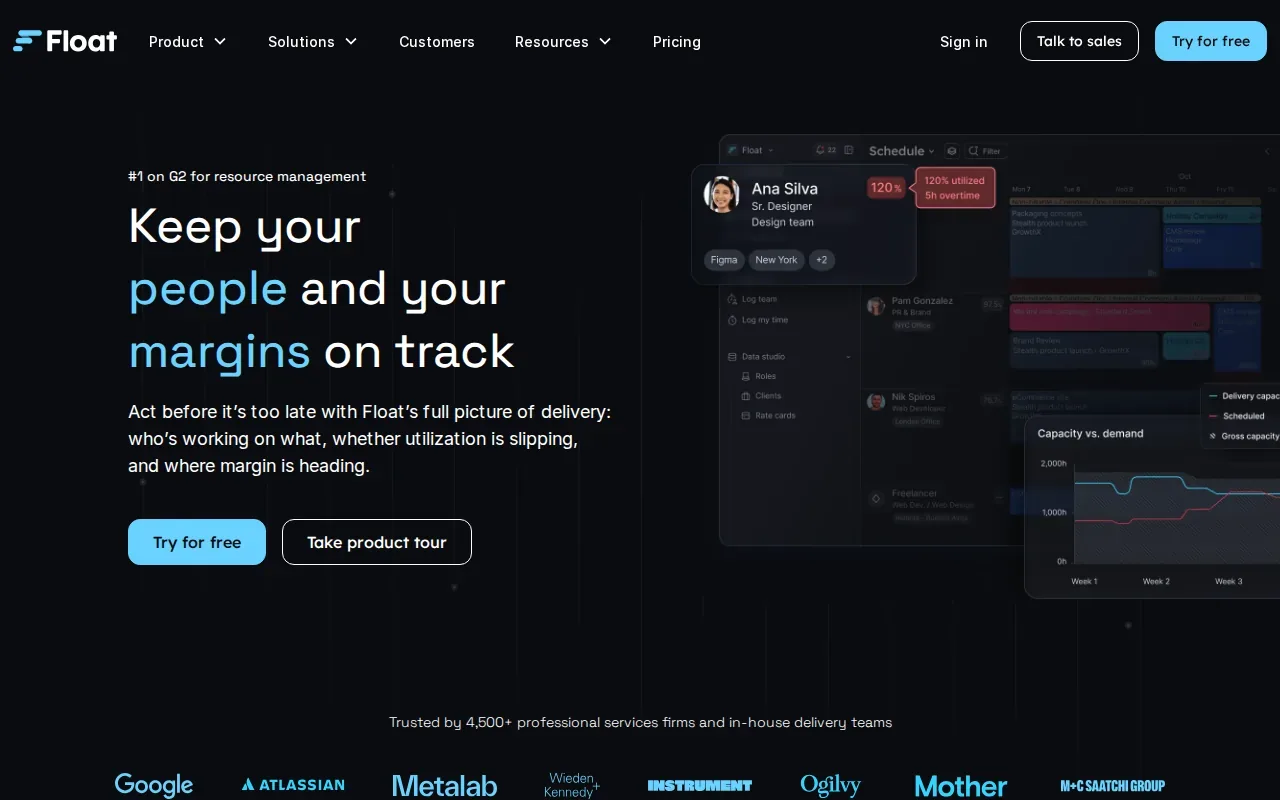
Teams can set a baseline for a project’s price, budget, roles, and timeline, then compare actual delivery against that plan. Float describes reporting for capacity, utilization, actuals, margin, and budget burn. That gives managers a way to see when a project is slipping and which part of delivery is driving the change.
Float is designed to work alongside a team’s CRM, project management, and finance tools. The value of that setup depends on how well the connected systems fit your workflow, so check what data moves between them during a trial or demo.
Float also states that it is SOC 2 and GDPR compliant. For US buyers, treat that as a starting point for a security review, not a substitute for checking your own data needs and contract terms. Float is worth a look when you want a visual plan tied to project financial performance.
4. Runn: For capacity planning and resource forecasting
Runn is capacity planning software for teams that need a forward view of work and staffing demand. It suits leaders who want to check whether the team can take on a new project before making a commitment.
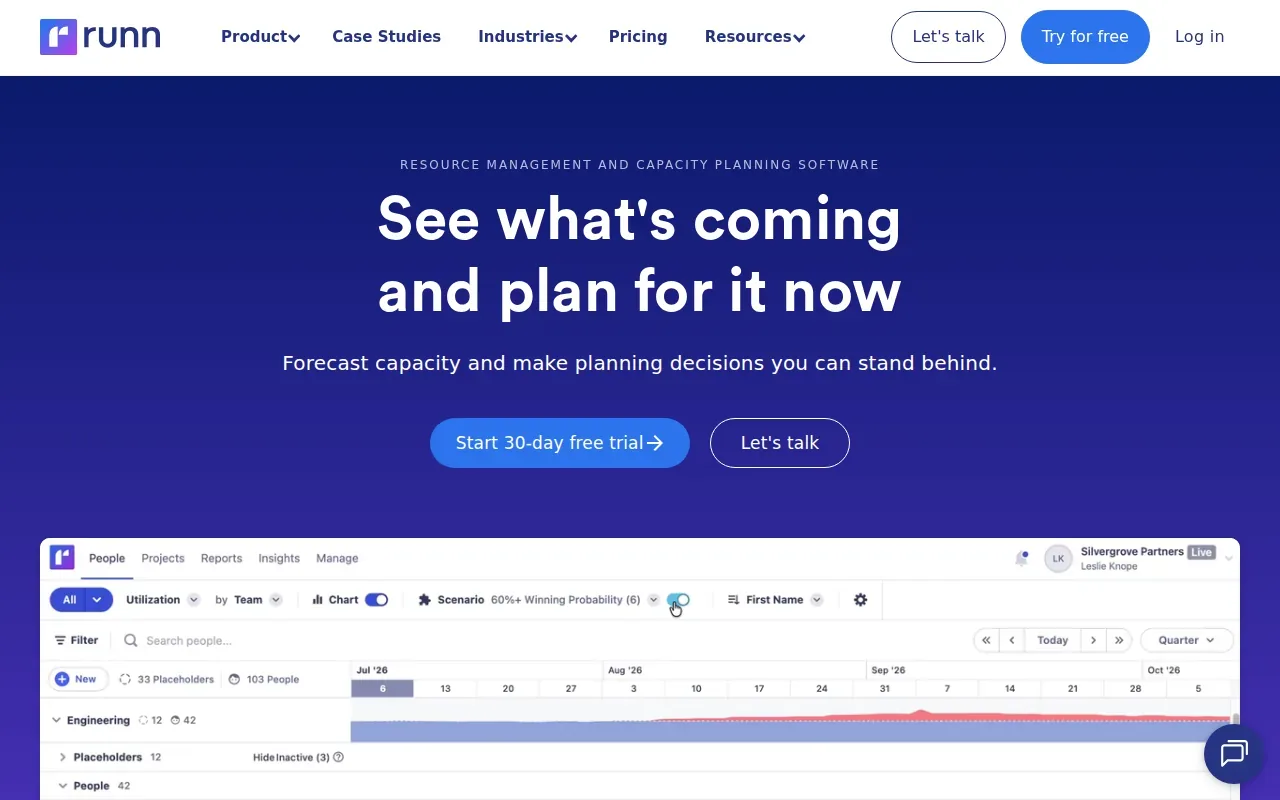
Runn brings capacity, availability, and project data into one planning view. Teams can model different scenarios as plans change. That can help a manager compare the effect of a tentative project with the current workload before assigning people or agreeing to dates.
Forecasting is useful only when the plan reflects likely work, not just signed projects. Runn describes planning around future demand and tentative projects. A team can use those plans to ask what happens if a possible project starts next month, then adjust staffing assumptions before the calendar is full.
The product’s focus is the planning horizon. If your main problem is daily booking changes, a schedule-first tool may feel more direct. But when leadership needs to test future capacity before accepting work, Runn’s scenario planning is a strong fit.
5. Saviom: For complex enterprise resource planning
Saviom is resource management software built for organizations that need detailed scheduling and workforce planning. It may suit resource managers and operations leaders working across many projects or specialist teams.
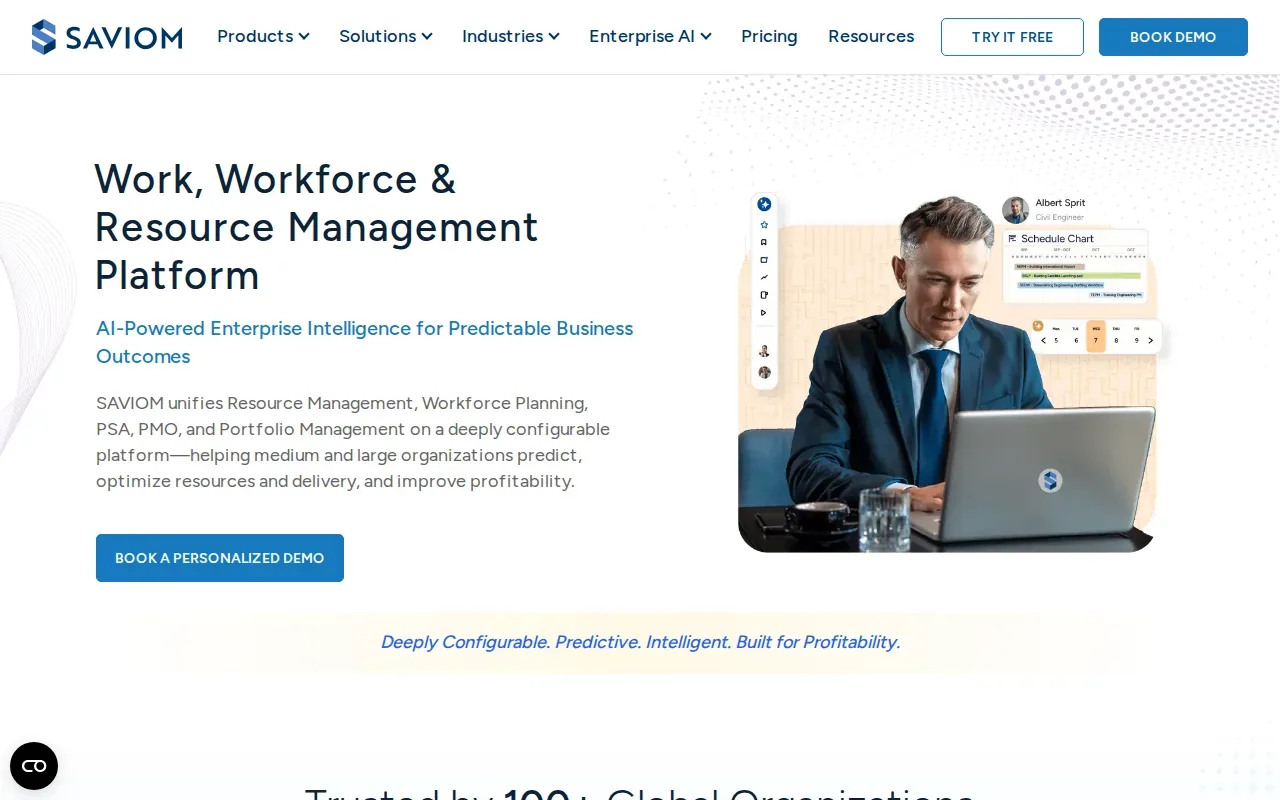
Saviom offers a multidimensional scheduler, capacity planning, forecasting, talent planning, and scenario planning. It also describes timesheets, time and expense tracking, budgeting, and reporting. Those functions give teams ways to connect staffing decisions with project schedules and financial views.
Saviom supports planning across multiple projects and includes Gantt or timeline views. It also supports access controls and integrations. Check which connections matter to your own systems and what data each one shares.
A configurable product can match complex planning needs, but your team will need to agree on fields, roles, and reporting rules. Saviom is a candidate for organizations that need those controls and can assign people to own the setup.
6. Wrike: For teams combining resource planning and project work
Wrike is project work software with resource management, scheduling, time tracking, and reporting. It fits teams that want to manage project tasks and workload in the same working environment.
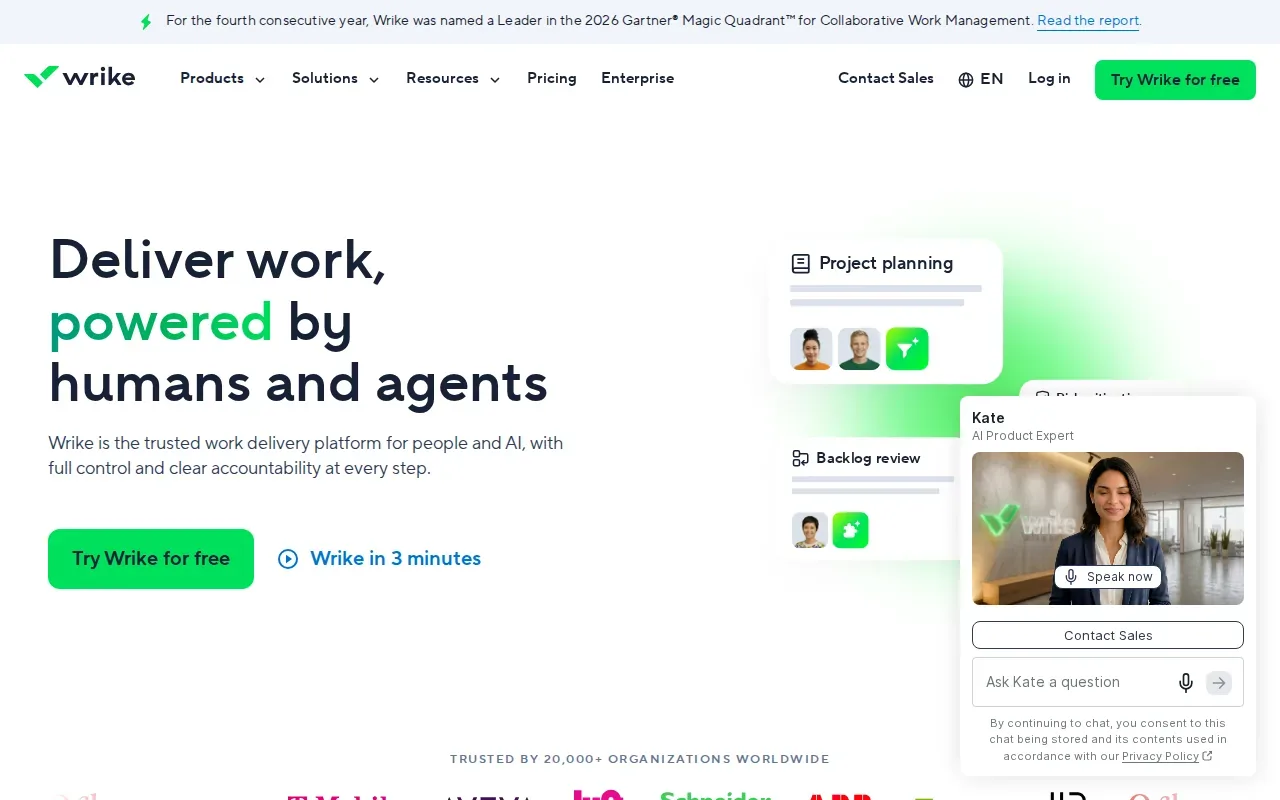
When project work and staffing plans sit together, a manager can connect an assignment to the task and its timeline. Wrike is a cloud-based tool for managing project tasks, tracking progress, and collaborating. It also notes scheduling and reporting functions for teams with complex workloads.
Wrike’s broader project focus can help teams that need more than a resource calendar. It may be a better match when the same group needs to coordinate delivery work and check who has room for more. Before choosing, map the reports managers use today and see whether they can build those views from the data your team will keep up to date.
This option is worth comparing if your team wants project execution and resource planning in one place. Consider the setup effort as part of the choice, especially when different teams use different workflows.
7. Teamwork.com: For client-service and project delivery teams
Teamwork.com is project management software with resource planning for teams doing client work. It suits service businesses that need to watch staff workloads alongside utilization and future project demand.
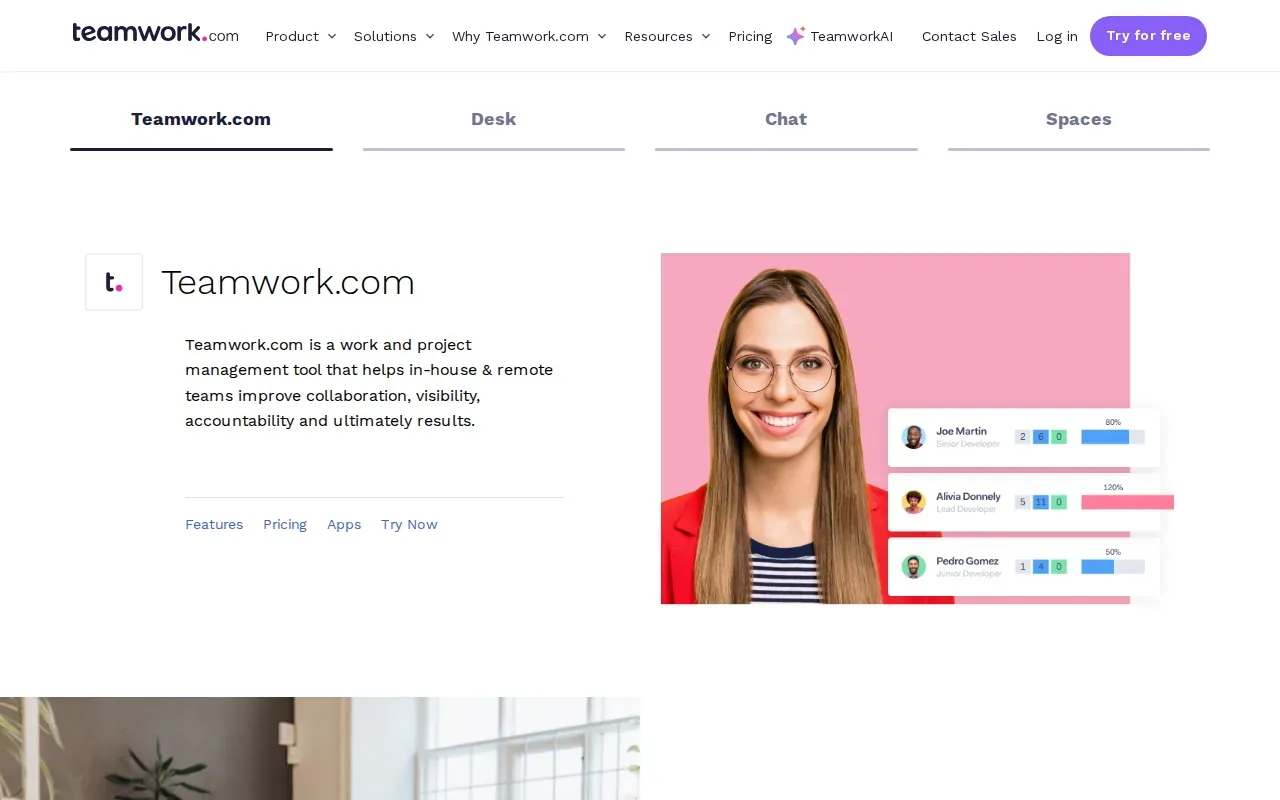
Its resource management tools include a workload planner, resource scheduler, utilization reports, time reports, tentative projects, and placeholders. Managers can use those views to compare estimated time with planned allocation, then adjust work when a client’s scope or dates change.
Teams can use working hours, time off, skills, roles, and billable rates in their planning. That mix is useful when managers need to check both capacity and the financial shape of client work.
For a services team, utilization figures need context. A high billable target can look good in a report while a person’s workload becomes hard to sustain. Use the planning view to discuss where work should move, not only to compare people against a target.
8. Celoxis: For portfolio planning and project control
Celoxis is project and portfolio management software that connects resource planning with schedules, budgets, and reporting. It suits PMOs and project-driven organizations that need leaders to see how work is progressing across a portfolio.
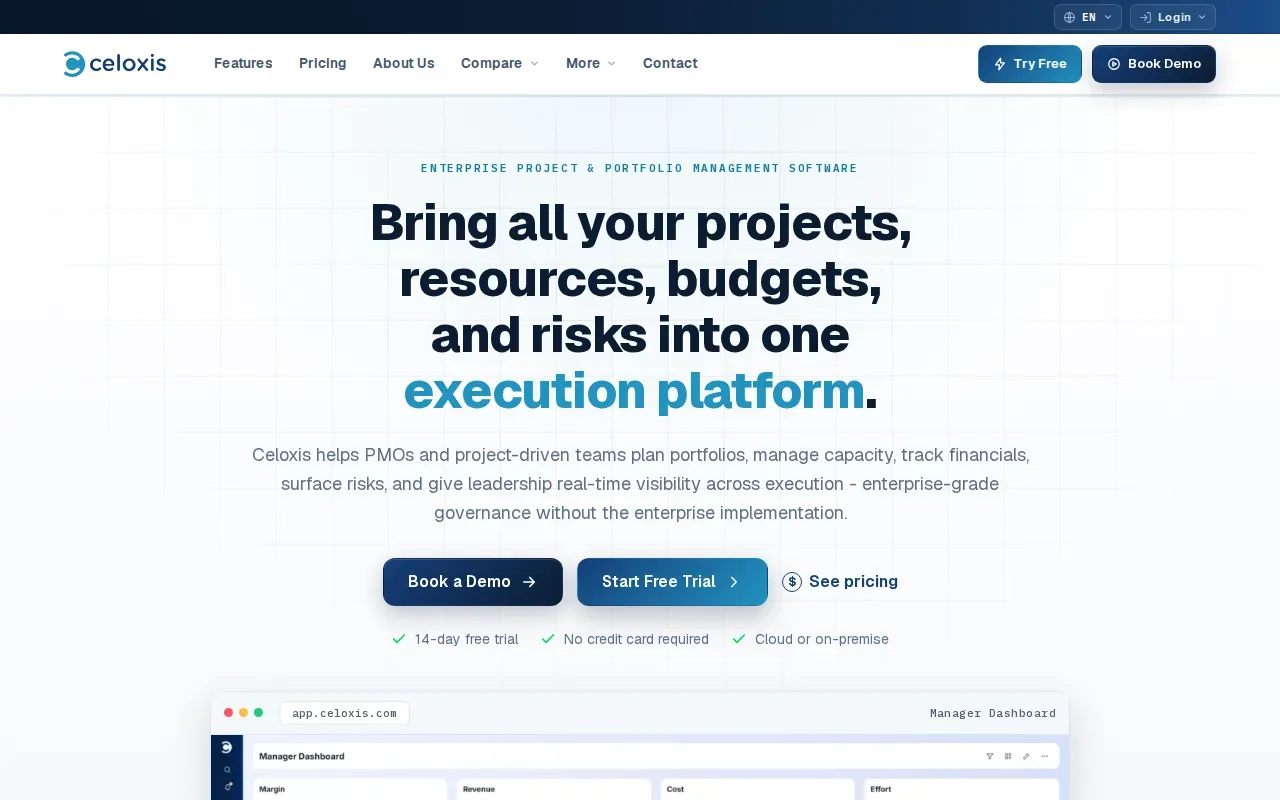
Celoxis describes demand intake, prioritization, project scheduling, resource assignment, budget control, timesheets, and risk management. A team can score incoming requests against strategic fit, cost, and available capacity before it commits staff. It can then set a baseline and track changes against the original plan.
For resource planning, Celoxis describes assigning people by role, skill, and availability, with live workload charts. Its dashboards can bring project and portfolio information together. This can help a PMO find capacity gaps before several teams make conflicting promises.
The platform also describes cloud and on-premises deployment options. That matters when internal governance affects where project data can be stored. Celoxis is a strong candidate when project control, financial tracking, and capacity planning need to share one plan.
9. Epicflow: For managing resource demand across projects
Epicflow is portfolio-level planning software for organizations where many projects share the same people. It fits teams that need to understand how bottlenecks in one specialist group affect work across the portfolio.
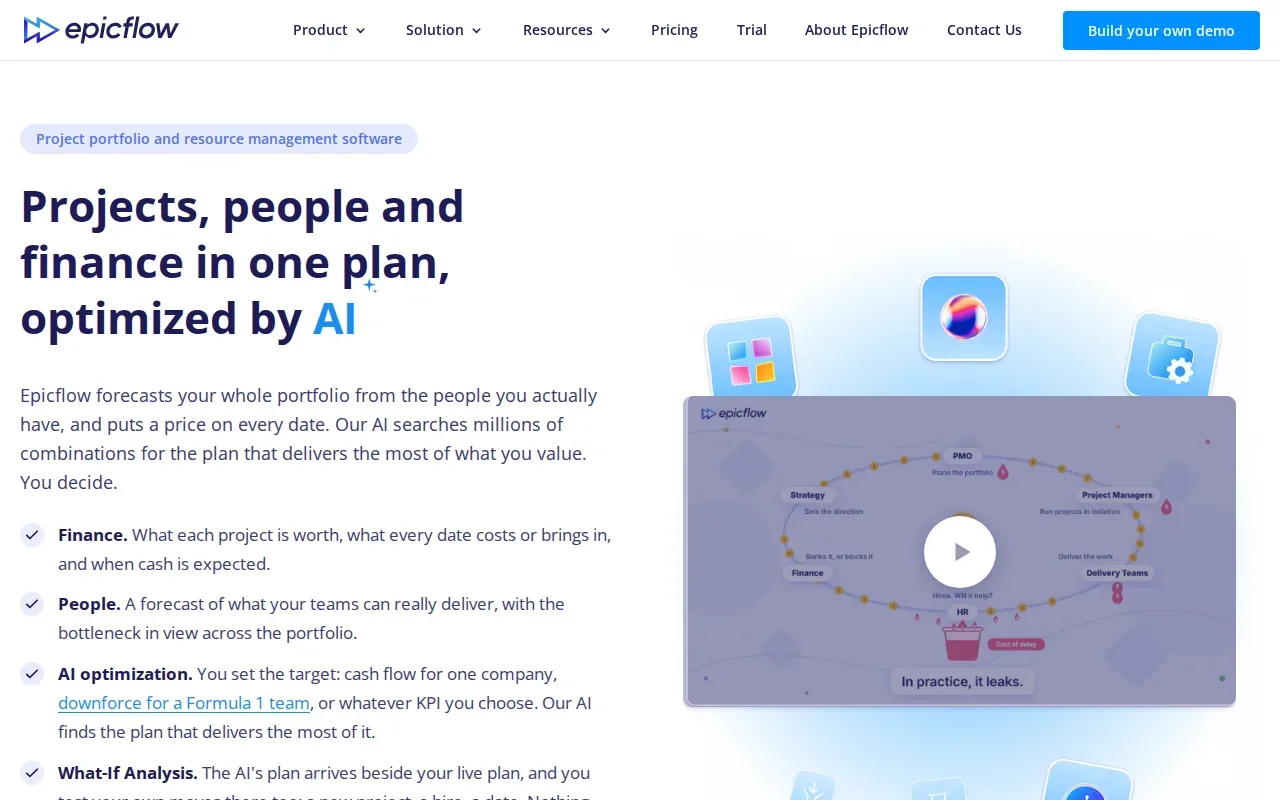
Epicflow forecasts load and delivery dates using the people available. Its Future Load view is designed to show which teams are overloaded and which projects contribute to that pressure. Managers can test changes in a what-if plan before they approve changes to the live plan.
The software describes AI-based portfolio optimization that tests possible work sequences against goals set by the organization. Suggested plans still need human review. Epicflow states that the live plan changes only after sign-off, which keeps managers in control of staffing decisions.
Epicflow can sit above tools teams already use, with integrations described for Microsoft Project. Its focus is shared capacity across projects, rather than day-to-day task tracking inside one project. Choose it when the portfolio’s main issue is the queue for a scarce team or specialist.
10. Ganttic: For schedule-driven resource planning
Ganttic is visual resource planning software for scheduling people, equipment, rooms, and other resources. It suits teams that need a schedule-first view across projects and want to adjust plans when conflicts appear.
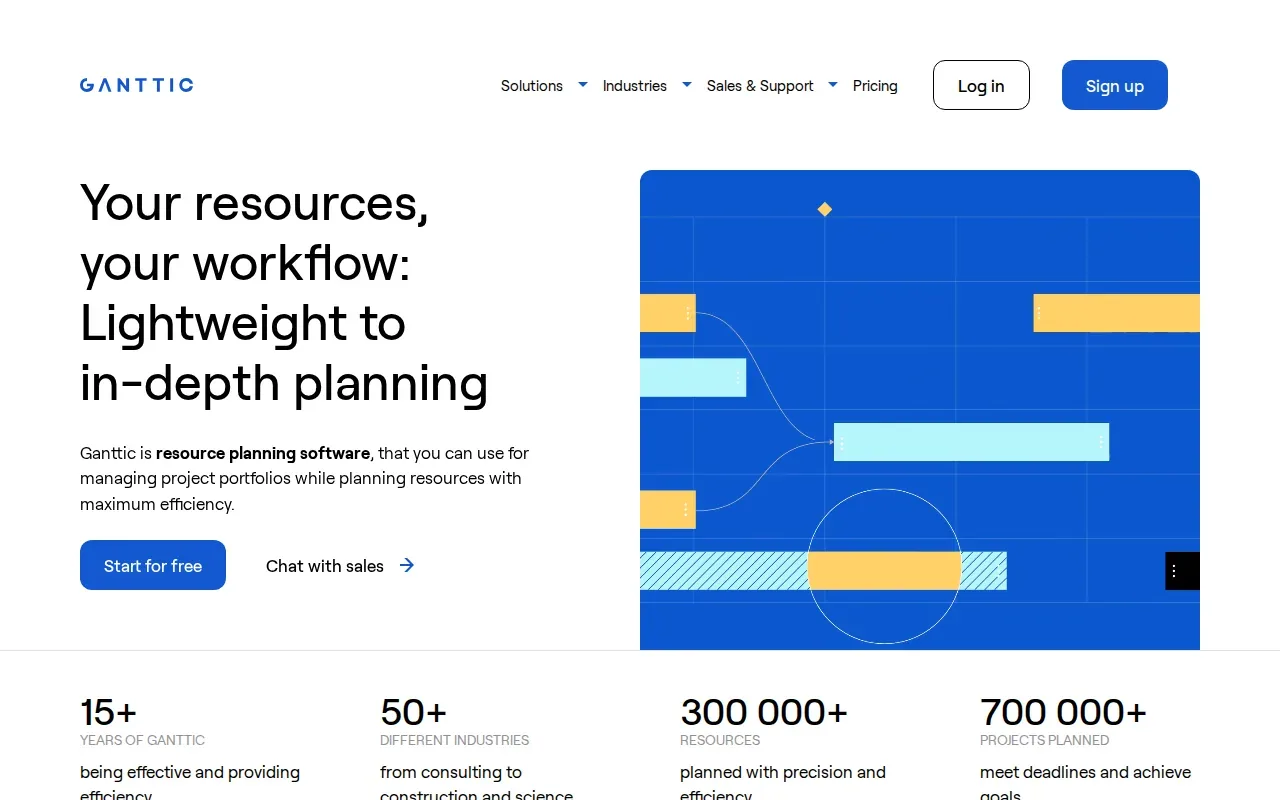
Its planner uses a Gantt-style view that teams can read from the task or resource perspective. Managers can drag and drop work, then review how the change affects the schedule. Resource capacity views can show busy time and utilization over a chosen period.
Ganttic describes grouping resources by fields such as department or resource type. Teams can also add fields for skills or certifications, then use them to filter and group the plan. That can help a manager find a person with the right skill who also has time available.
For a schedule built around equipment or mixed resource types, Ganttic may be more suitable than a tool centered only on project tasks. Check that the views your managers need can be set up in a way they’ll use each week.
Compare the 10 project resource management software options
These products solve different planning problems. Some focus on the schedule itself. Others connect staffing decisions to budgets, project delivery, or portfolio forecasts. Use the main workflow in the table as a shortlist filter, then test the details that affect your team.
| Tool | Best fit | Planning angle | Check before choosing |
|---|---|---|---|
| Microsoft Project | Microsoft-centered project portfolios | Assignment and availability views | How teams review overallocation across projects |
| Resource Guru | Teams needing clear bookings | Visual scheduling and clash alerts | Whether reporting and cost needs fit |
| Float | Service teams watching delivery health | Capacity, actuals, margin, and budget burn | How it fits beside current systems |
| Runn | Teams forecasting future demand | Capacity and scenario planning | How tentative work enters the plan |
| Saviom | Complex workforce planning | Detailed scheduling and forecasting | Who will manage configuration and reports |
| Wrike | Teams combining project work and resourcing | Project execution with workload planning | Whether key views match team workflows |
| Teamwork.com | Client-service delivery teams | Utilization, workload, and future work | How planned time compares with actual time |
| Celoxis | PMOs and project-driven organizations | Portfolio, capacity, budget, and risk control | Deployment and governance needs |
| Epicflow | Portfolios sharing scarce specialists | Bottleneck and demand forecasting | Which systems feed portfolio data |
| Ganttic | Schedule-led resource planning | Gantt-style views of resources and tasks | Whether the resource fields fit your team |
Resource allocation is the act of assigning people or other resources to work. In software, the hard part is keeping the schedule aligned with actual availability and changing project demand.
Price is another comparison point, but don’t compare subscription figures alone. Include setup time, required integrations, training, and the work your team must do to keep project data current. Use a free trial or demo to test the decisions the tool is meant to support.
What to evaluate before buying project resource management software
Project resource management software should answer a few daily questions clearly: who is free, what work is already assigned, and when will capacity change? Resource management involves planning how limited resources are assigned.
Match the tool to the decision
Write down the decisions your team makes each week. A scheduling team may need to prevent double bookings. A PMO may need to compare new demand with available skills across several projects. A client-services team may need to see utilization and budget use together. Start with the problem that causes the most rework.
Check capacity and forecasting
Look at how the tool counts work time, leave, and existing assignments. Ask whether managers can view capacity by person, role, or team. If future demand matters, check how tentative projects and scenario plans appear. A forecast is only useful if it reflects the work your team may actually take on.
Test time tracking and reporting
Decide whether you need planned hours only or a way to compare plans with actual time. Check which reports managers can use to see overload, utilization, project cost, or schedule changes. Keep the report list short. A few views that support decisions beat a long menu nobody opens.
Check integrations, security, and rollout
Ask which systems connect to the tool and what information passes between them. Review security controls, data handling, and deployment choices with the people responsible for your company’s requirements. Then test onboarding with a small group. Use a real project schedule, but keep the pilot narrow enough that the team can spot setup issues.
For staffing and consulting firms, resource planning doesn’t source new contract work by itself. WiseMatcher focuses on US contract sourcing and AI matching for existing consultants, a workflow distinct from the resource planning covered by project acquisition and freelancer-matching tools. Its matching gives a shortlist with reasons tied to the role requirements, skills, and project experience. Recruiters still review, edit, and decide what to send.
Teams that need a way to find assignments for consultants on the bench can also review WiseMatcher’s guidance on finding follow-on projects for an IT consulting team. It addresses contract sourcing, a separate job from scheduling already confirmed project work.
Ready to spend less time searching for contract opportunities and more time making introductions? Its 7-day trial requires a card, and the selected paid plan starts automatically unless canceled before the trial ends.
Frequently asked questions
What is project resource management software?
Project resource management software helps teams plan and track how people or other resources are assigned to project work. Depending on the product, it may show availability, capacity, schedules, time, or project costs. The goal is to help managers see workload conflicts and make staffing decisions using a shared plan.
What features should resource planning software have?
Start with resource allocation, availability, and scheduling. Add capacity planning if your team needs to check future workload. Time tracking and reporting help when you compare planned hours with actual work. If managers plan across many projects, look for portfolio views or scenario planning that can show how demand affects shared teams.
How is resource scheduling different from capacity planning?
Resource scheduling assigns work to people or other resources at specific times. Capacity planning compares the work a team may need to do with the time and skills it has available. Scheduling handles near-term assignments. Capacity planning helps managers decide whether the team can take on more work later.
Is there free project resource management software?
Some products provide a trial or free tier, while others sell paid plans. Check the terms for the exact product and plan you’re considering. A free trial can help you test key workflows, but it may not include every feature your team needs. Compare the total cost with setup and ongoing data upkeep.
Can resource management software help staffing firms?
Yes, it can help staffing teams see consultant availability and plan confirmed placements. But project resource planning tools may not find new contract opportunities. WiseMatcher is built for that sourcing step: it matches US contract opportunities to existing consultant resumes and explains why a role may fit. Your team reviews each match and controls outreach.
Conclusion
Choose the tool that fits the decision your team needs to make most often: scheduling, capacity forecasting, or portfolio control. If your staffing team also needs relevant US contract opportunities matched to its consultants, visit WiseMatcher’s plans and start a 7-day free trial. A card is required, and billing starts automatically unless you cancel before the trial ends.