

Recruiting operations
Best Capacity Planning Software for 2026
Compare the top capacity planning software for 2026, from forecasting tools to profit‑linked PSA platforms. Find the right solution for your staffing and consulting team.
Finding the right capacity planning software can feel like guessing which projects will fit your bench. The tools below turn those guesses into clear, data‑driven schedules. For staffing teams, they can complement bench sales software by showing whether available consultants can take on newly sourced work. Here are six options that cover everything from week‑ahead forecasts to profit‑linked resource views.
1. Runn: For forecasting capacity weeks ahead
Runn plots scheduled work against available hours weeks in advance, so you can see whether a new project will fit before you sign the contract.
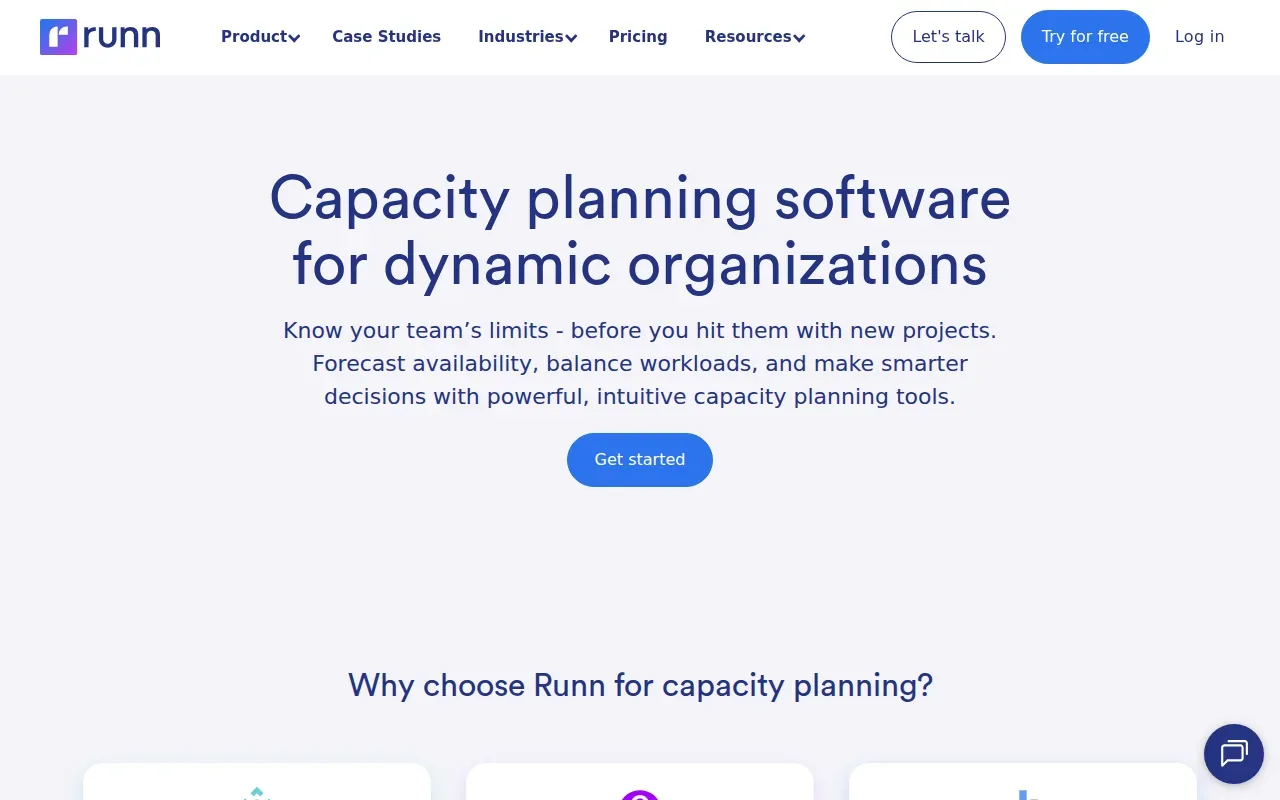
IT and software teams love the real‑time view of utilization; managers can spot bottlenecks early and decide whether to hire or reassign staff. The platform also syncs with popular time‑tracking tools, keeping actuals and forecasts aligned.
2. Float: For visual team scheduling
Float delivers a live, drag‑and‑drop schedule that merges project assignments, holidays, and public holidays into a single visual board. The schedule shows utilization, remaining capacity, and overtime in real time, making it easy to prevent overloads.
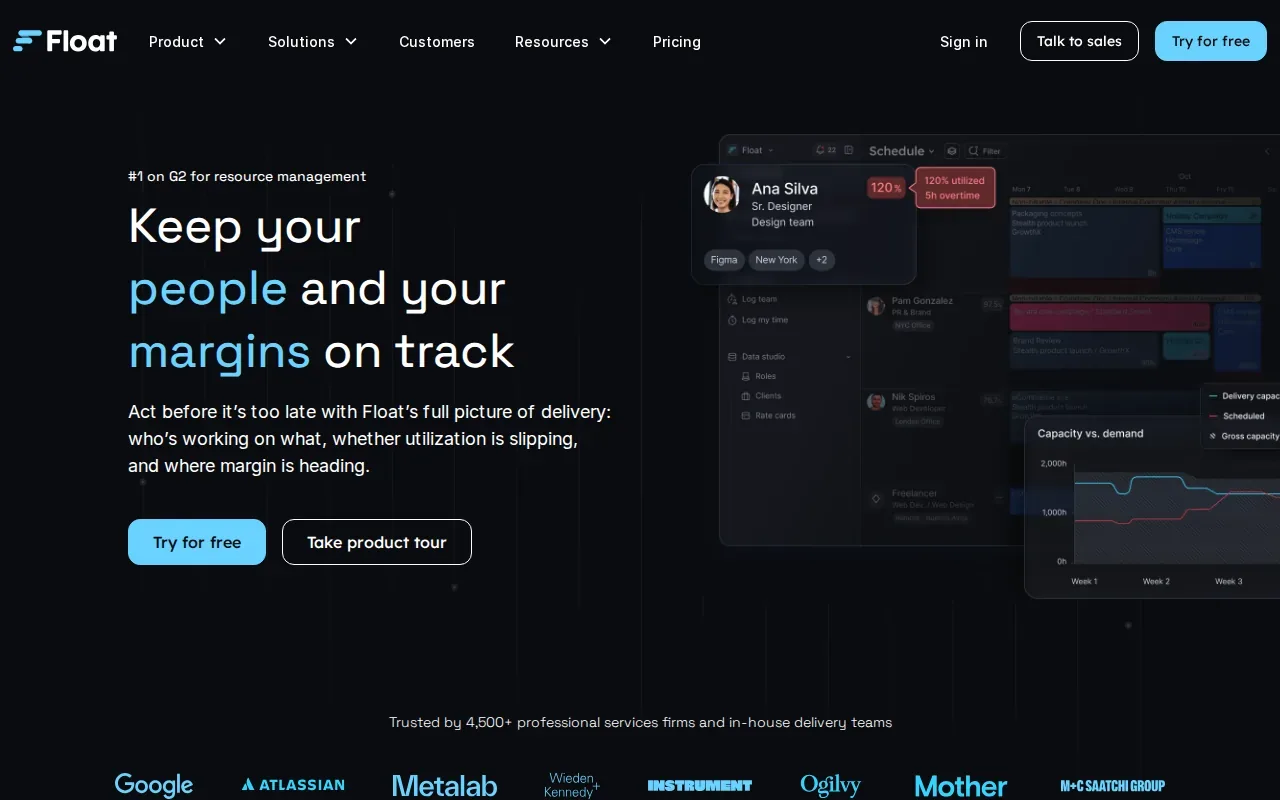
Its AI‑driven Smart Assign suggests the best‑fit person based on role, skill, and availability. The integration with Zapier lets you push updates to Slack or your CRM without writing code.
Float is best for teams that need a quick visual snapshot of who can take on new work. A drawback is that deeper financial reporting lives outside the core product, so you’ll need another tool for detailed margin analysis or to assess the cost of a bench day.
3. Productive: For resource planning tied to budgets and delivery
Productive combines resource planning, budgeting, and delivery in one system. When you book a resource, the cost and bill rate flow into the budget automatically, so you see profit impact as you schedule work.
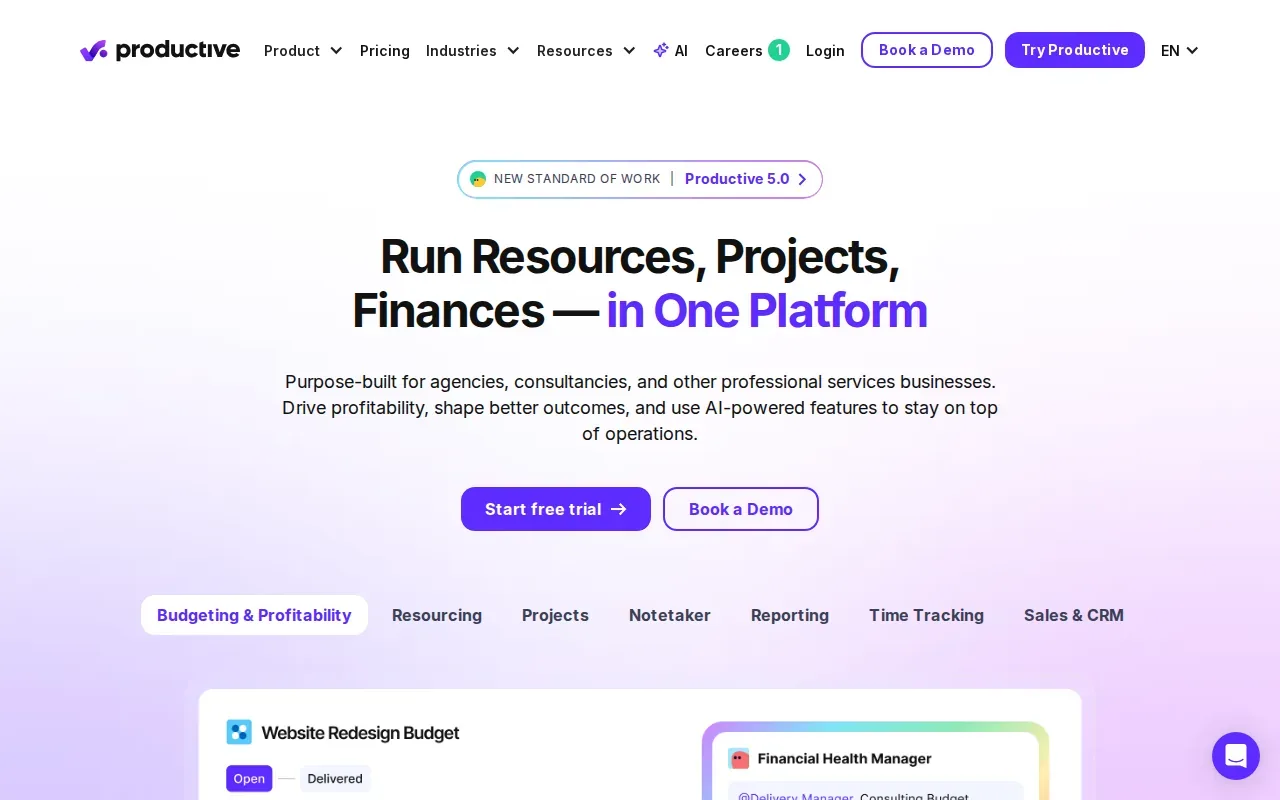
The AI Assistant can answer “what‑if” questions across both budget and resourcing views, helping you compare costs, profitability, and capacity before you commit. Integrations with BambooHR, HiBob, and Humaans keep approved time‑off in sync.
It’s a solid fit for professional services firms that need to align staffing with financial outcomes. The platform does not include a built‑in CRM, so you’ll have to connect it to your sales system if you want end‑to‑end pipeline visibility.
4. Saviom: For matching large resource pools to demand
Saviom targets enterprises that manage hundreds of specialists. It matches people to projects by skill, seniority, and location, then runs what‑if simulations to see how different staffing mixes affect delivery dates.
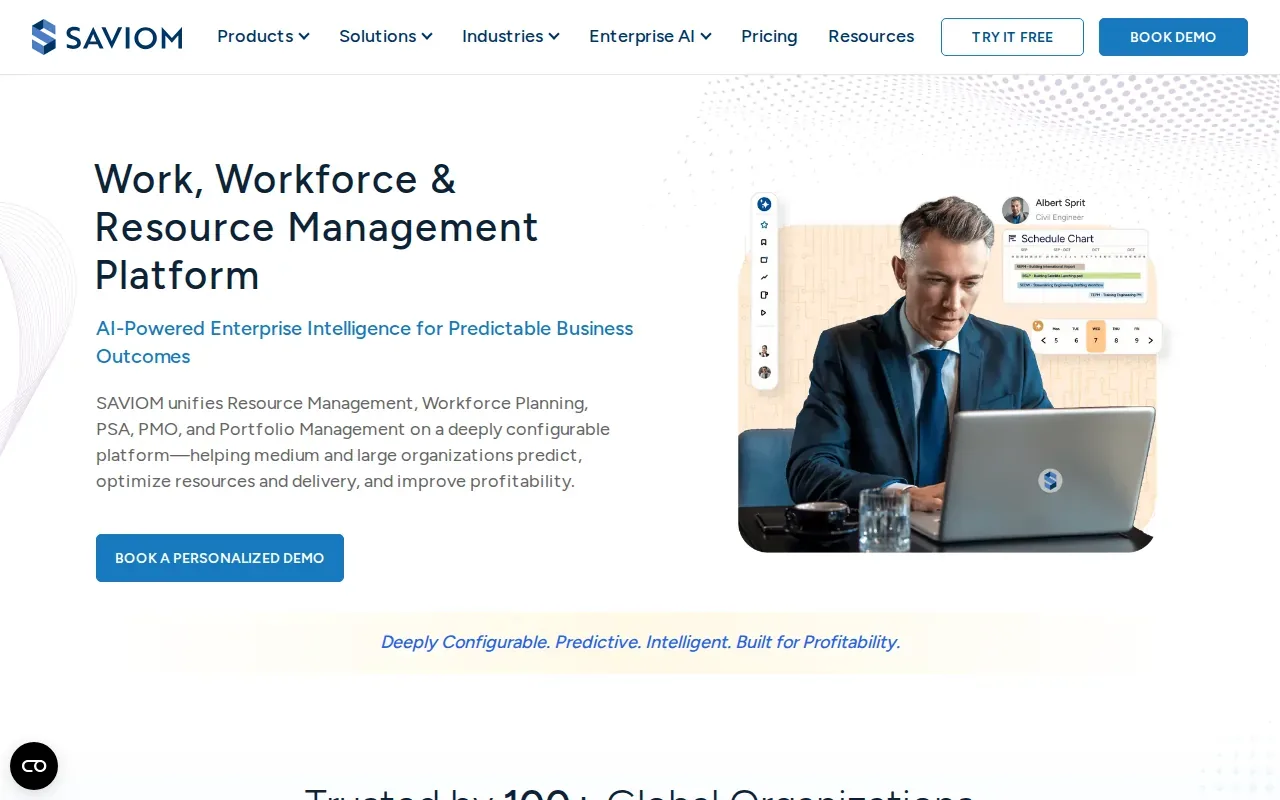
The heat‑map view highlights over‑ and under‑used staff at a glance, helping you move resources before a crunch hits. Because it works across the whole organization, you can plan for multiple business units in a single model.
The main caveat is the implementation effort, setting up skill inventories and integration points can take weeks, so it suits firms ready to invest in a long‑term planning engine.
5. Resource Guru: For shared scheduling of people and equipment
Resource Guru puts staff, meeting rooms, and equipment on one shared calendar. When a clash occurs, the system adds the request to a waiting list instead of silently overbooking.
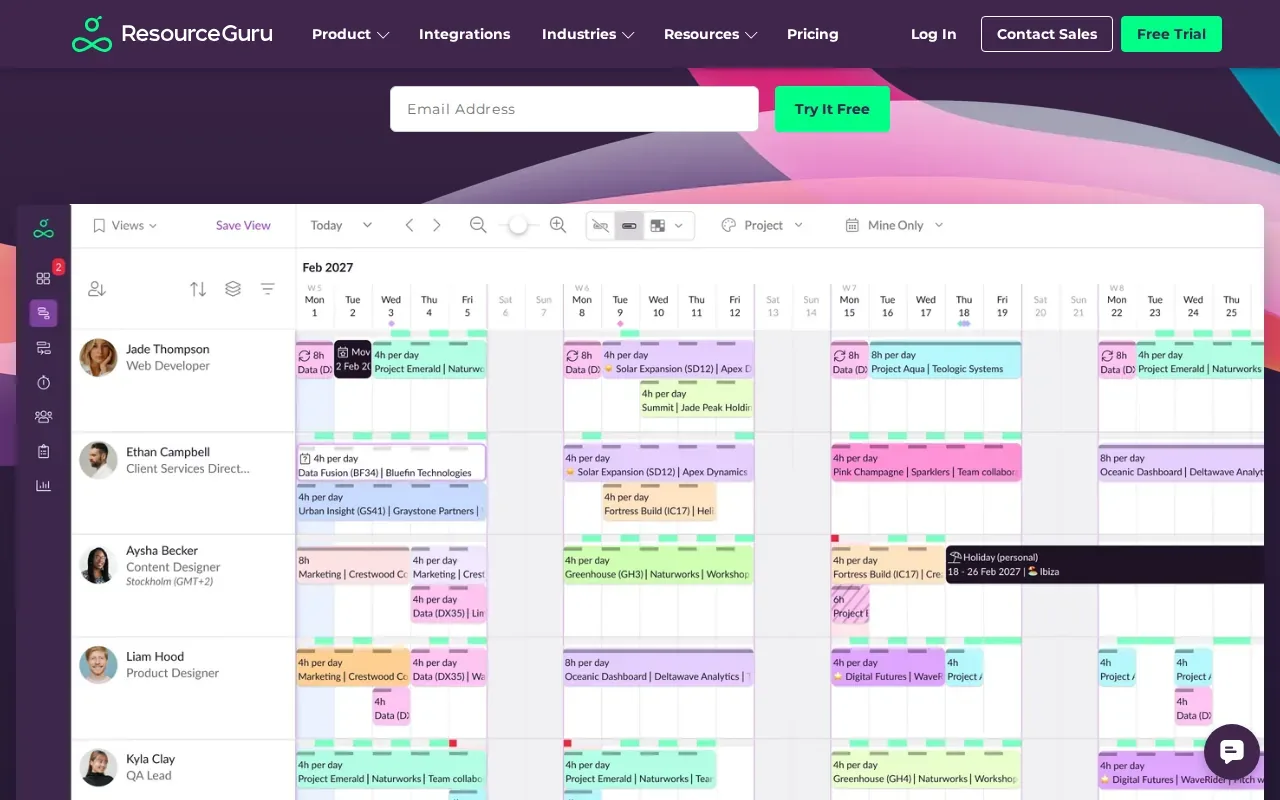
The tool is ideal for smaller teams that need a quick way to see who is free and which assets are booked. It also supports custom tags, so you can filter by skill or location.
A limitation is the lack of advanced analytics; if you need multi‑month capacity forecasts, you’ll likely need a supplemental reporting tool.
6. Scoro: For connecting capacity planning to profitability
Scoro is an all‑in‑one professional services automation platform that links resource planning straight to financial outcomes. The built‑in PSA apps let you set rate cards, track project budgets, and generate profit reports without moving data between systems.
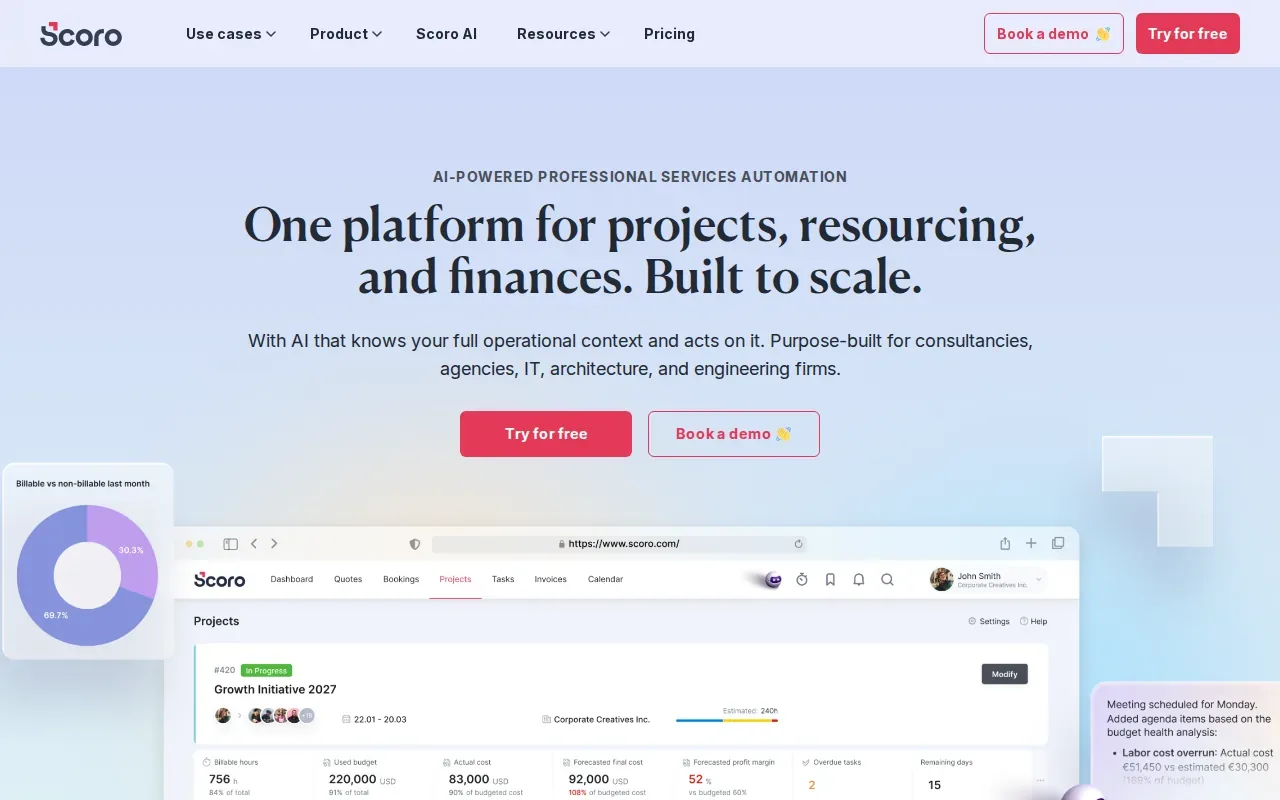
Its modular design means you can start with the Resource app and add quoting, invoicing, or advanced financials as you grow. Over 40 native integrations keep your existing stack connected.
One thing to watch is that the pricing model is per‑user and varies by the combination of apps you enable, so larger teams should model the total cost before committing.
| Feature | What it does |
|---|---|
| Resource scheduling | Shows real‑time availability and utilization across projects |
| Budget integration | Links billable rates to resource assignments for instant profit insight |
| AI‑assisted setup | ELI wizard speeds configuration and feeds data into ChatGPT‑style assistants |
| Reporting dashboard | Customizable views of capacity, revenue forecast, and margin |
How to choose the right tool
- Map your planning horizon, weeks vs. months vs. years.
- Check integration needs, does the tool talk to your HRIS, CRM, or accounting system?
- Consider scale, small teams benefit from visual schedulers, large enterprises need enterprise‑grade matching.
Frequently Asked Questions
What is capacity planning software?
Capacity planning software helps you match available staff and equipment to upcoming work, so you can avoid over‑booking and keep billable utilization high.
Do these tools integrate with popular HR systems?
Most of the platforms listed offer integrations with major HRIS providers; for example, Productive syncs with BambooHR and HiBob, while Scoro supports over 40 native connectors.
Can I try these solutions before buying?
All six vendors provide a free trial or demo, allowing you to test scheduling, scenario modeling, and reporting on real data.
Which option is best for a consulting firm with 50 billable staff?
For a mid‑size consulting practice, Productive or Scoro usually hit the sweet spot because they blend resource planning with budgeting and profit tracking.
How do I know if a tool’s AI features are genuine?
Look for concrete use cases, Runn’s scenario engine, Float’s Smart Assign, and Productive’s AI Assistant all let you ask specific “what‑if” questions and see immediate results.
Conclusion
If you need week‑ahead forecasts, Runn leads the pack; for visual scheduling, Float is hard to beat; and for profit‑linked planning, Scoro offers the deepest financial view. Start a free trial with the tool that matches your biggest pain point, then evaluate how it syncs with your existing stack.